-
So, what should I do? This issue is making me crazy.
-
Start11 works perfectly, so this issue has to be with StartAllBack.
-
What, are u joking? I have always used without showing labels, now I must use as you like? wtf, I paid for this, this isn't free.
-
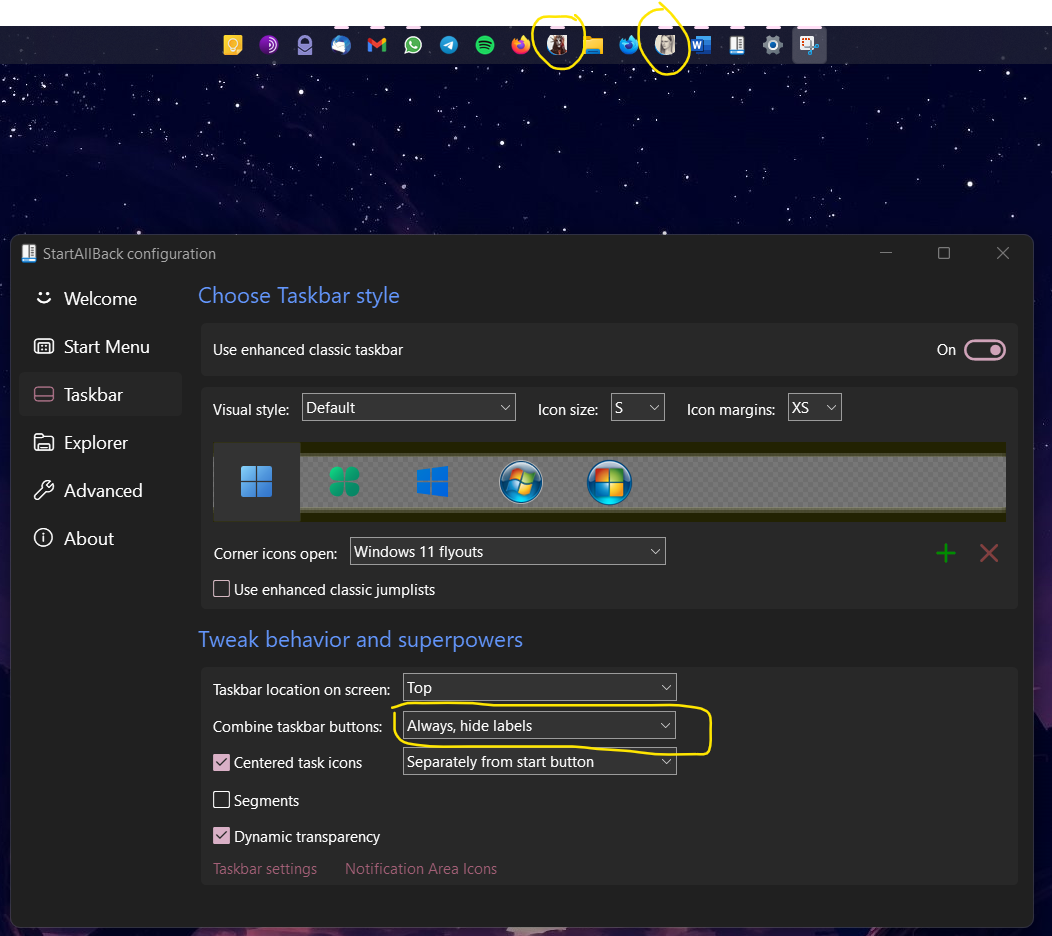
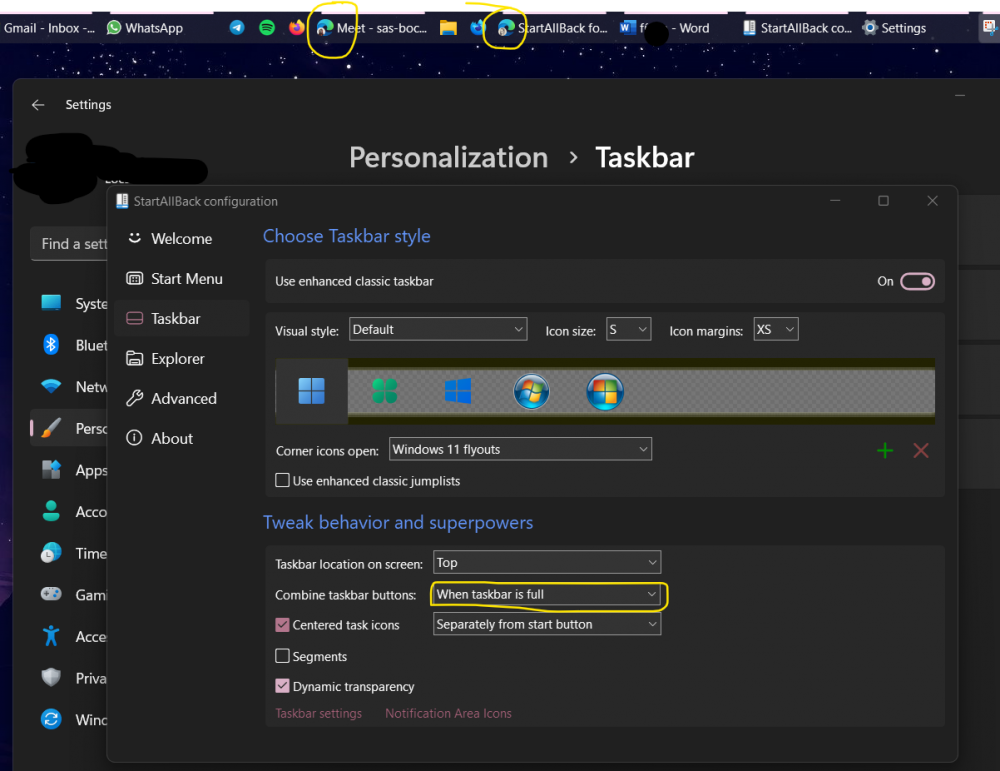
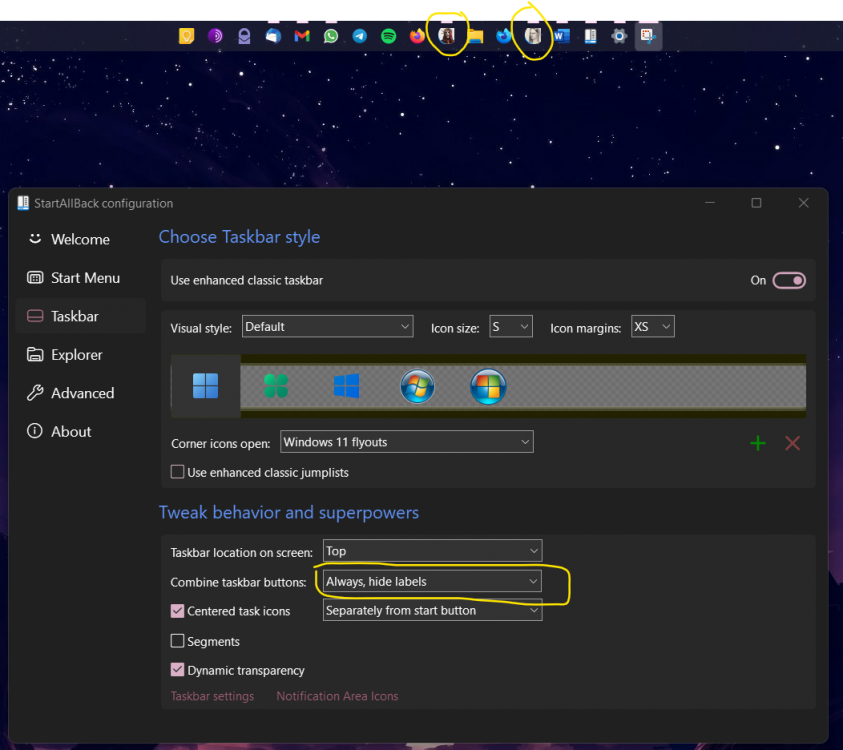
Again reporting this problem, it happens that the Edge profile icons look like this when the labels are hidden, and when you change and show the labels it goes back to how it should be, please, it is clear that the problem has to do with the program, I hope you can give me a solution.
-
So nothing about this? sad

-
I am having this problem, the Edge profile image is not decreasing in size and is as you can see in the image, I have to say that I have even formatted, thinking it was something in the system, but it seems to be a problem of Edge with StartAllBack. By the way, I have tried in the stable and insider version of windows, in all the same problem, also the versions of StartAllBack, I have tried up to 3.4.4, and also the same. Hope you can give me a solution, ty.