Skip to content
View in the app

A better way to browse. Learn more.

MSFN

A full-screen app on your home screen with push notifications, badges and more.

To install this app on iOS and iPadOS
  1. Tap the Share icon in Safari
  2. Scroll the menu and tap Add to Home Screen.
  3. Tap Add in the top-right corner.
To install this app on Android
  1. Tap the 3-dot menu (⋮) in the top-right corner of the browser.
  2. Tap Add to Home screen or Install app.
  3. Confirm by tapping Install.

kopukum

Member
  • Joined

  • Last visited

  • Country

    Turkey

Everything posted by kopukum

  1. Frankly, I did not want to give the name of the program, but it is true that you said yes . But the fact is that as someone who uses windows 11, I think you should consider it normal that I want it to look like windows 11 in design. I used the app you made and honestly found it much better than Start11. The solutions you provided for the right click and window menus in addition to the start menu, taskbar options are great.
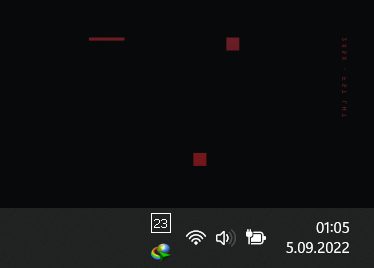
  2. @Tihiy I've been using your app for a few days now, I really like it and appreciate your work. Could you add an option to use this part of the taskbar as in windows 11 default? it looks more sweaty and clean that way Is it possible to show the taskbar buttons as in the image, it looks much better? Thank you Best regards.

Account

Navigation

Search

Search

Configure browser push notifications

Chrome (Android)
  1. Tap the lock icon next to the address bar.
  2. Tap Permissions → Notifications.
  3. Adjust your preference.
Chrome (Desktop)
  1. Click the padlock icon in the address bar.
  2. Select Site settings.
  3. Find Notifications and adjust your preference.