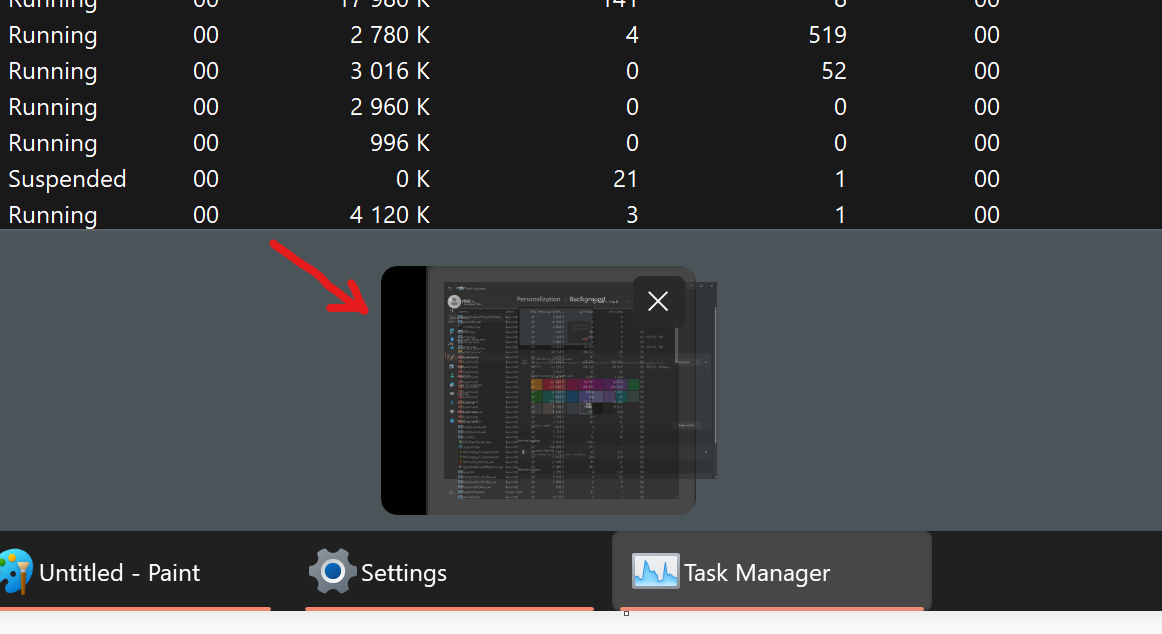
hi to devs. is it possible to add an option to make windows corners square like in windows 10 ?
Are you serious ?
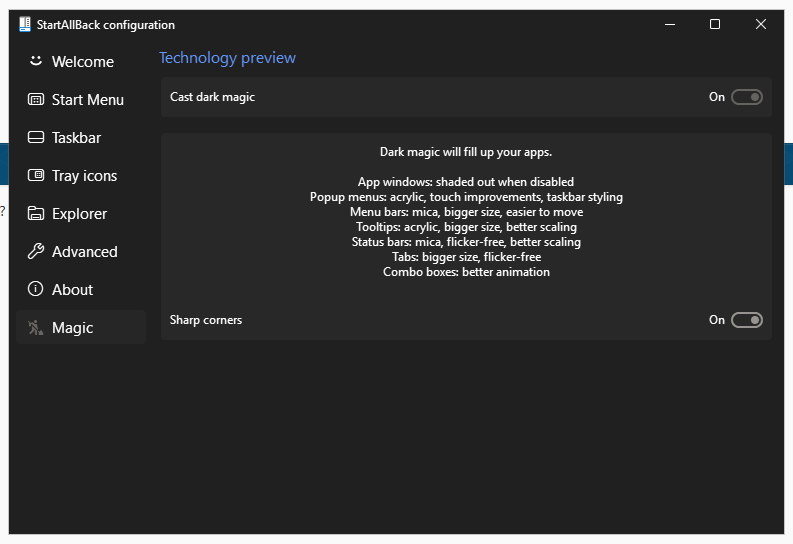
You mean, like this, the option that already is in SAB ?
Yes. what version is this? I don't see this option.
Nevermind, clearly it's too complicated for you.
You have to activate Dark Magic
cool, thank you.
Why do you think I am dumb? I use startallback since startisback++ some years ago and never had problems with it. Also i never searched for experiments with it, it just came in my mind the trick about square corners and decided to ask here. do you really think I cannot run a command with some parameters? slow down your ego, man....
Because you could no be bothered to do a google search, let alone read the change log for every version of SAB.
Calm down kid, we all don't have all the days to check all SAB changelogs, you'd have just answered it's "dark magic" mode and it was ok...
No need to become a c***.
I am not a kid nor am I not calm, just because you are unable to think and do a google search, ,don't get all pi$$ed because somebody notices.
Also it was obvious it is Dark Magic as I posted a picture, if one needs pictures explained to them....need I say more ?