



Skip to content
View in the app

A better way to browse. Learn more.

MSFN

A full-screen app on your home screen with push notifications, badges and more.

To install this app on iOS and iPadOS
  1. Tap the Share icon in Safari
  2. Scroll the menu and tap Add to Home Screen.
  3. Tap Add in the top-right corner.
To install this app on Android
  1. Tap the 3-dot menu (⋮) in the top-right corner of the browser.
  2. Tap Add to Home screen or Install app.
  3. Confirm by tapping Install.

EarlyRizer

Member
  • Joined

  • Last visited

  • Country

    Canada
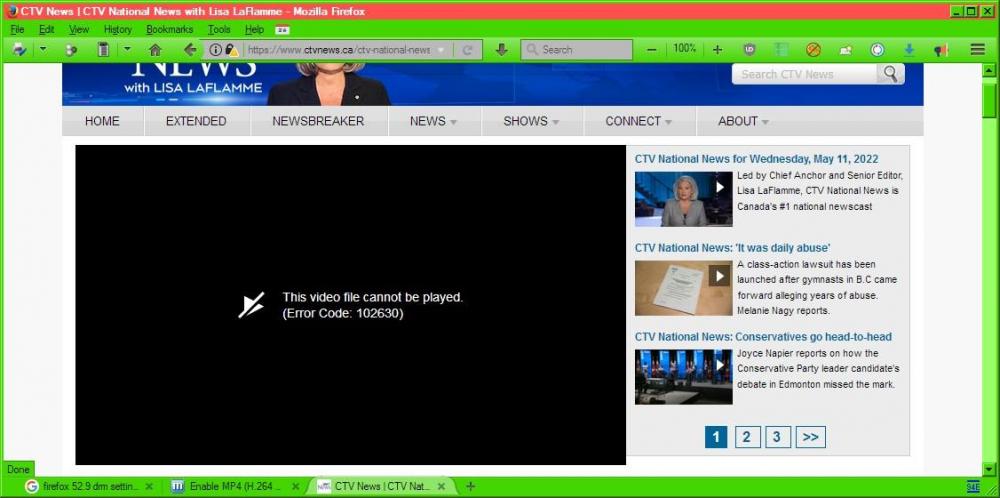
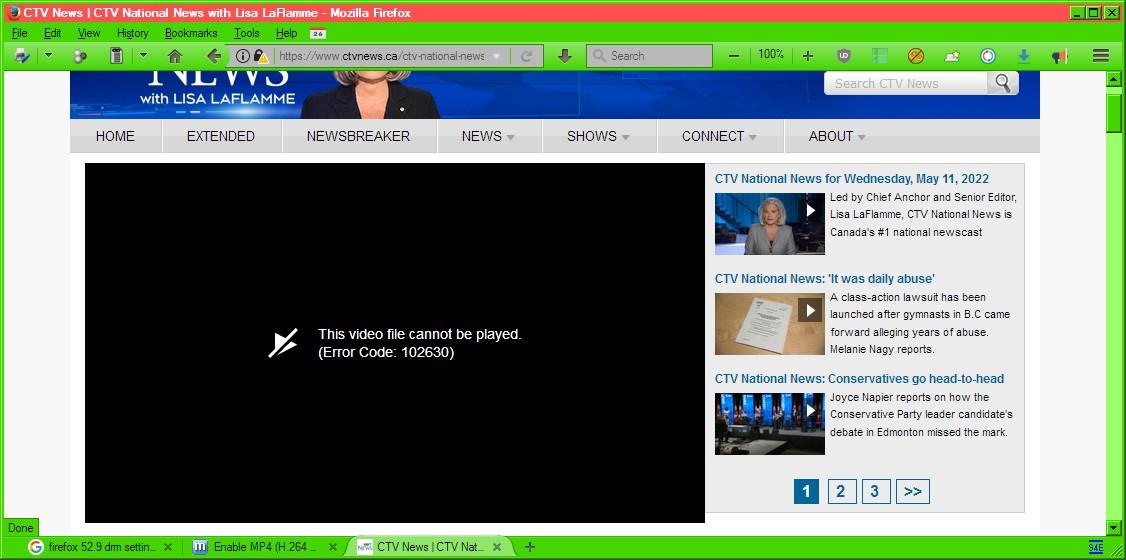
  1. I am using Windows XP Pro 64 with FF 52.9 ESR and Slimjet 10 (uses Chrome 50) A couple of years ago I implemented everything listed and it worked great with FF 52.9 ESR for over 90% of the streaming video sites I use. About a week ago https://www.ctvnews.ca/ctv-national-news stopped working and I get this screen every single time now. https://calgary.ctvnews.ca/video still works and so do the other links listed on the page including the “CTV News at 6” link. Is/are there any new things not yet listed that I can do to get this National News site to play the news again?
Account

Navigation

Configure browser push notifications

Chrome (Android)
  1. Tap the lock icon next to the address bar.
  2. Tap Permissions → Notifications.
  3. Adjust your preference.
Chrome (Desktop)
  1. Click the padlock icon in the address bar.
  2. Select Site settings.
  3. Find Notifications and adjust your preference.