Everything posted by GoldFish
-
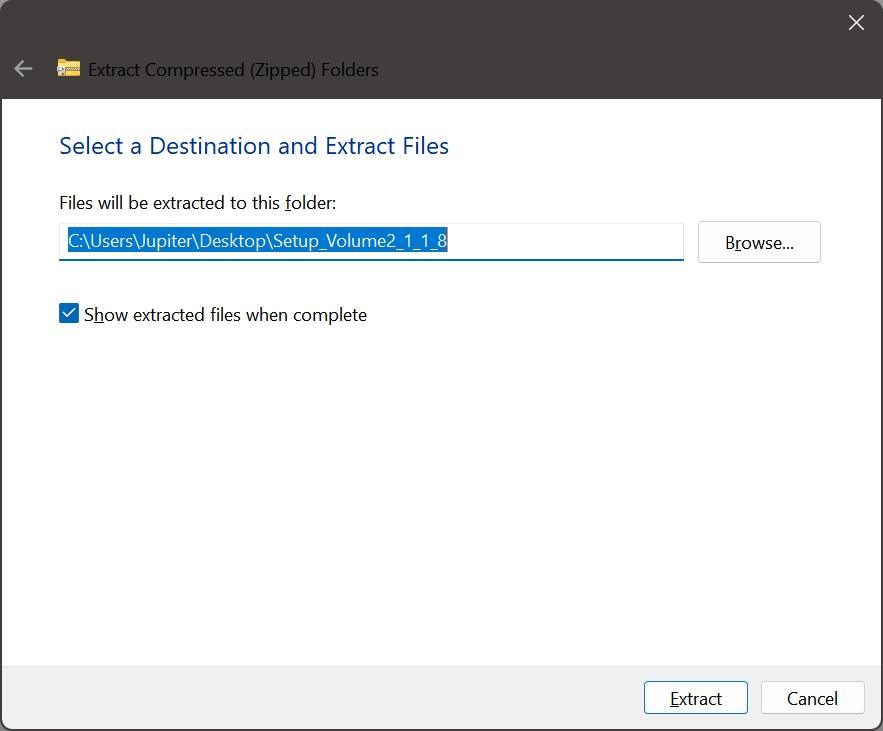
One thing I really like about this program is that it applies dark theme to several windows like the progress bar that you see when moving large files from one drive to another and the empty recycle bin dialog box. It would be even better if you could make the window that pops up when extracting a zip file dark theme as well.
-
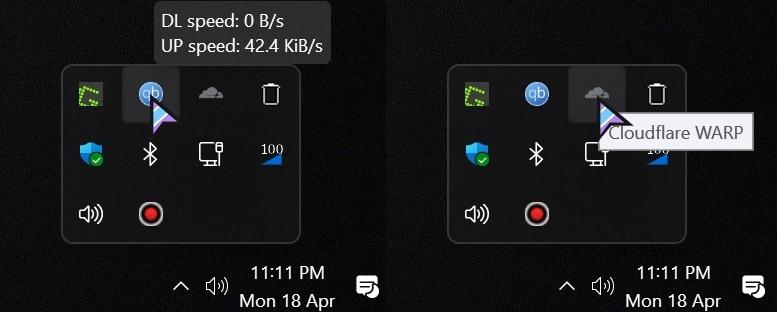
I see. That's very cool. I found out that when you hover over the tray icon of "Cloudflare" program, it shows a light theme tooltip. For all other programs, it shows a dark theme tooltip.
-
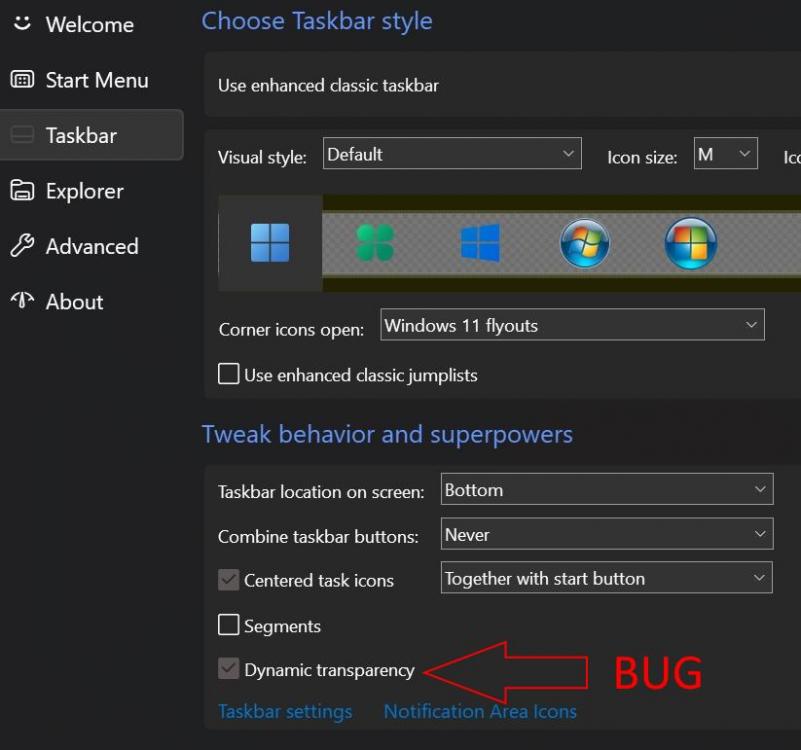
I believe there is a bug with the dynamic transparency feature. When I turn it on, the taskbar becomes completely transparent when I'm on desktop. But when I right click on a minimized window or one of the pinned items on the taskbar, it is no longer completely transparent. If possible, add a feature in the future that let's you keep the taskbar completely transparent all the time.
-
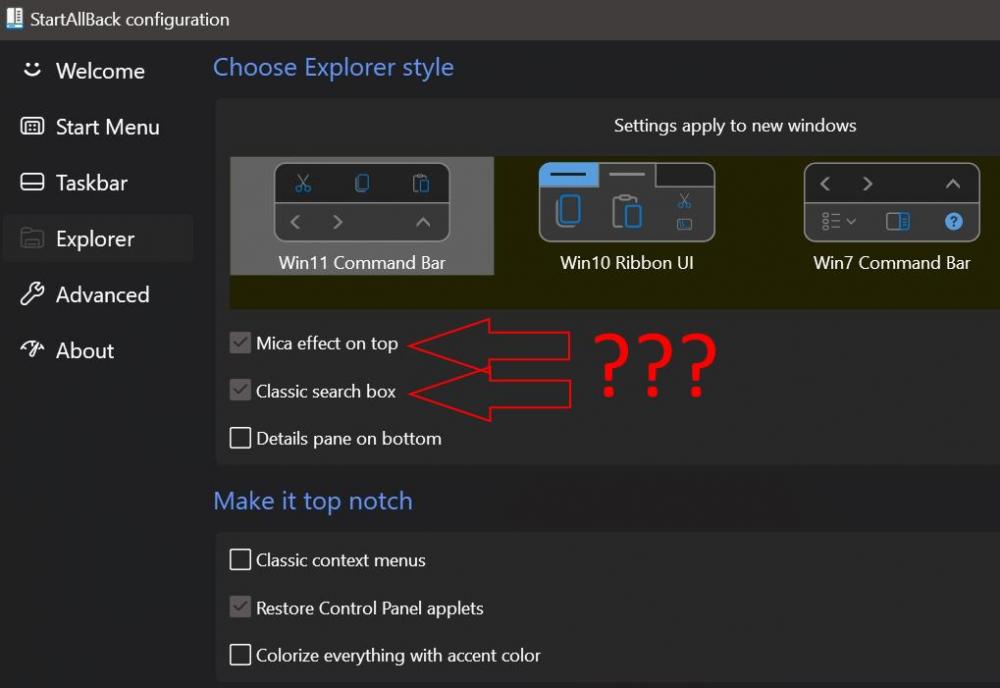
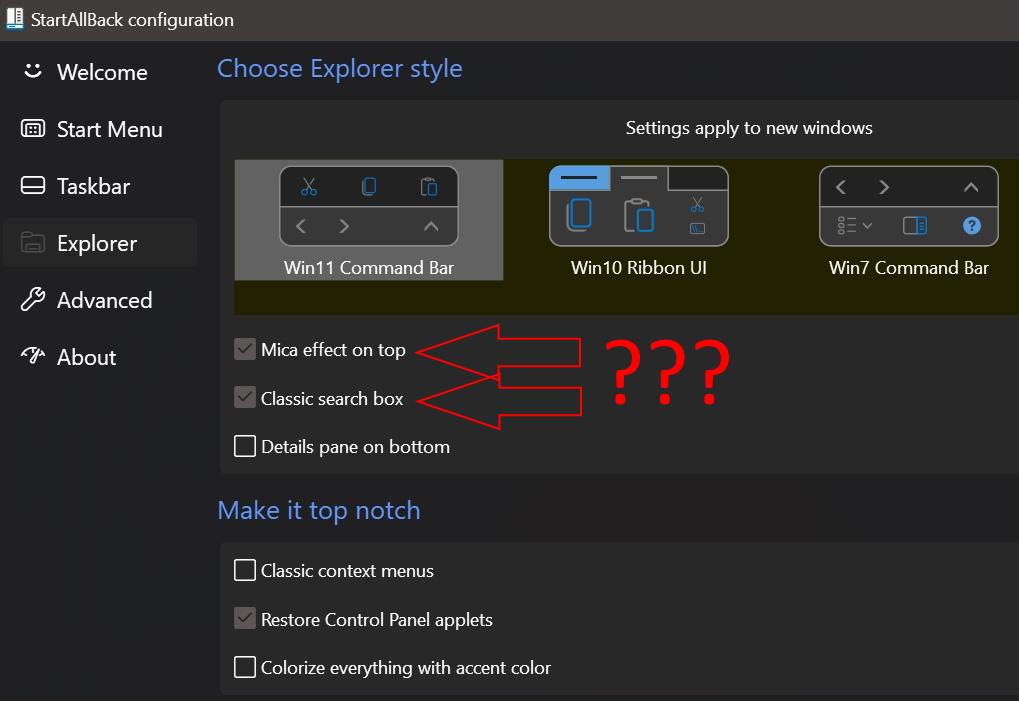
What do these options do? - Mica effect on top - Classic search box I turned them on and off but couldn't see any changes.