-
Hi everyone. I've a question for the developer: Is it possible to increase the area where the window can be dragged with the mouse? As you can see in the screenshot, I am using the Windows 7 style Explorer with compact view (but the problem is also present in the non-compact setting). The problem that annoys me - because I often misclick here - is that there is an area above the address bar where the window can't be dragged with the mouse. (I marked this area with the yellow bar, the area above the red lines can be dragged.) So, it it possible for startallback to fix that?

-
I checked and I only get this on Firefox, not on Chrome and not on Brave either.
-
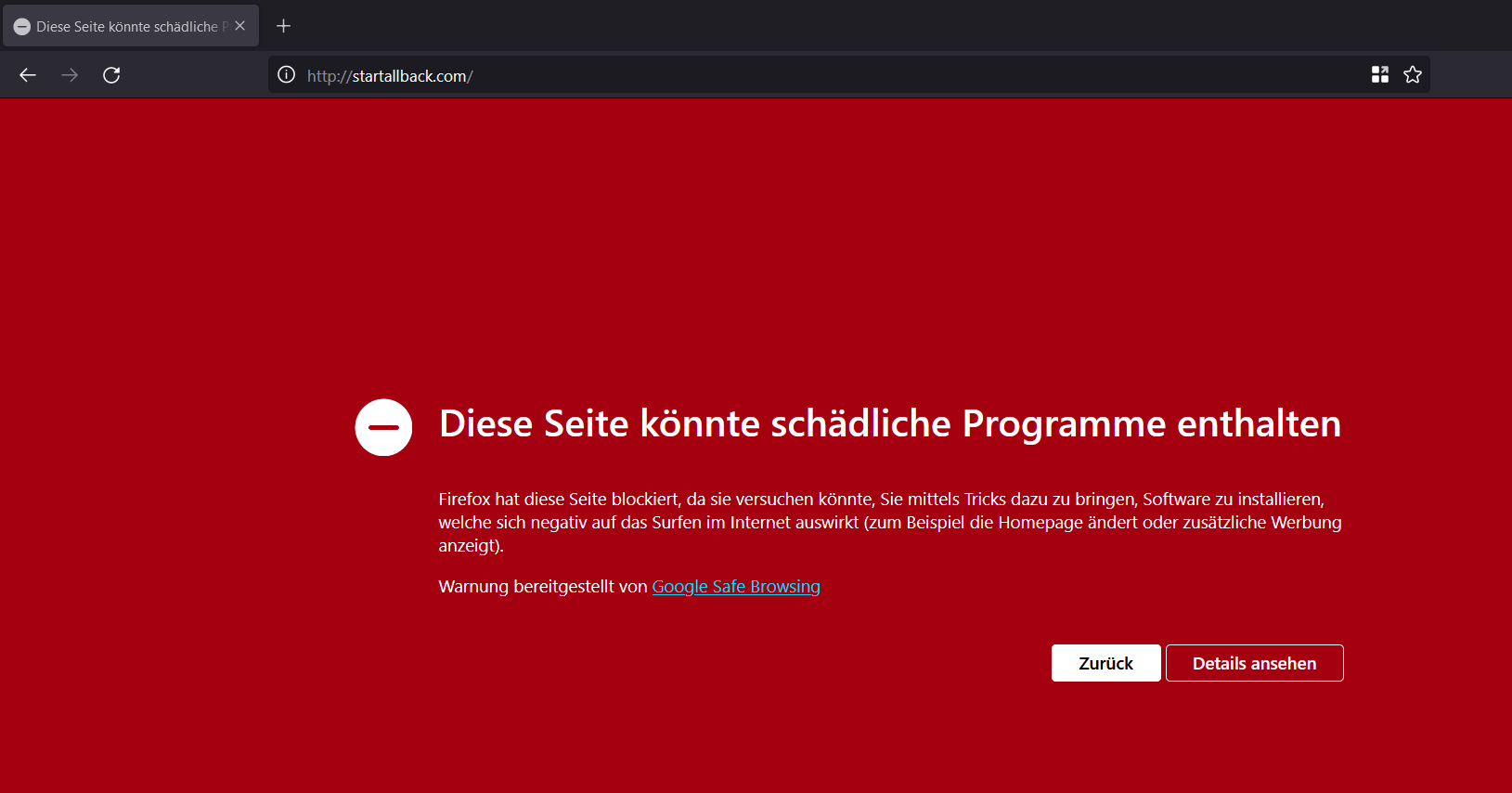
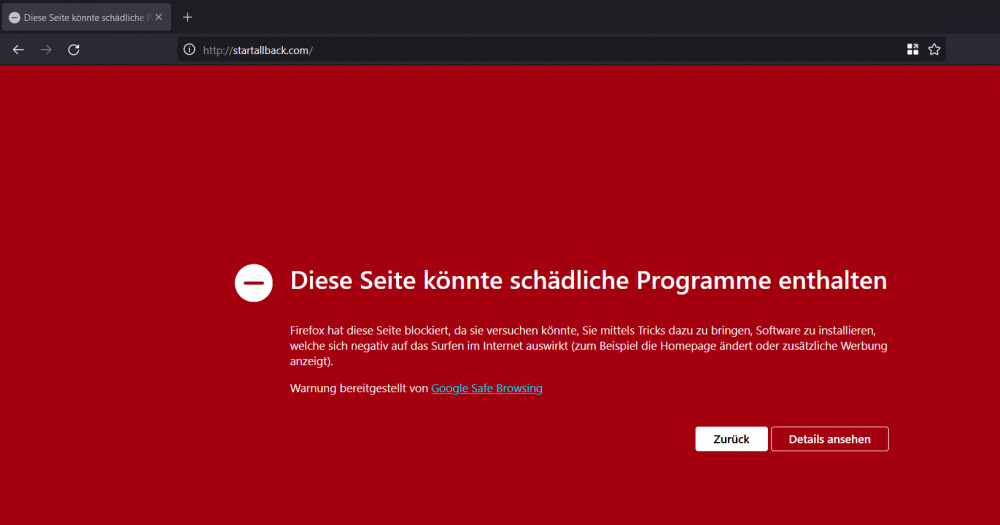
Uh... startallback website triggers Google Safe Browsing:
-
Slightly improved german translation: DE-DE.txt
-
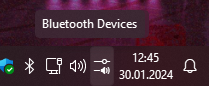
Found a small bug: When hovering over the Control Center icon, the Control Center tooltip appears, but after a moment it is overlapped by the Bluetooth Devices tooltip (or the network tooltip when bluetooth is tuned off).
-
Does anyone have a solution? I have searched the registry but have only found hashes of the licenses. I activated these keys some time ago, but now I want to reinstall Windows on one of my machines and I can't remember whether I used the 1 PC or the 3 PC key on that system. Or does it not matter which key I use because I activated them quite some time ago?
-
Question: I have bought 2 license keys: One key is a license for a single machine and the other for 3 PCs. Is there a way to look up which key I have activated on which of my PCs? Thanks in advance.
-
I know it's not about the latest release, but I'm curious: where can this quick setting be found? Edit: In case anyone wonders, I was just stupid and right-clicked the wrong spot... :p
-
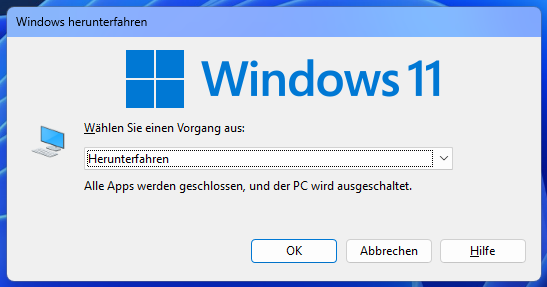
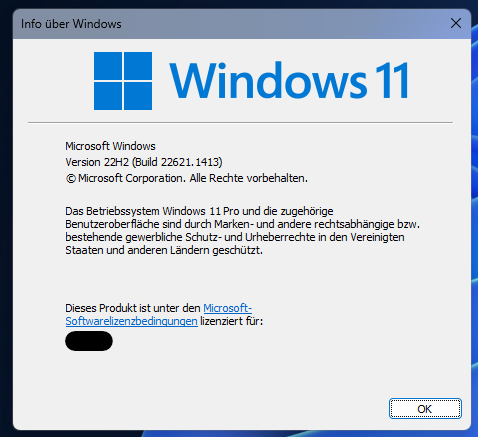
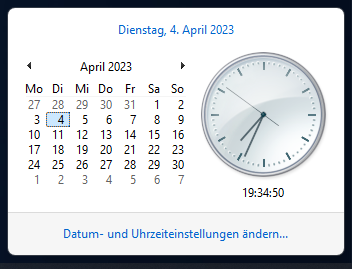
Hello Tihiy, is it possible to darken more system dialogs with the next dark-mode-improvements update? For instance, I mean the shutdown and winver dialogs or also the Win7-style fly-out menus. Best regards
-
slightly updated german translation DE-DE.txt
-
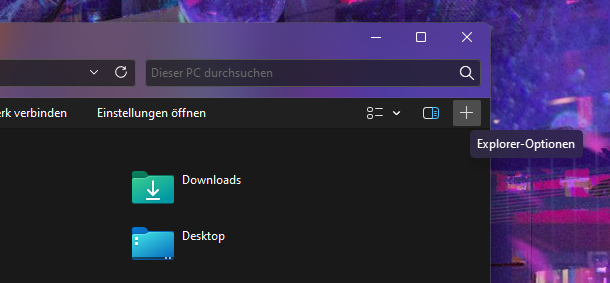
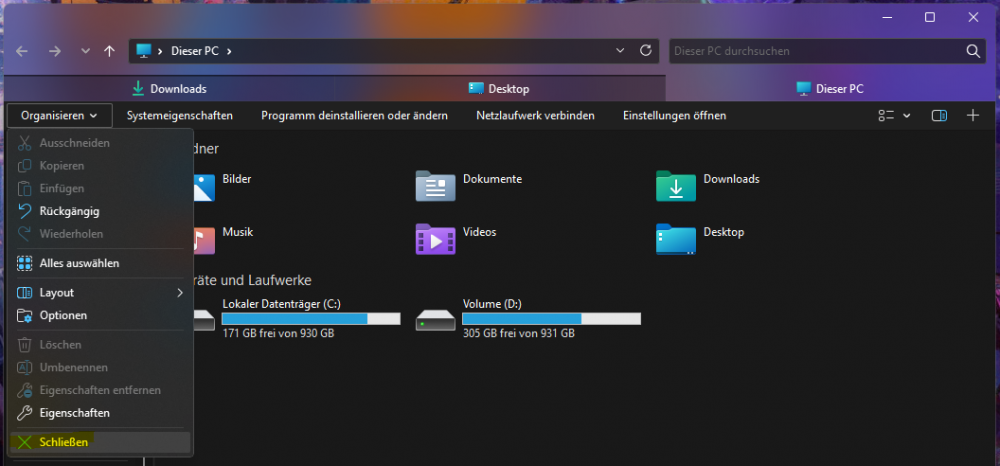
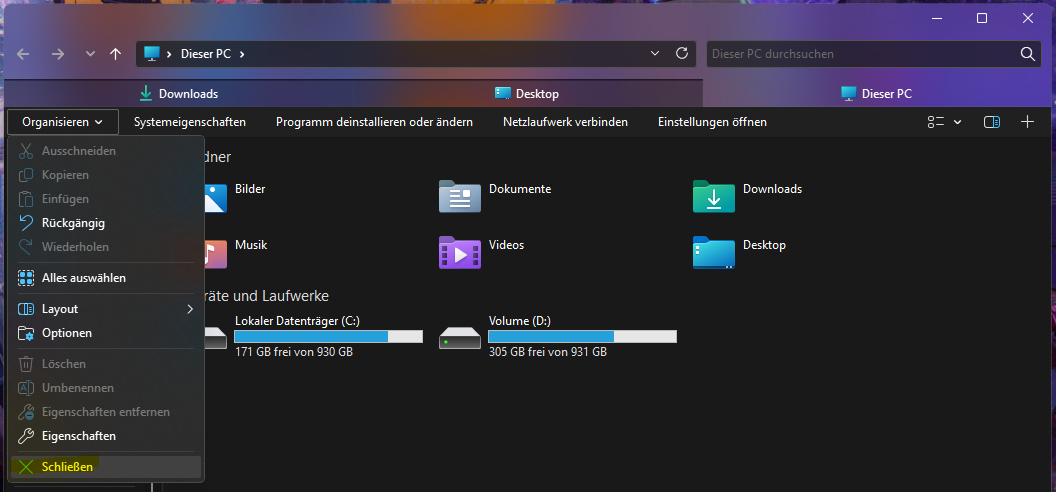
First of all, thanks Tihiy for developing this great app. I am not sure if I would want to use Windows 11 without it ^^ I'd like to report a couple of (admittedly very minor) bugs that I stumbled across. While I suspect you have your hands full fixing more serious bugs that MS adds with various Windows updates, maybe you can take a look anyway. First thing that is a little anoying is the white flash for XP-style flyout menus. Strangely, the problem is not so pronounced in the OBS recording, but it can be seen in the following clip: https://www.veed.io/view/1e4a9028-4128-4ff3-a819-78d426d020a3?panel=share The next bug occurs in Windows 7-style Explorer and is an incorrect mouseover tooltip for the "New Tab" button. It occurs when an Explorer window is opened for the first time after booting, not via taskbar or start menu, but via a third-party app like the download panel of the browser or via OneDrive: Also, when opening multiple tabs, only the last one opened can be closed via the menu. For the others, just a Windows error sound is heard: Again, I know these are very minor bugs, but I wanted to report them anyway Best regards