



Skip to content
View in the app

A better way to browse. Learn more.

MSFN

A full-screen app on your home screen with push notifications, badges and more.

To install this app on iOS and iPadOS
  1. Tap the Share icon in Safari
  2. Scroll the menu and tap Add to Home Screen.
  3. Tap Add in the top-right corner.
To install this app on Android
  1. Tap the 3-dot menu (⋮) in the top-right corner of the browser.
  2. Tap Add to Home screen or Install app.
  3. Confirm by tapping Install.

Jugate

Member
  • Joined

  • Last visited

  • Country

    Argentina

Everything posted by Jugate

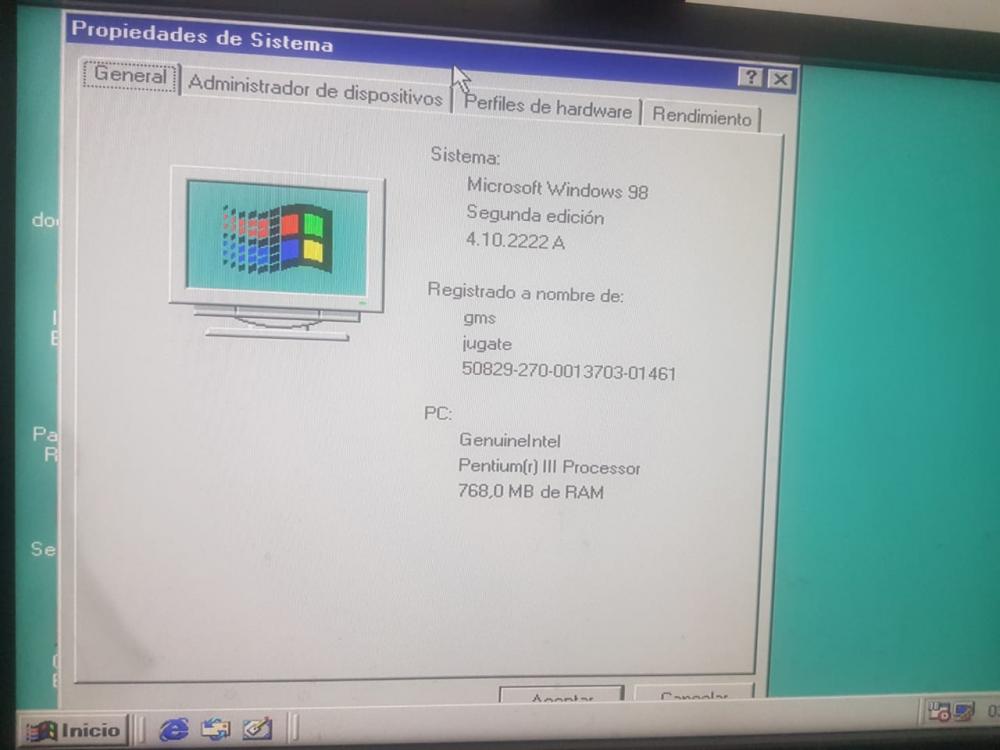
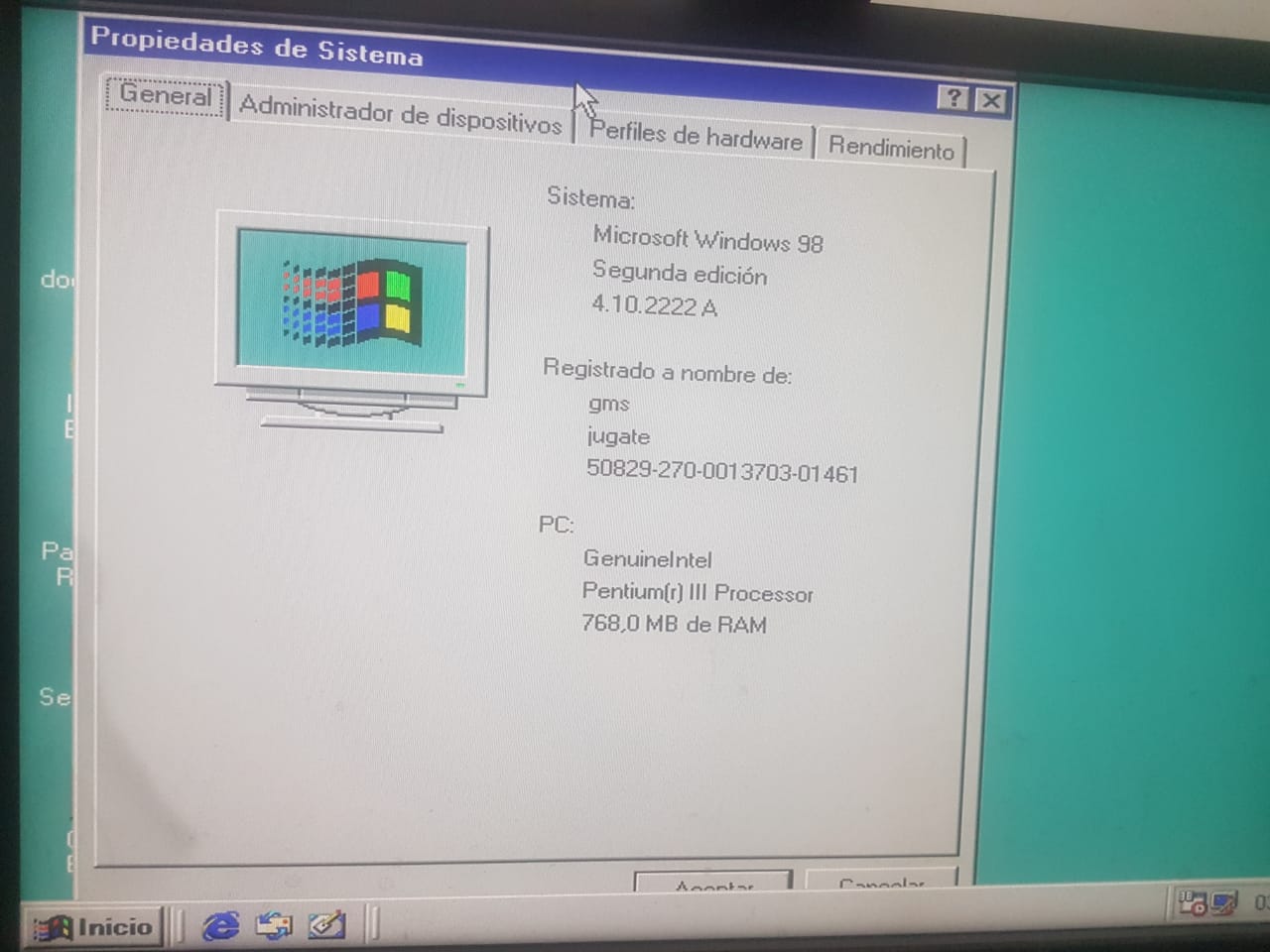
  1. hi. Here i am with a ECS g41 chipset from the lga775 series motheboards. The instalation needed the hotfix off the edit in the system.ini for traspass the problem of de minimun and maximum ram, classic on win98se The OS run flawless on a core 2 duo 8400 (3ghz) and 4gb of ddr3 ram. I used a HDD and DVD IDE drives. i add a generic usb sound card because the realtek chip has not suported drivers. https://www.youtube.com/watch?v=0malYGhJz_0 pd: sory for my bad english, i am from argentina
Account

Navigation

Configure browser push notifications

Chrome (Android)
  1. Tap the lock icon next to the address bar.
  2. Tap Permissions → Notifications.
  3. Adjust your preference.
Chrome (Desktop)
  1. Click the padlock icon in the address bar.
  2. Select Site settings.
  3. Find Notifications and adjust your preference.