Skip to content
View in the app

A better way to browse. Learn more.

MSFN

A full-screen app on your home screen with push notifications, badges and more.

To install this app on iOS and iPadOS
  1. Tap the Share icon in Safari
  2. Scroll the menu and tap Add to Home Screen.
  3. Tap Add in the top-right corner.
To install this app on Android
  1. Tap the 3-dot menu (⋮) in the top-right corner of the browser.
  2. Tap Add to Home screen or Install app.
  3. Confirm by tapping Install.

Petergg

Member
  1. Thanks makes sense now! No rush. One last question does it require any user interaction ?
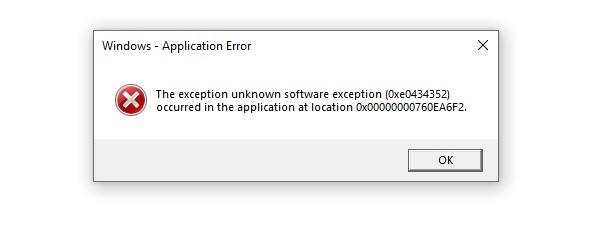
  2. It does not automatically download new release and update when I have the option turned on Please help. Yes I am using UAC and a local non admin account. Maybe that is why ? Confused.
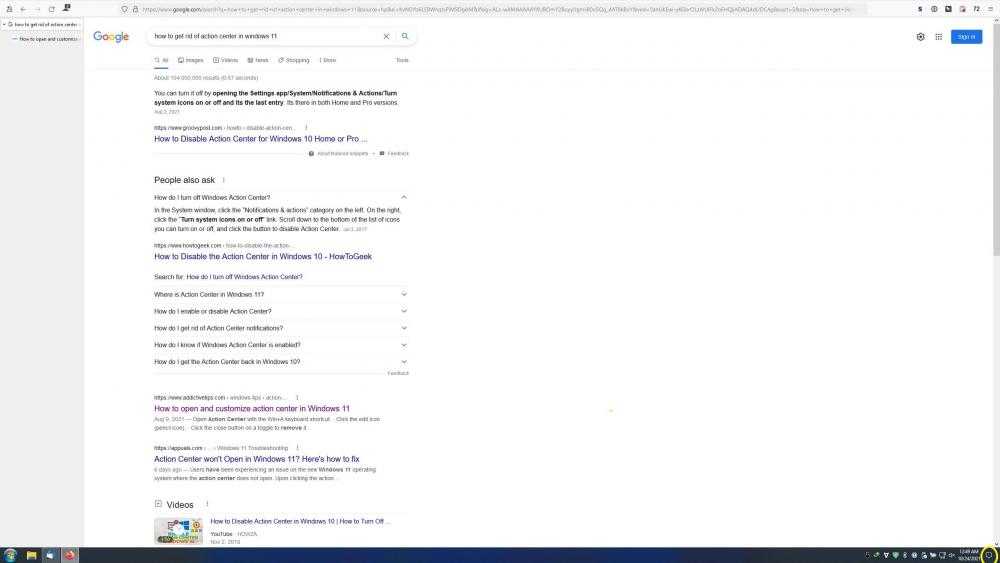
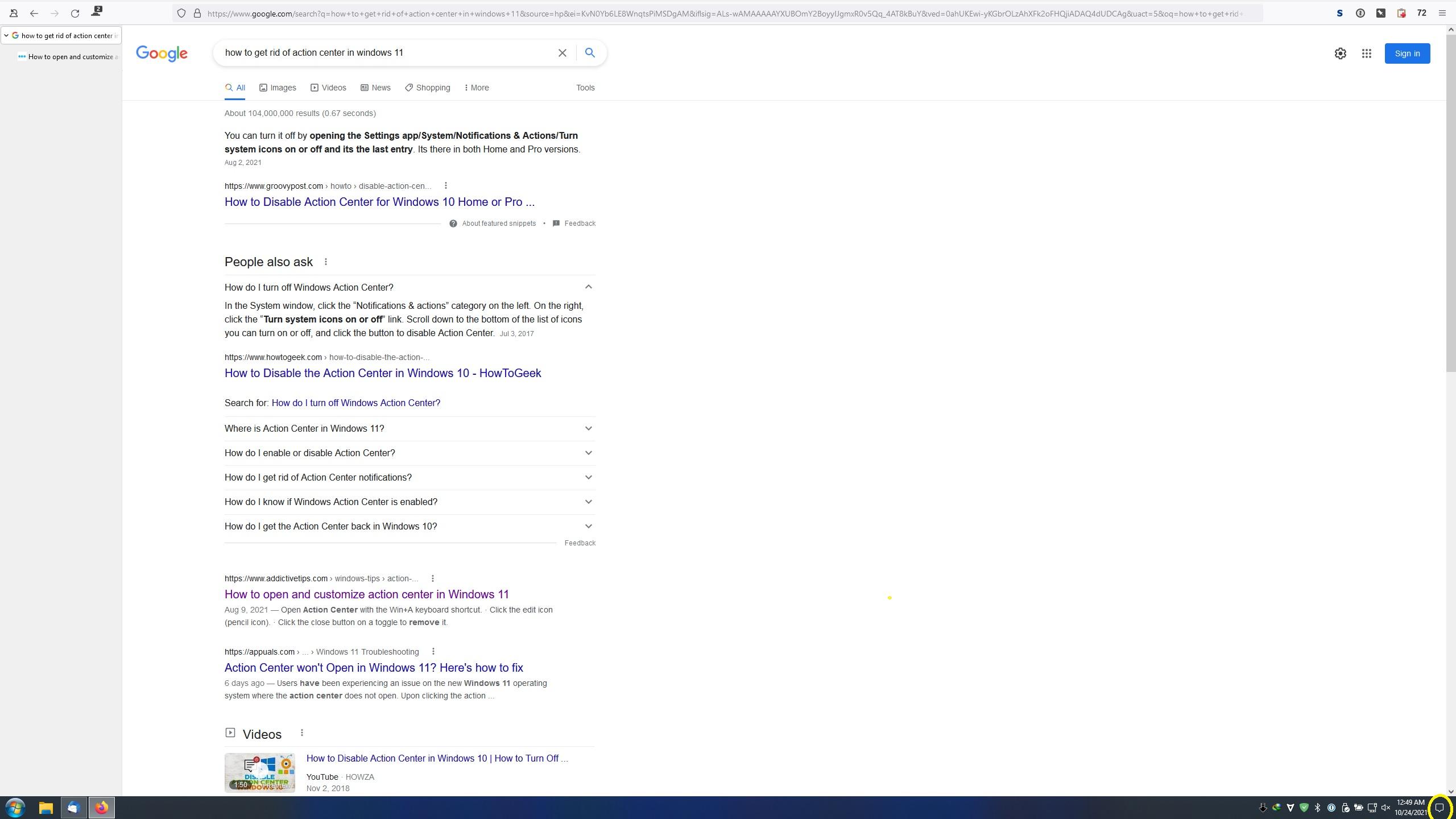
  3. How do I get rid of the action center button please on the far bottom right ?
  4. You all say this: If you own StartIsBack license key, you can upgrade it to StartAllBack (for $1.5 x license PC count) within app Does it mean my StartIsBack key will not work for Windows 10 anymore if I upgrade to StartAllBack for $1.5 x license PC count ?
  5. Like remove the Switch User, Sign Out, and Shutdown options please? I would pay extra if this was made possible!
Account

Navigation

Configure browser push notifications

Chrome (Android)
  1. Tap the lock icon next to the address bar.
  2. Tap Permissions → Notifications.
  3. Adjust your preference.
Chrome (Desktop)
  1. Click the padlock icon in the address bar.
  2. Select Site settings.
  3. Find Notifications and adjust your preference.