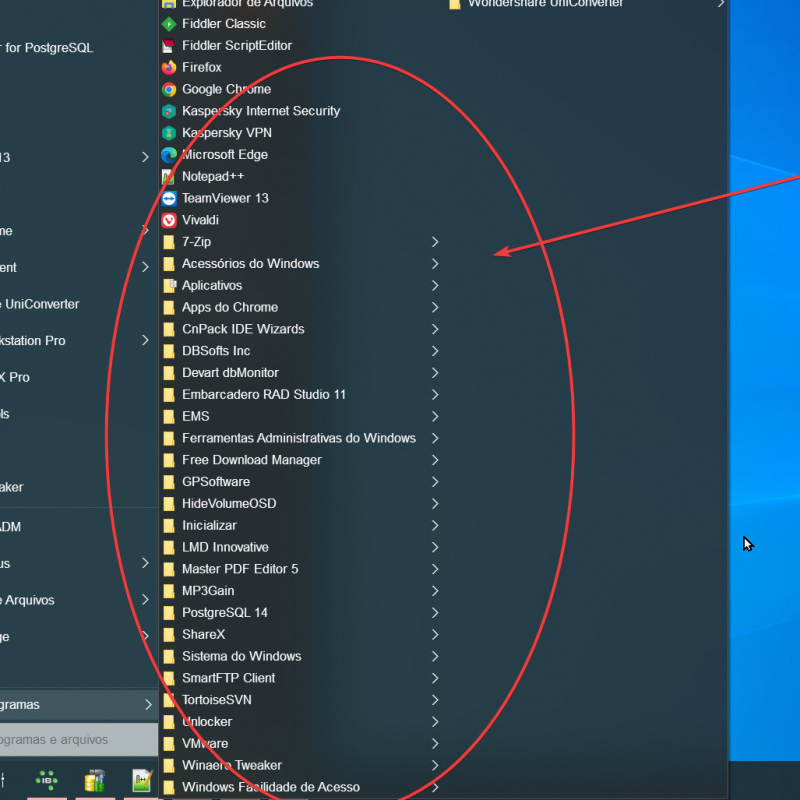
-
Let's Get to the Facts 1. If I use StartAllBack in 2024, the problem doesn't occur. 2. If I use OpenShell, the problem doesn't occur. 3. I've already formatted my computer, thinking it was a problem, but the error persists. Based on questions 1 and 2, the problem is something that was changed in StartAllBack in 2025. See the video: StartAllBack settings are frozen, but all other programs continue to work. Only a few warn about the inability to locate the Windows taskbar. However, none of the settings are bugged like StartAllBack.
-
See the dump file in the link below. https://mega.nz/file/WJdAyAgI#NdECngrn-wkc-w9E_jC1AqmhsrHk8heHho204q6f1Cc https://mega.nz/file/jEs1GADb#2QEJ2rdQeVqkzAeXW7GNeYIzGGQj8QqqjSOfBymMhdk
-
Got it I'll do that next time However, it's random, sometimes it takes up to 2 days to happen, and as soon as I do, I'll save the file and post it here.
-
The crash isn't in the "SHAppBarMessage" call, as I tested the 2024 version of "Startallback" and the error doesn't occur. Another thing I did was uninstall "Startallback" and install "OpenShell" and the problem doesn't happen How do I capture this error ? Can you post details for me ?
-
I'm a Delphi programmer, and about six months ago, I noticed a strange error in both Delphi and several other applications, such as Snagit, that would freeze. To identify the cause, I disabled several applications until I realized that "Startallback windows 11" was the culprit. It also freezes when I access the settings and doesn't respond. The Delphi code I use to locate the taskbar's position is this one, which returns without a position after the error. function GetTaskBarSize: Integer; Var Data: TAppBarData; Begin Result := 0; Data.cbSize := SizeOf(TAppBarData); If SHAppBarMessage(ABM_GETTASKBARPOS, Data) = 1 Then Result := Data.rc.Bottom - Data.rc.Top; end; function GetTaskBarAlignment: TAlign; var Data: TAppBarData; ScrW, ScrH: Integer; begin Result := alNone; Data.cbSize := SizeOf(TAppBarData); ScrW := Screen.Width; ScrH := Screen.Height; if SHAppBarMessage(ABM_GETTASKBARPOS, Data) = 1 then Begin if (Data.rc.Top > ScrH div 2) and (Data.rc.Right >= ScrW) then Result := alBottom else if (Data.rc.Top < ScrH div 2) and (Data.rc.Bottom <= ScrW div 2) then Result := alTop else if (Data.rc.Left < ScrW div 2) and (Data.rc.Top <= 0) then Result := alLeft else Result := alRight; End; end;
-
Hello I'm testing with the new menu for Windows 11 but I didn't find the style option like windows XP I want a menu list like Windows XP doesn't have ? https://www.startallback.com/ see attached image.
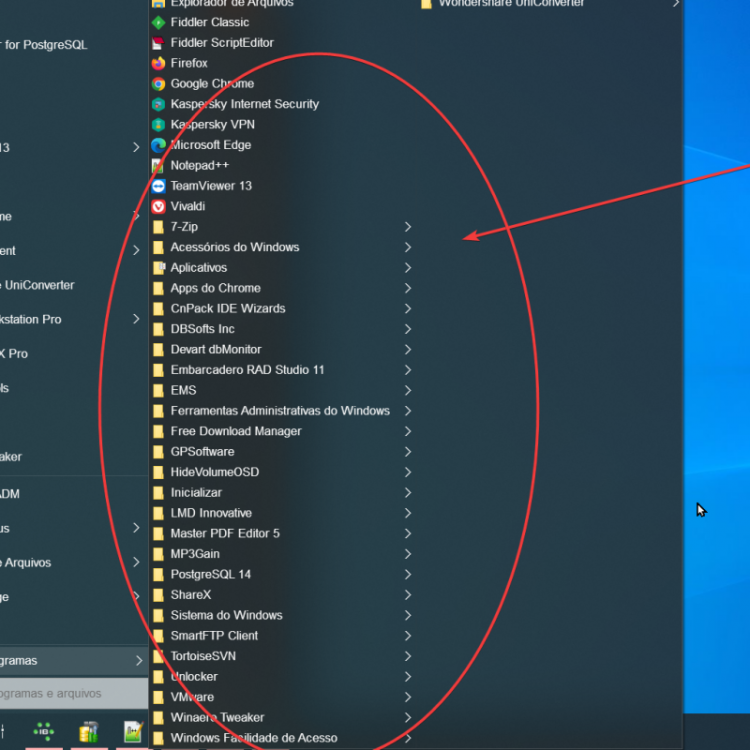
-
In some situations, I go to the "StartIsBack +" menu, place the mouse on top of an icon that I want to delete and hit the Delete key and give the menu a reset problem. This usually happens the first time I delete it after the second time it will no longer give the same error.