




-
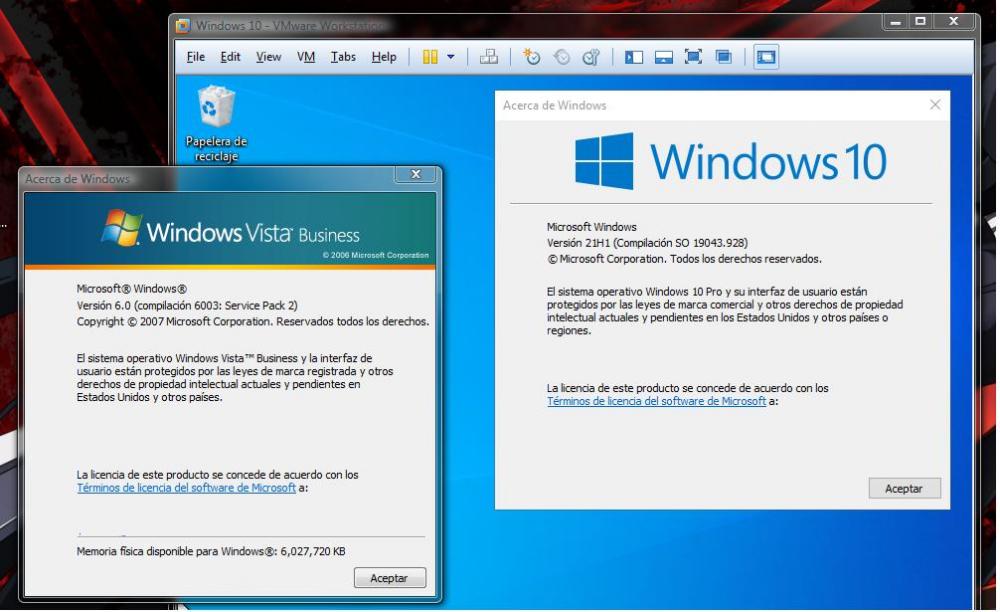
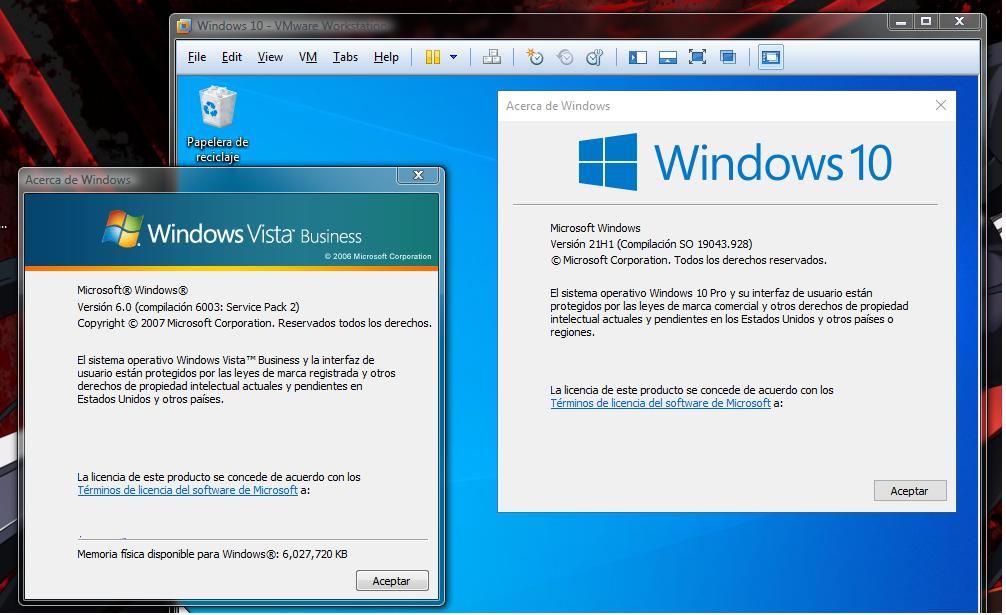
Its usable and no glitches on vmware 10 :D
-
I don't know if anyone is aware it but While searching updates for 2008 R2, i found that 2008/Vista is still getting updates, i proceed to install in my vista x64 PC and they work!!, i found amazing that despite the scaremongering Microsoft still provides updates
-
Well after i installed the SP1 i had to install the SHA-2 update before all the other updates
-
Thanks it worked after 2 hours i have all updates
-
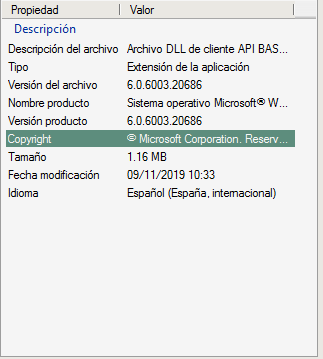
@Dylan Cruz i tried to installed the sha-2 updates but only says that this does not apply to the systemHi I was wondering if there is a repository for server 2008 r2 updates because windows update gives an error every time thanks.This will work in other language other than English for example my system is in Spanish
 Thank you!!! :DLast night i was installing windows vista in virtual machine, just for test the new extended kernel, and to my surprise windows update wasn't working, "errors 80244019 and 80070003" looking for a fix, i found an article about Microsoft killing initial updates for their old OS, so got me wondering do we have a backup of all updates, or we need to backup the updates, because this move from Microsoft is bul*-**i just wanna to everyone hello msfn forum! i hope we all get along :D Ps. I hate Windows 10

Account
Navigation
Configure browser push notifications
Chrome (Android)
- Tap the lock icon next to the address bar.
- Tap Permissions → Notifications.
- Adjust your preference.
Chrome (Desktop)
- Click the padlock icon in the address bar.
- Select Site settings.
- Find Notifications and adjust your preference.
Safari (iOS 16.4+)
- Ensure the site is installed via Add to Home Screen.
- Open Settings App → Notifications.
- Find your app name and adjust your preference.
Safari (macOS)
- Go to Safari → Preferences.
- Click the Websites tab.
- Select Notifications in the sidebar.
- Find this website and adjust your preference.
Edge (Android)
- Tap the lock icon next to the address bar.
- Tap Permissions.
- Find Notifications and adjust your preference.
Edge (Desktop)
- Click the padlock icon in the address bar.
- Click Permissions for this site.
- Find Notifications and adjust your preference.
Firefox (Android)
- Go to Settings → Site permissions.
- Tap Notifications.
- Find this site in the list and adjust your preference.
Firefox (Desktop)
- Open Firefox Settings.
- Search for Notifications.
- Find this site in the list and adjust your preference.