



Skip to content
View in the app

A better way to browse. Learn more.

MSFN

A full-screen app on your home screen with push notifications, badges and more.

To install this app on iOS and iPadOS
  1. Tap the Share icon in Safari
  2. Scroll the menu and tap Add to Home Screen.
  3. Tap Add in the top-right corner.
To install this app on Android
  1. Tap the 3-dot menu (⋮) in the top-right corner of the browser.
  2. Tap Add to Home screen or Install app.
  3. Confirm by tapping Install.

TheLastDevil

Member
  • Joined

  • Last visited

  • Country

    Australia
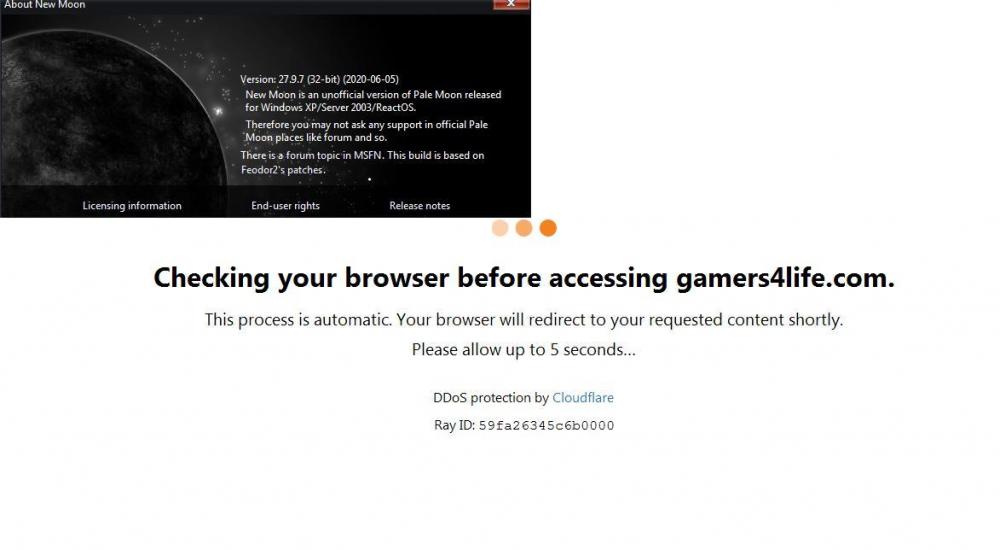
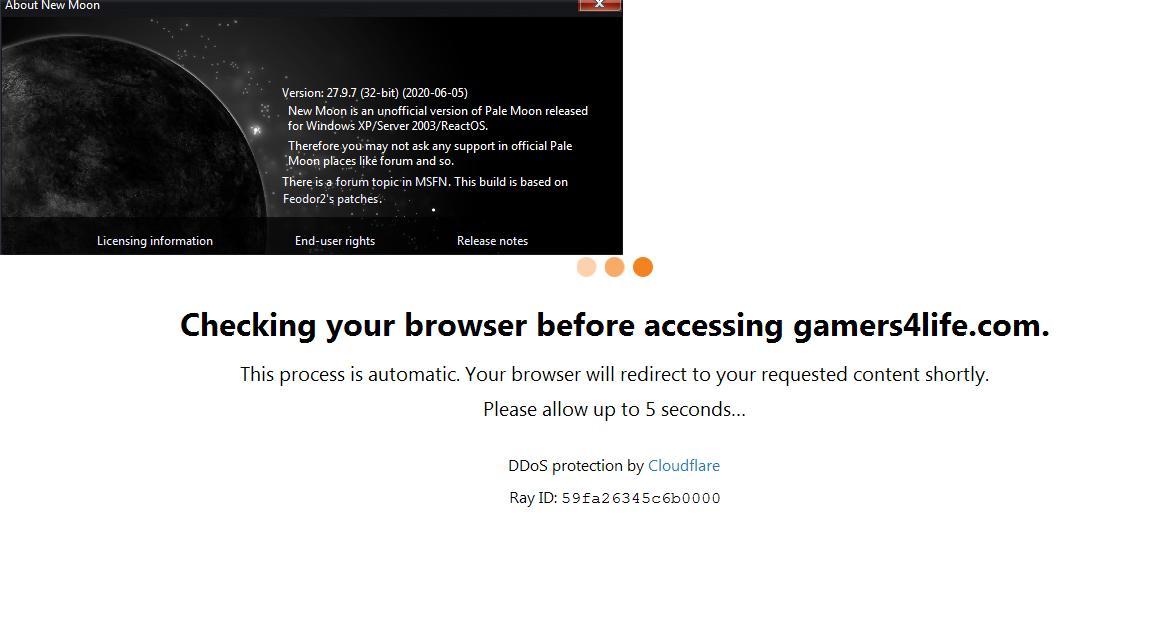
  1. Checking your browser before accessing xxxxxxxxxx This process is automatic. Your browser will redirect to your requested content shortly. Please allow up to 5 seconds… Any ideas? The new profile didn't change anything. IP hasn't changed. Everything works on firefox....
  2. I did (help > troubleshooting information > refresh new moon) and still nothing...
  3. Hi. I've had a problem for some time. They don't want to turn on the page. I use a browser like the one in the picture. This happens even when I turn off the add-ons. On FireFox 52.9 works well... What could be the reason for that?
Account

Navigation

Configure browser push notifications

Chrome (Android)
  1. Tap the lock icon next to the address bar.
  2. Tap Permissions → Notifications.
  3. Adjust your preference.
Chrome (Desktop)
  1. Click the padlock icon in the address bar.
  2. Select Site settings.
  3. Find Notifications and adjust your preference.