
Everything posted by mlc20011023
-
Tanks bro and i more like old stlye but i will use FalconX in my Server,and i use other sofware changed my fonts name is noMeiryoUI,I cant give you link to download by Chian network but you can search in google
-
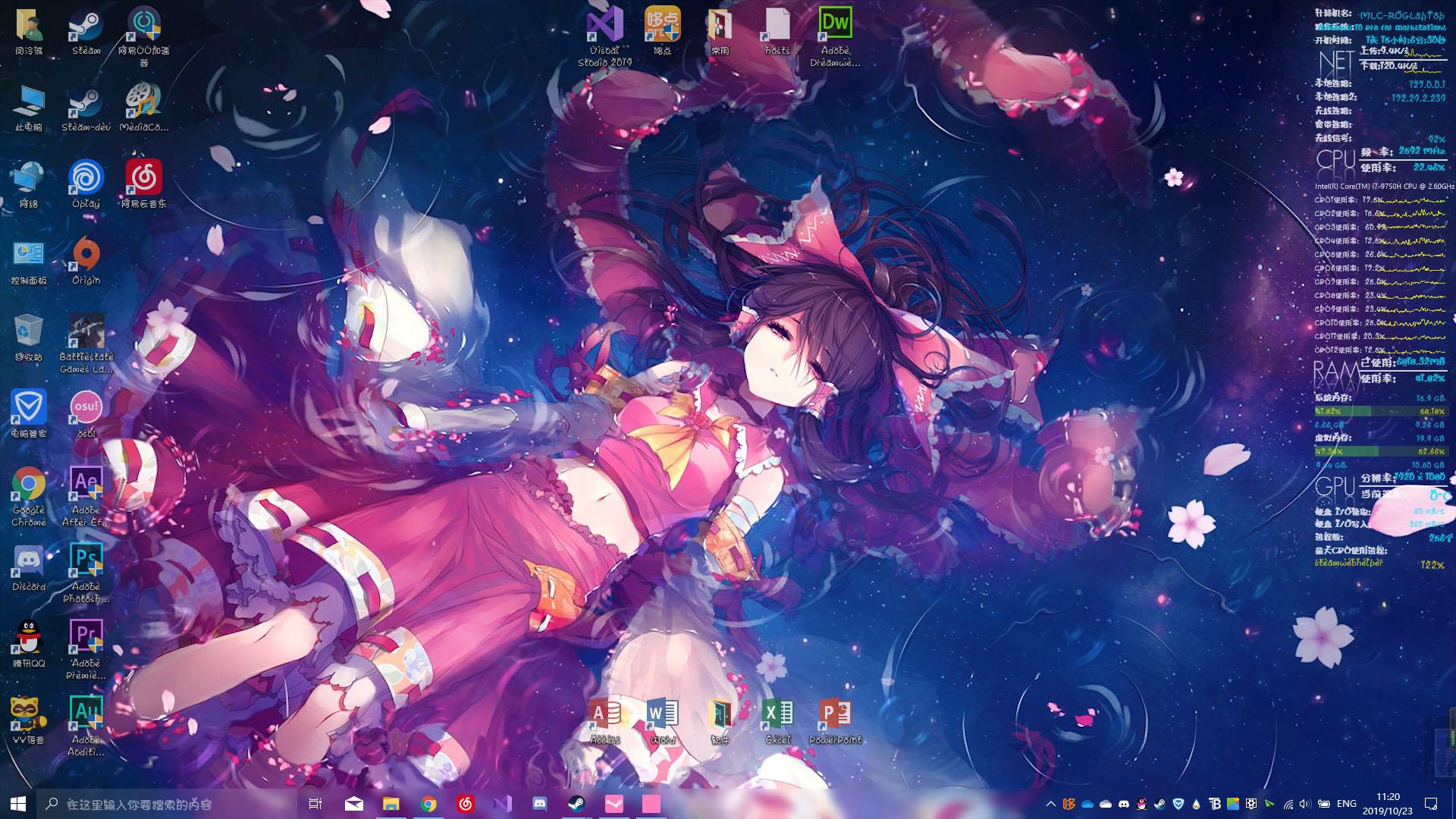
Ok Bro I got my new LapTop and setting all Desktop now is more batter then my Desktop.Finlly i just need to use you tell me use sofware to nake it more nice
-
Of course
-
thanks bro bty i have a new laptop so that desktop will more good then my desktop's desktop
-
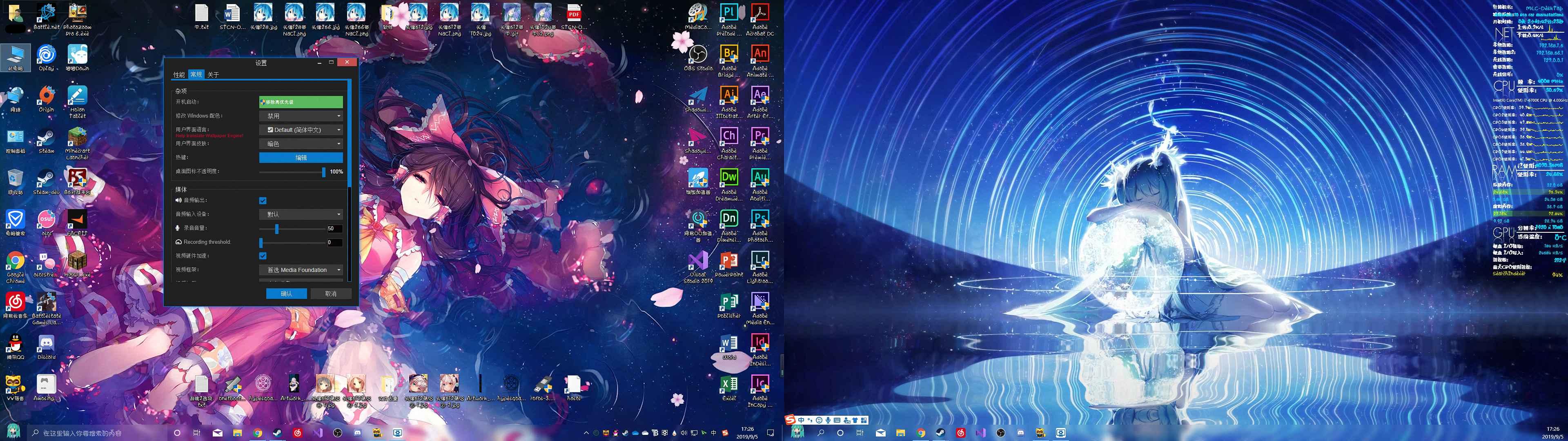
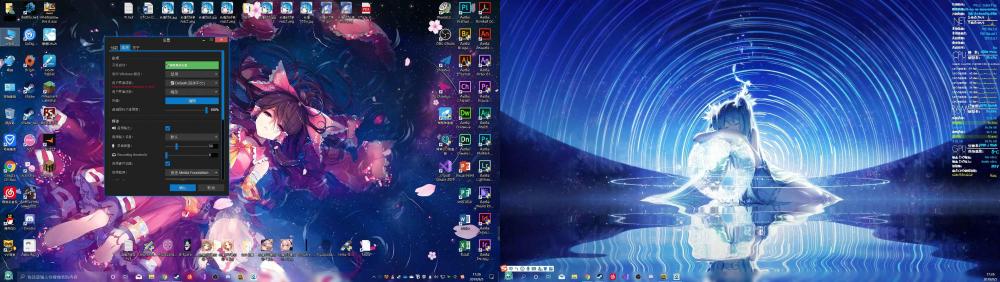
LOL my desktop is like thia big one reason is I need use adobe PR AND AE to do work so sometime you know but in Linux desktop well different that well looks clearly no icon or some thing on desktop
-
Trust me you are not like this desktop XD And i fixed
-
Thanks, I well go to try it and my use fonts is China some company development a set of fonts my used is Aa-Libra fonts and this is Downlaod adress https://1drv.ms/u/s!AotJ82KZjxTZ0VeRuq1hNbzuhTKs?e=quZhbZ Hop you enjoy that
-
Aero Glass dose not know to hook your version of DWM (0X2000) When I update windows1903 Cumulative update 08 (KB4513941) Aero Glass is not rendering DWM colors,now Aero Glass just rendering DWM text and it looks very strange.