-
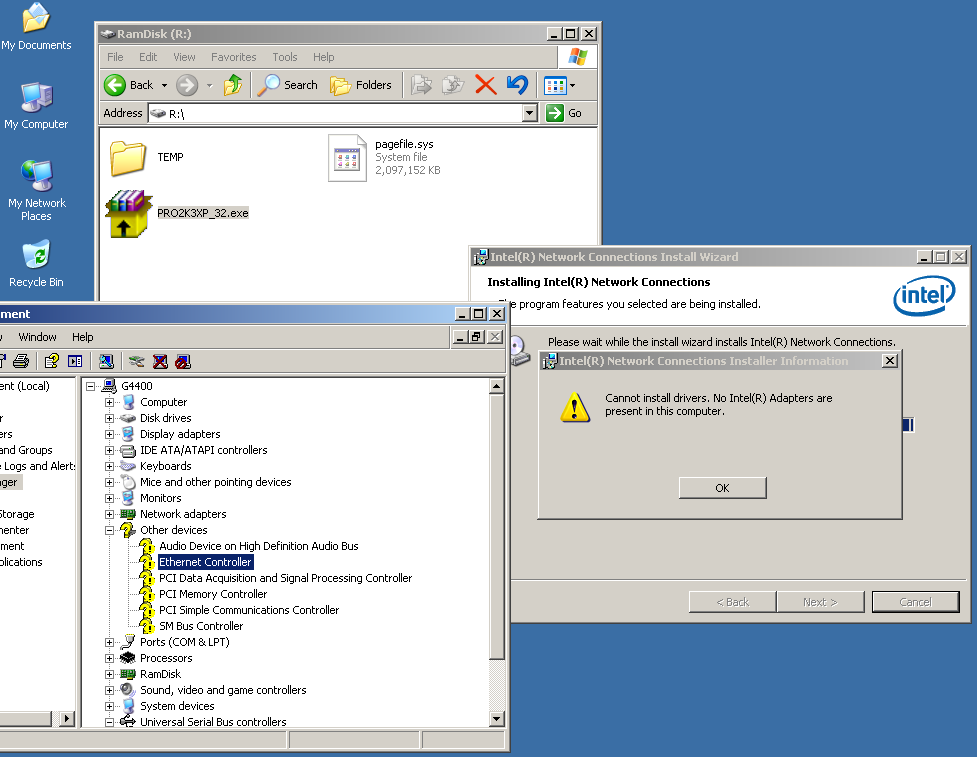
@bearwindows I'm looking for 219 XP driver too, PCI\VEN_8086&DEV_15B8&SUBSYS_15B81849&REV_31 no matter what I tried, error code 10 is the result, have no more idea on it. really need your help.
-
No need to show off anymore, All talk, sounds fantastic, no contribution. We asked you to share how your success is happened but you chose to ignore. see here
-
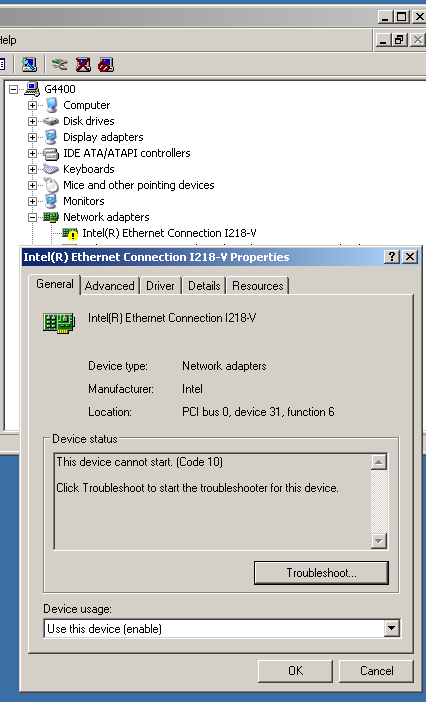
Having tried with, actually no 219-V driver inside, so force install 217/218 by modding the DEV ID, resulting "code 10", please help.
-
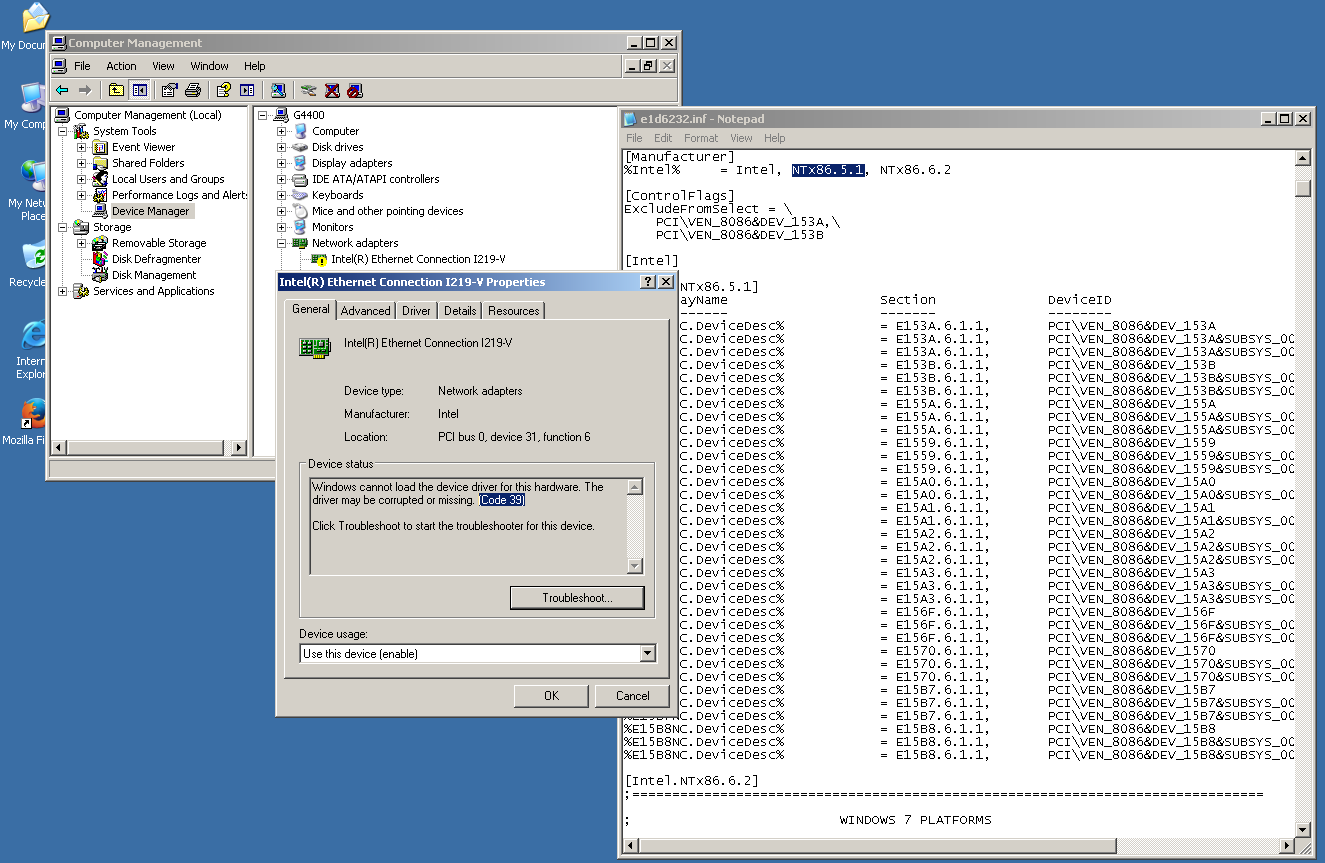
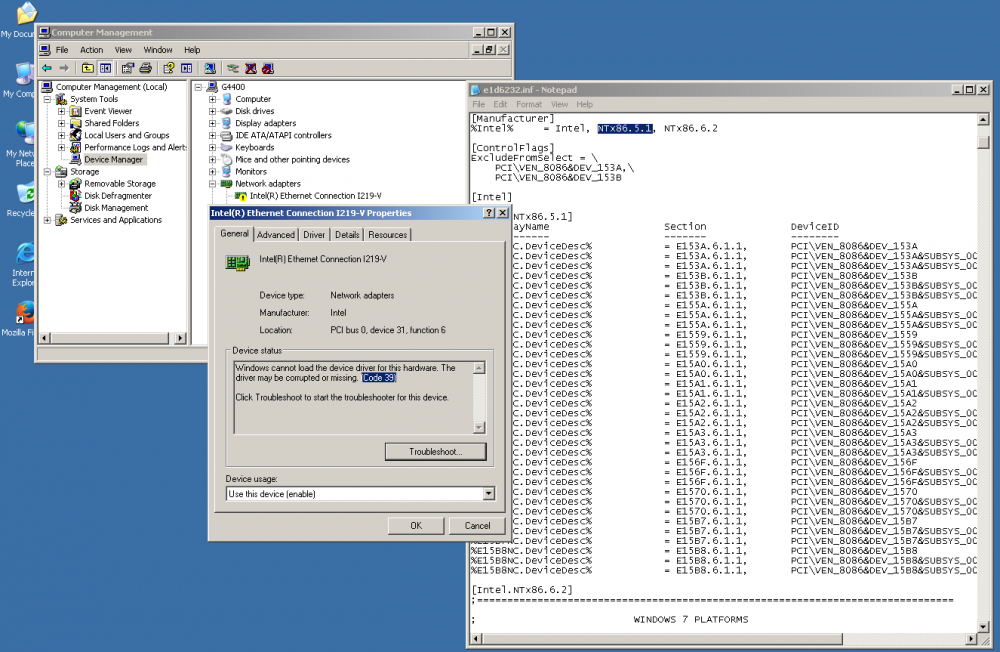
I modded the .INF to support NTx86.5.1 so that I can force the manual installation go. Name of device now shown properly, so sad the driver installed but "Code:39" is shown, networking is not function. I hope someone could help.
-
Hi, here you are, please have a look. VEN_8086&DEV_15B8
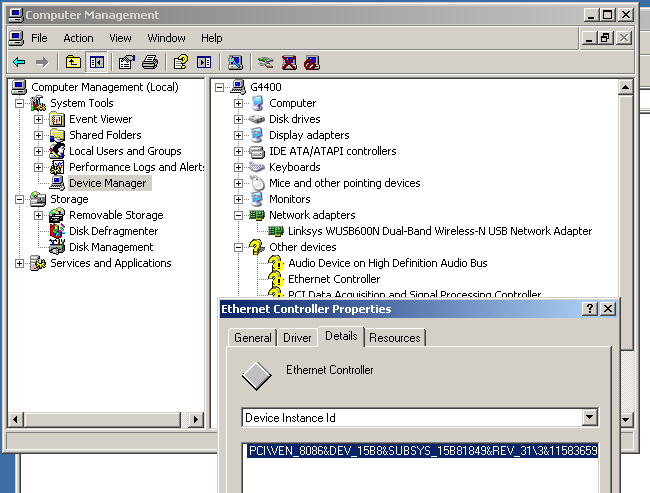
-
Hi, the above driver do nothing with my i219-v LAN (Z170 chipset)
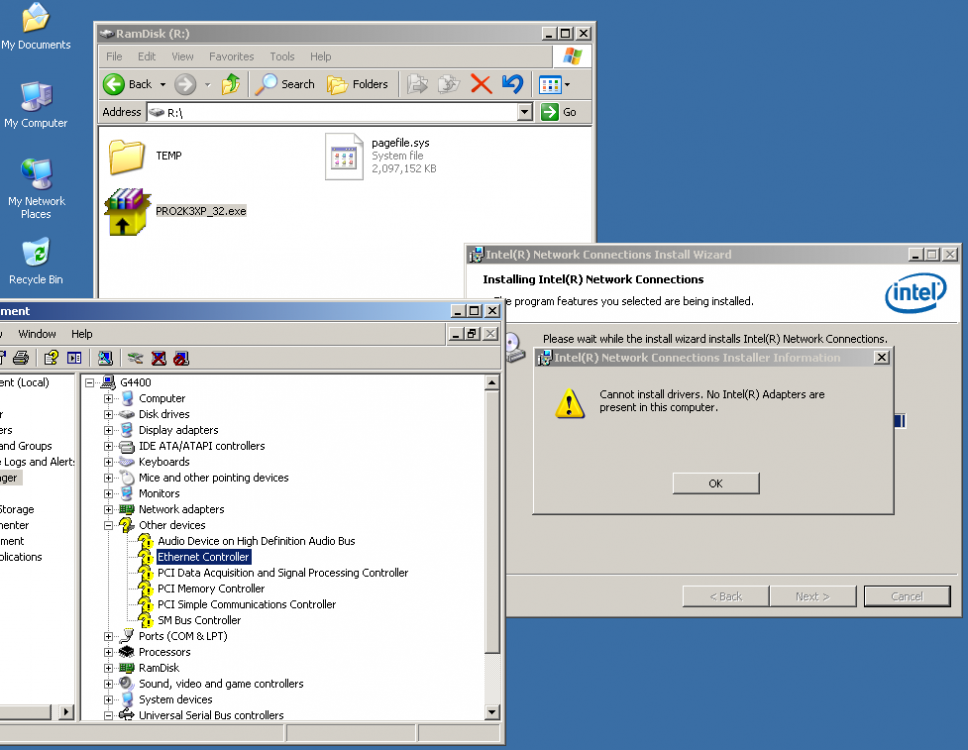
-
Hi there, Please take a sceenshot, I don't think they're working in full, I really did long searching and found nothing LAN/ USB3/ ME/ driver exist with XP32, which I think "nearly impossible". appreciate if you can post some evidence to proof your success. I got AsRock Z170 OCF so LAN driver for xp32 is the top essential that I looking for. Peace