




Everything posted by Jose Mattos
-
[Machine Translation] I'm sure that the links posted will be very useful for many users of this forum! Thank you all! Jose Mario 30/10/2020 - 04: 00h
-
[Machine Translation] @ Dave-H, 1) - First of all, I would like to thank you for your efforts to keep us always informed in this forum about Office 2010 in Win XP! 2) - Sorry for my inexperience on this forum but, to make it easier for everyone, could you post below a link to download only the latest version of the MSO.DLL file (KB4092483) that works correctly with Office 2010 on Win XP? Thanks in advance. Jose Mario 28/10/2020 - 14: 31h
-
See:
-
Thank you very much indeed @Nojus2001 and @Dave-H!
-
[Google translation] Dave-H, did it work for you too?
-
Dave-H, thanks again!
-
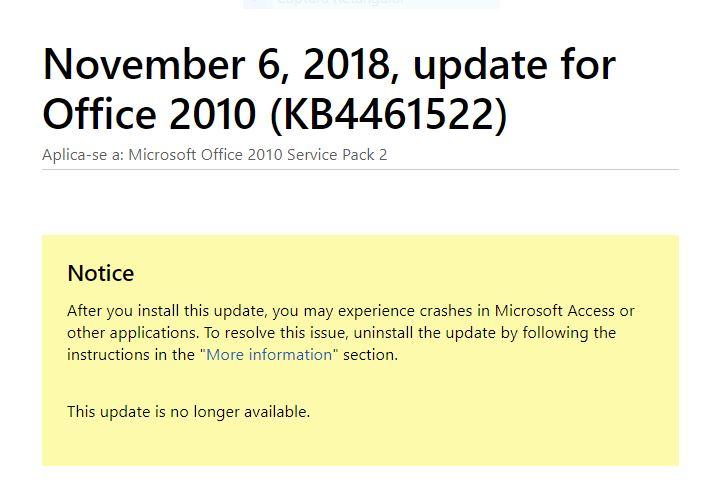
https://support.microsoft.com/en-gb/help/4461522/november-6-2018-update-for-office-2010-kb4461522
-
["I don't speak English, sorry."] Hi guys, I "too" have signed up specifically to thank Dave H for his solution to the problem of Office 2010 modules not opening on XP after the latest Windows updates. Before I found this thread I was about to uninstall MS Office and replace it with OpenOffice instead (I might still do that!). Now that I have removed KB4461522 everything has returned to running as it should. Thanks once again, Dave, and I hope all others in the same predicament will find your fix.