



Skip to content
View in the app

A better way to browse. Learn more.

MSFN

A full-screen app on your home screen with push notifications, badges and more.

To install this app on iOS and iPadOS
  1. Tap the Share icon in Safari
  2. Scroll the menu and tap Add to Home Screen.
  3. Tap Add in the top-right corner.
To install this app on Android
  1. Tap the 3-dot menu (⋮) in the top-right corner of the browser.
  2. Tap Add to Home screen or Install app.
  3. Confirm by tapping Install.

ZloY SloN

Member
  • Joined

  • Last visited

  • Country

    Ukraine

Everything posted by ZloY SloN

  1. I have found better solution! Installed UXThemePatcher and replaced default Windows theme with another one! Grey border has gone. I'm really happy now))
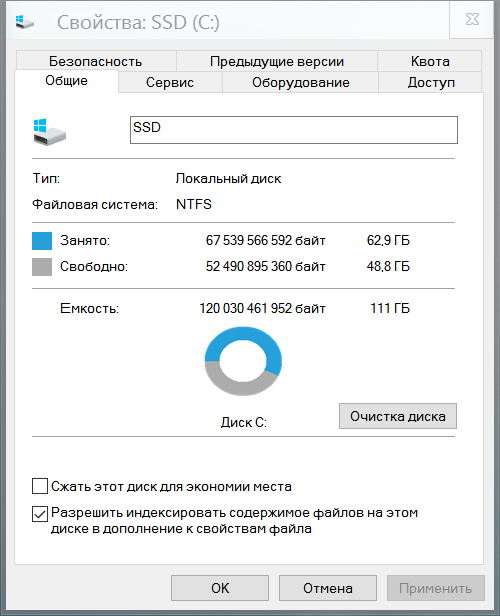
  2. Hi to all! I noticed a bug! When window becomes inactive, the frame around it changes its color to dark grey instead of white! Please look at attached screenshot. Is there any way to fix this issue? This issue appeared in Win 10 build 10586. When I used build 10240 and AeroGlass 1.4.1 there was no problem. Please help!
  3. Donated 3 EUR and got 2 keys! It works great! Thanks to all!
  4. Hi guys! Hi developer! Can somebody tell me, how much should I donate to get full version of this app (without watermark)? I can't find any info about this on glass8.eu. Please answer me, I want to buy this app!

Account

Navigation

Configure browser push notifications

Chrome (Android)
  1. Tap the lock icon next to the address bar.
  2. Tap Permissions → Notifications.
  3. Adjust your preference.
Chrome (Desktop)
  1. Click the padlock icon in the address bar.
  2. Select Site settings.
  3. Find Notifications and adjust your preference.