



Skip to content
View in the app

A better way to browse. Learn more.

MSFN

A full-screen app on your home screen with push notifications, badges and more.

To install this app on iOS and iPadOS
  1. Tap the Share icon in Safari
  2. Scroll the menu and tap Add to Home Screen.
  3. Tap Add in the top-right corner.
To install this app on Android
  1. Tap the 3-dot menu (⋮) in the top-right corner of the browser.
  2. Tap Add to Home screen or Install app.
  3. Confirm by tapping Install.

Jaroslaw

Member
  • Joined

  • Last visited

  • Country

    Poland

Everything posted by Jaroslaw

  1. I have no problem. NM28 ublock origin 1.16.4.23 only
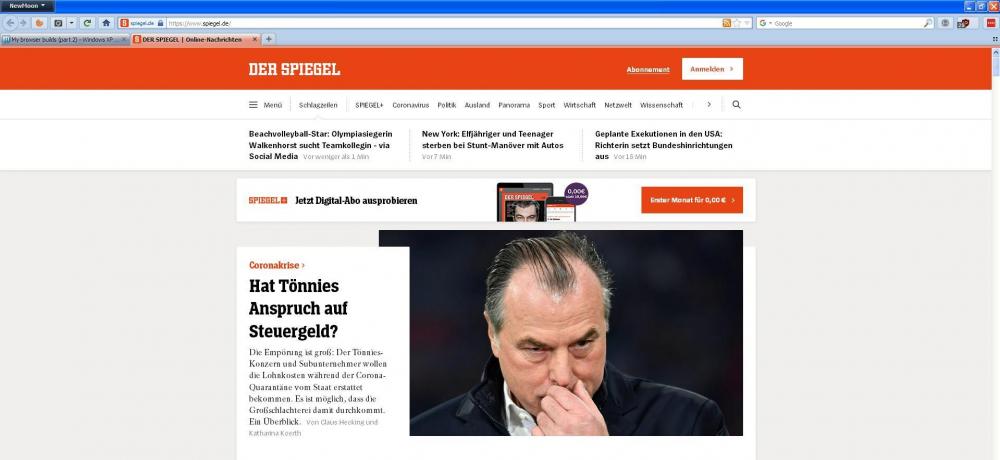
  2. I am sorry but because of work and lack of time I do not have such opportunities
  3. Go to the folder Palemoon -> Browser and unzip the omni.ja file. Go to the folder chrome -> en-US -> locale -> browser -> preferences. Copy the security.dtd file to the Desktop. Open in Notepad. Replace english language with german language. Paste and replace this file in your language location. (C: \ Documents and Settings \% UserName% \ AppData \ Moonchild Productions \ Pale Moon \ Profiles \ xxxxx.default \ extensions \ langpack-de@palemoon.org.xpi)
  4. Polish Language Pack for the NewMoon version 27.7.0a2 pl.xpi
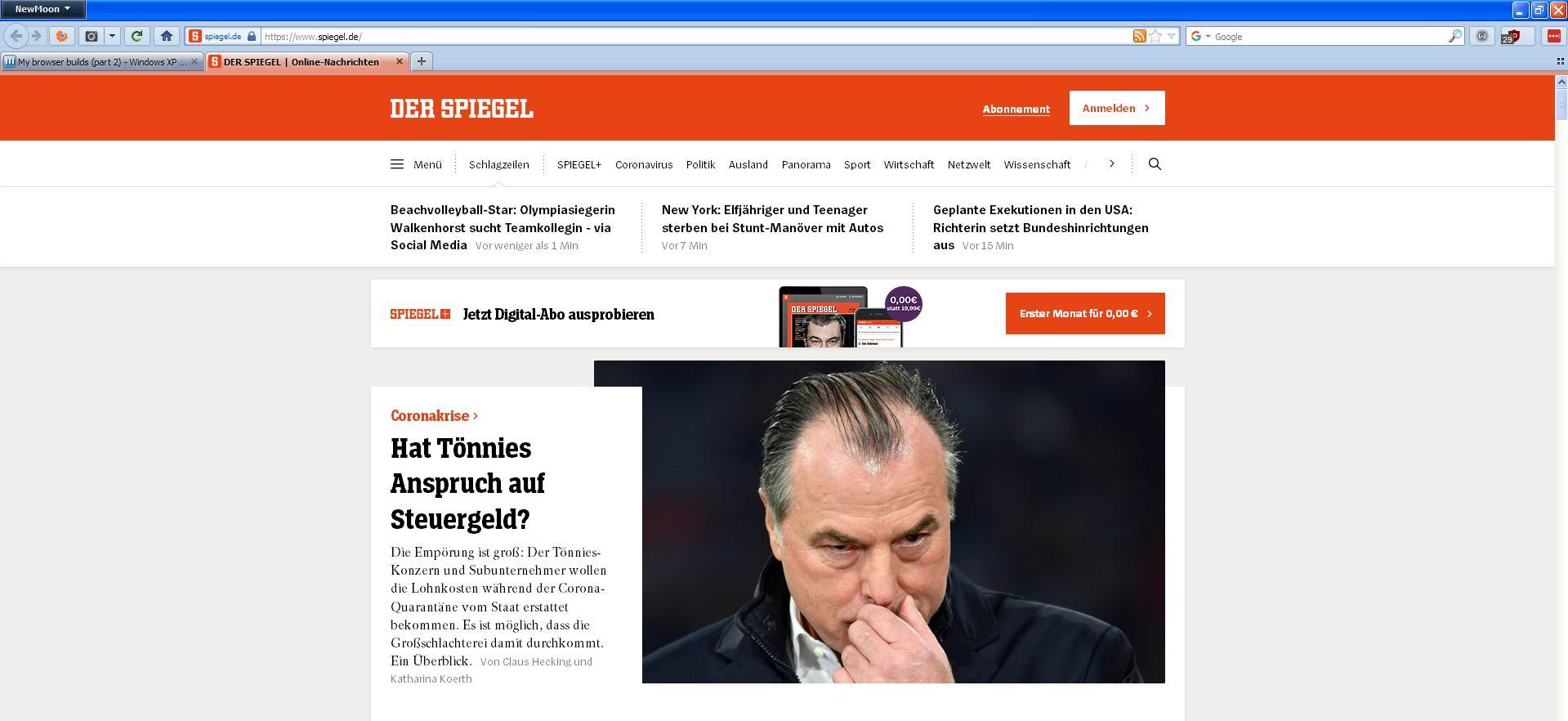
  5. 74/5000 Thanks a lot. On Windows XP x32 it works fine for me. Regards.
Account

Navigation

Configure browser push notifications

Chrome (Android)
  1. Tap the lock icon next to the address bar.
  2. Tap Permissions → Notifications.
  3. Adjust your preference.
Chrome (Desktop)
  1. Click the padlock icon in the address bar.
  2. Select Site settings.
  3. Find Notifications and adjust your preference.