-
Does anyone know the application switch for Download Accelerator Plus 7.4 I when i use /S i ask me do resttar computer an a internet exploer pop up is thea any autoit3 skrif fore download accelerator plus
-
hi what Switches do i n to instlal this program plz tell me in n help with this???? plzzzzzzzzzzzzzzz u cane download the program hear http://www.linasoft.com
-
problem with wpi plz help hi look at the Picture
-
but i need help
-
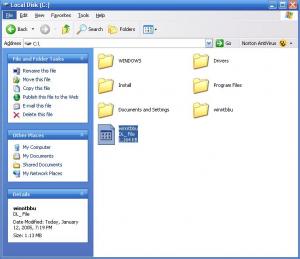
my file looks like this
-
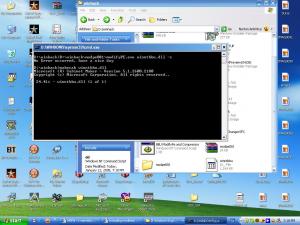
it looks like this
-
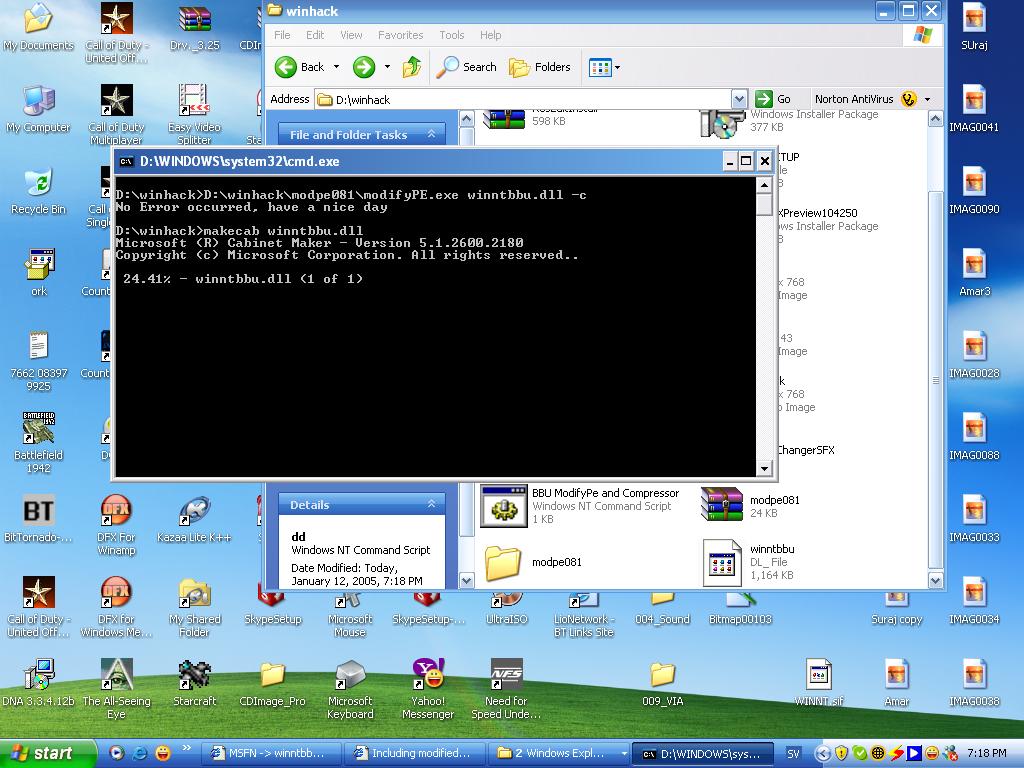
When you are Satisfied with your work. Use the code below to cab the dll to dl_ CODE makecab winntbbu.dll Then you take the winntbbu.dl_ and drop it in your U.A. I386 Folder. replacing the existing one. plz help
-
cane some one tell me whear i cane download modifype.exe
-
what do u meen with modifype -c
-
i modifype the winntbbu.dll then i get winntbbu.dl_ then i delete my orignal winntbbu.dll and past this one winntbbu.dl_ shodu i change the name to winntbbu.dll i tried both nothin is working my windows xp is in english
-
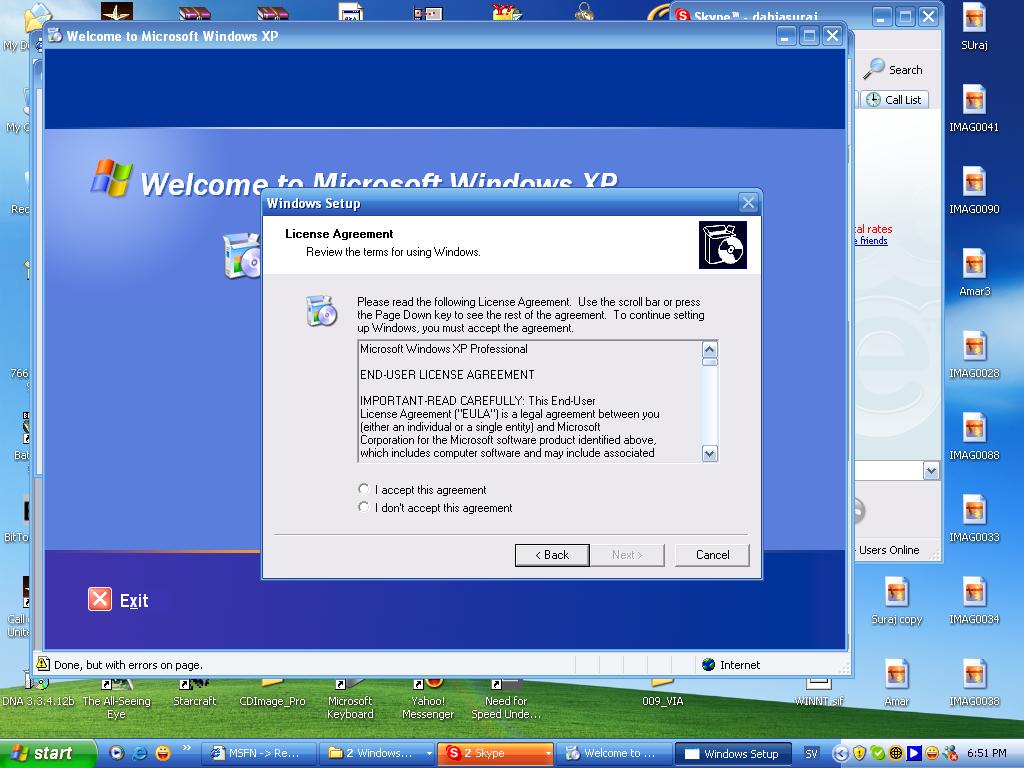
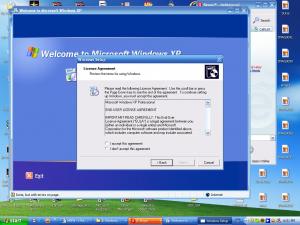
During the copying process of windows XP setup I'm getting error as below ; " The file winntbbu.dll wasn't copied correctly. The file setup placed on your harddrive isn't a valid Windows XP image. If you are installing from CD, there may be a problem with the XP CD. " Actually i have changed the bootup image using the file winntbbu.dll. after that i did makecab winntbbu.dll and copied the cab file to 1386 folder and deleted the winntbbu.dll from 1386 folder. Pls help me out and i don t have any winntbbu.dl_ in my orignal windows xp cd Then you take the winntbbu.dl_ and drop it in your U.A. I386 Folder. replacing the existing one what do u meen
-
i have a program that requires a serial number input during installation #, AdobePhotoshopCS, and i would like to know if there is something i can type in the code to automatically put in the s/n. plz tell me
-
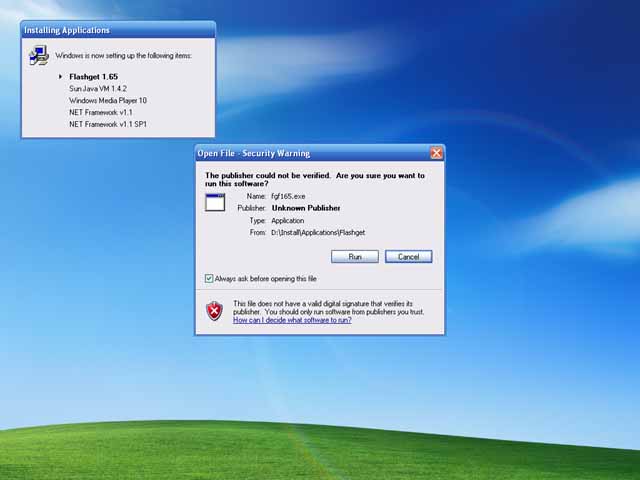
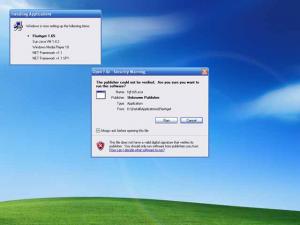
hi i wrote this in my RunOnceEx.cmd cmdow @ /HID @echo off SET KEY=HKLM\SOFTWARE\Microsoft\Windows\CurrentVersion\RunOnceEx REG ADD %KEY% /V TITLE /D "Installing Applications" /f REG ADD %KEY%\005 /VE /D "Flashget 1.65" /f REG ADD %KEY%\005 /V 1 /D "%systemdrive%\Install\Applications\Flashget\fgf165.exe /S" /f REG ADD %KEY%\005 /V 2 /D "REGEDIT /S %systemdrive%\Install\Applications\Flashget\register.reg" shoudn t it install flashget automatic
-
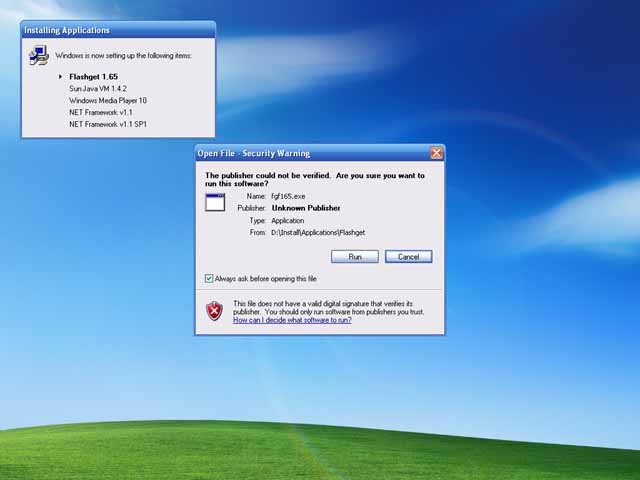
hi i wrote this in my RunOnceEx.cmd cmdow @ /HID @echo off SET KEY=HKLM\SOFTWARE\Microsoft\Windows\CurrentVersion\RunOnceEx REG ADD %KEY% /V TITLE /D "Installing Applications" /f REG ADD %KEY%\005 /VE /D "Flashget 1.65" /f REG ADD %KEY%\005 /V 1 /D "%systemdrive%\Install\Applications\Flashget\fgf165.exe /S" /f REG ADD %KEY%\005 /V 2 /D "REGEDIT /S %systemdrive%\Install\Applications\Flashget\register.reg" shoudn t it install flasget automatic???????????????
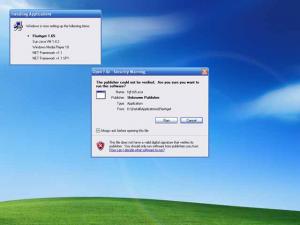
-
i press print scren nothing happens