Skip to content
View in the app

A better way to browse. Learn more.

MSFN

A full-screen app on your home screen with push notifications, badges and more.

To install this app on iOS and iPadOS
  1. Tap the Share icon in Safari
  2. Scroll the menu and tap Add to Home Screen.
  3. Tap Add in the top-right corner.
To install this app on Android
  1. Tap the 3-dot menu (⋮) in the top-right corner of the browser.
  2. Tap Add to Home screen or Install app.
  3. Confirm by tapping Install.

petrosalex

Member
  • Joined

  • Last visited

  • Country

    Armenia
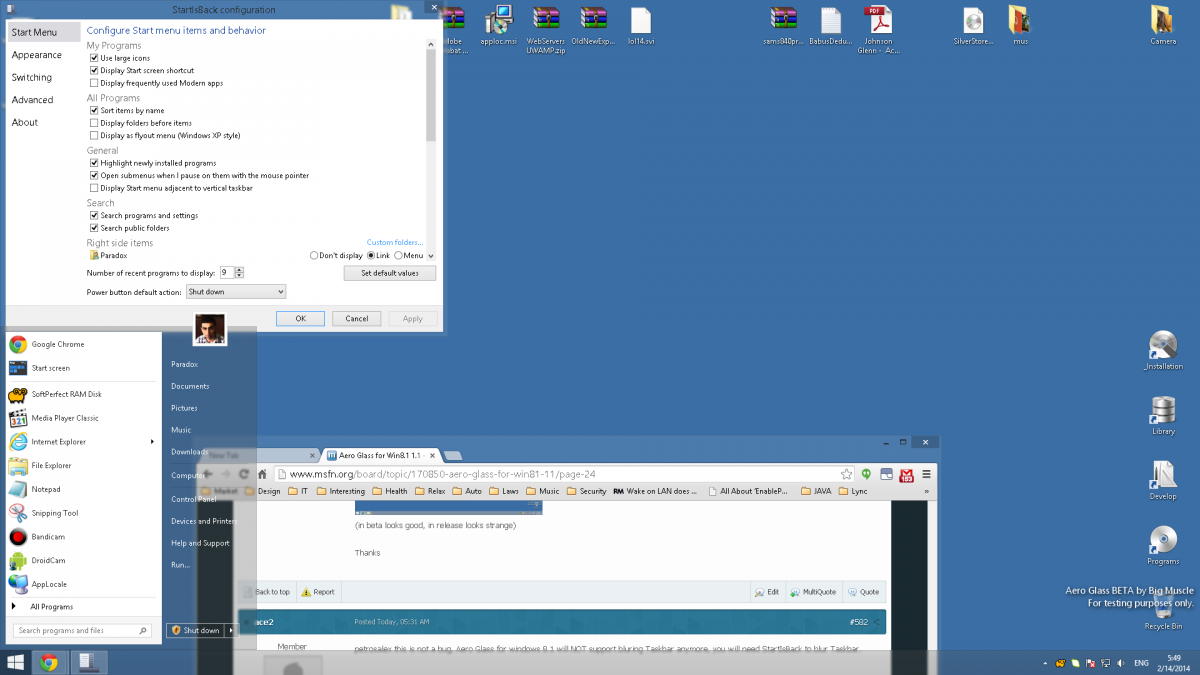
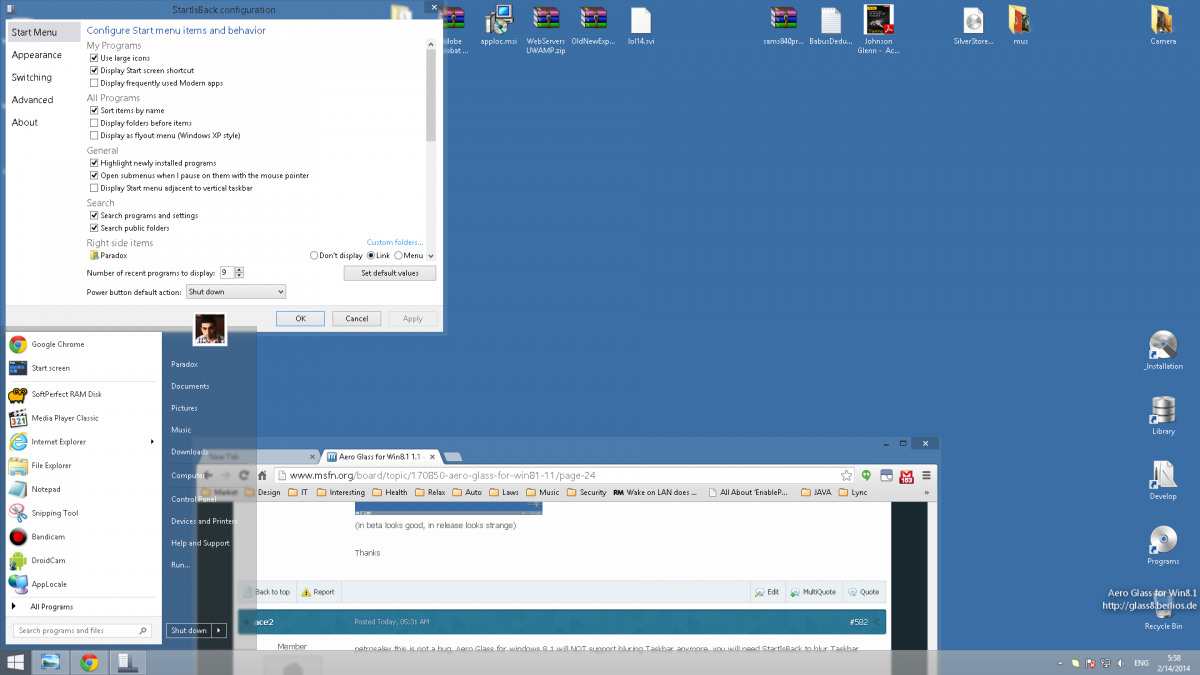
  1. ok ace2 you say this: but It just blurs the areas where it is instructed to do so. in all cases taskbar blur is enabled by StartIsBackhttps://drive.google.com/file/d/0BywIx3HxEktaRGptTVJZeDRIczghttps://docs.google.com/file/d/0BywIx3HxEktaU1BncHdMTWl2TUkBut in new version taskbar color not match theme (not enough transparent). Whether there is a method of correcting that issue?Thanks
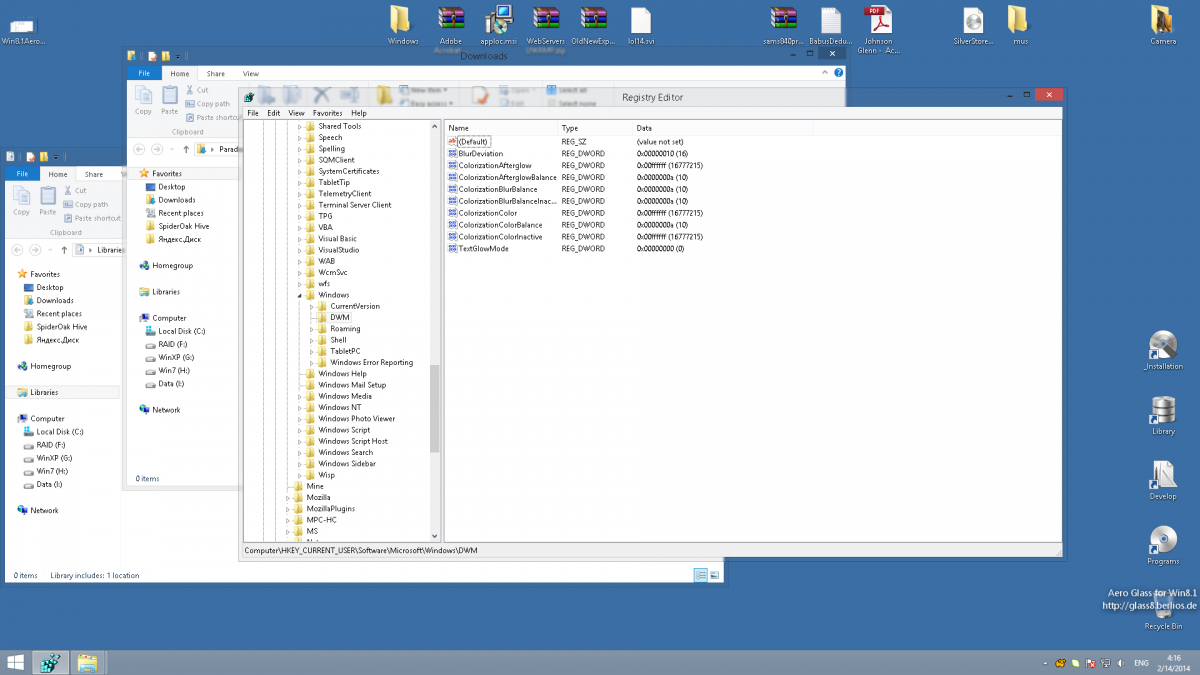
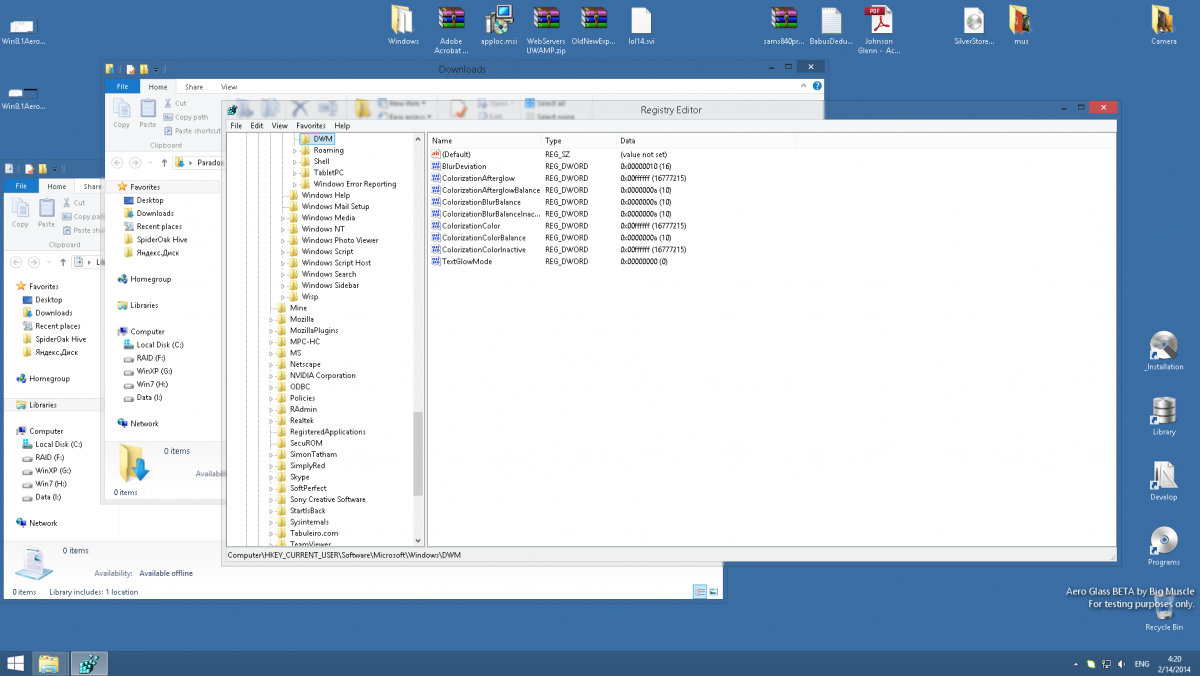
  2. noo ace2 looks like there is some other(color or smth) problem look: Aero Glass Beta Aero Glass Release 1.1 Taskbar blurring present at all versions
  3. Hi bigmuscle, I met a strange problem (something like a bug). Taskbar using Aero Glass for windows 8.1 beta and Taskbar using Aero Glass for windows 8.1 release 1.1 (in beta looks good, in release looks strange) Thanks

Account

Navigation

Configure browser push notifications

Chrome (Android)
  1. Tap the lock icon next to the address bar.
  2. Tap Permissions → Notifications.
  3. Adjust your preference.
Chrome (Desktop)
  1. Click the padlock icon in the address bar.
  2. Select Site settings.
  3. Find Notifications and adjust your preference.