-
Thank so much. That winsetup file did the trick. Been struggling with this project to get Xp on this hp netbook for a while. Even with the sata drivers integrated into the install image, nothing worked. Tried Rufus, poweriso, wintoflash, and then found winsetupfromusb. Great support here...thanks again
-
-
-
-
-
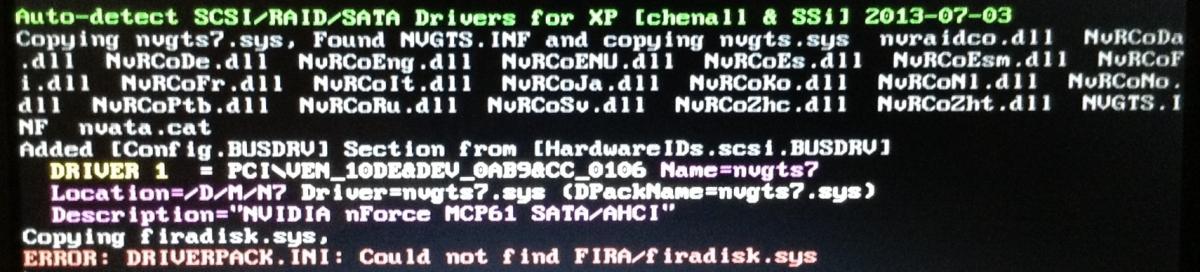
Just do today so I have the latest 1.0... Single or double... Can't see the driver as screen blanks out too fast... I am seeing my hard disk with partitions so all seems well to that point... I select partition... Setup starts... Then I get the prompt for floppy... I did not press f6 so I don't know why...
-
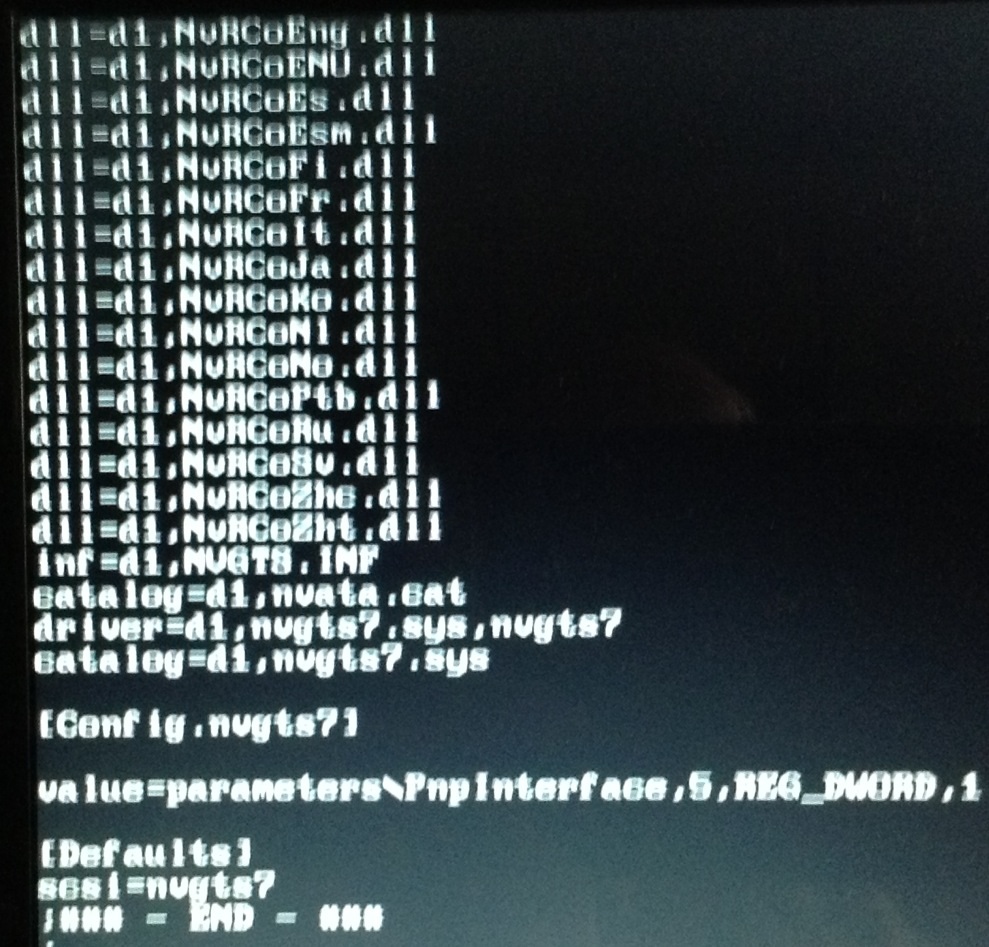
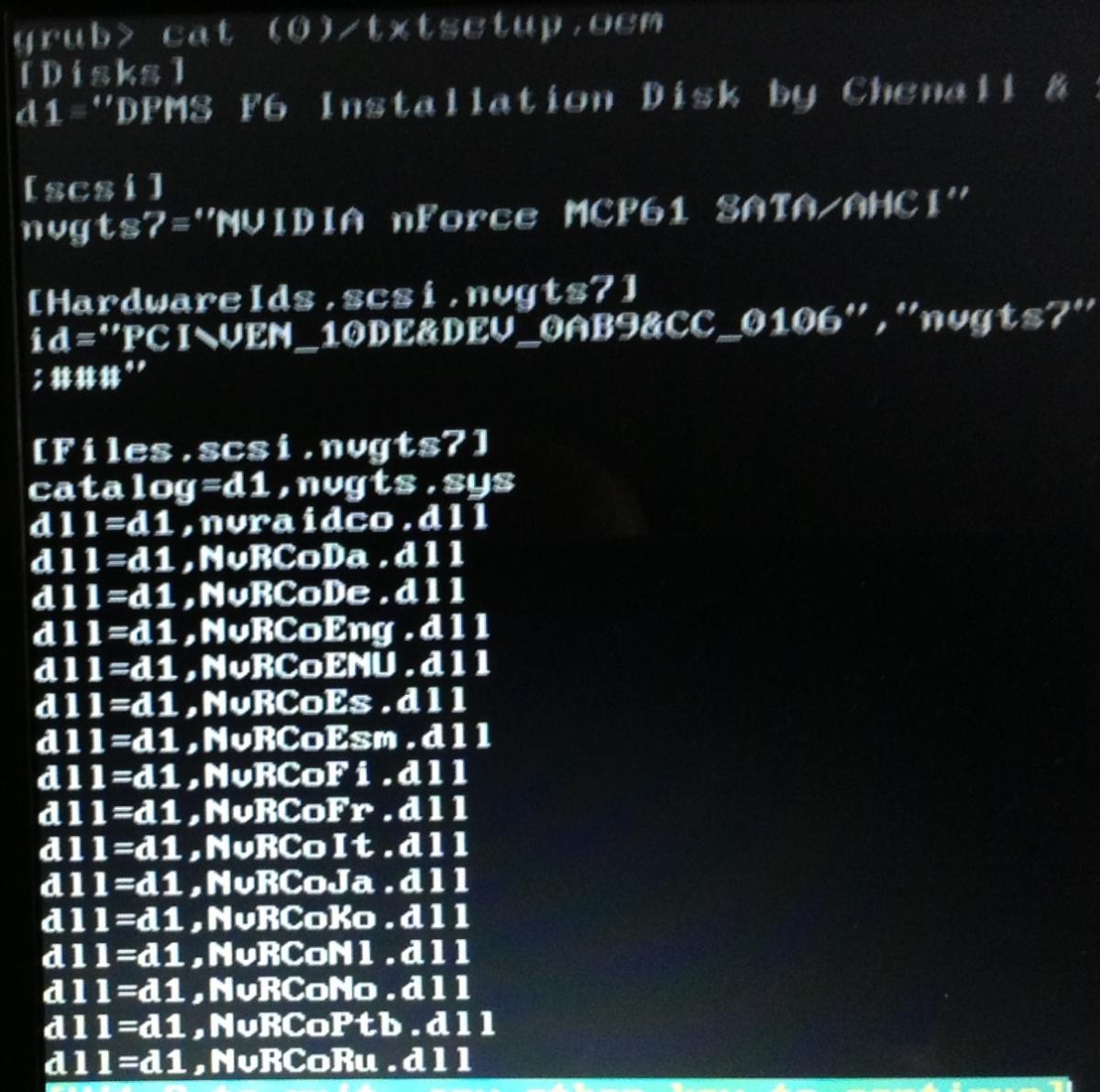
Trying to put XP on hp mini 311 netbook ..choosing option 1 or 2...at least sata drive is recognized which is further than I got before... I choose the partition...all seems well...setup is starting... Then I am prompted to "insert the disk labeled dpms chennel etc...press enter or f3 to quit...pressing enter does nothing... I don't know why it's prompting for the drivers when they obviously were detected in the first step... I'm lost