Skip to content
View in the app

A better way to browse. Learn more.

MSFN

A full-screen app on your home screen with push notifications, badges and more.

To install this app on iOS and iPadOS
  1. Tap the Share icon in Safari
  2. Scroll the menu and tap Add to Home Screen.
  3. Tap Add in the top-right corner.
To install this app on Android
  1. Tap the 3-dot menu (⋮) in the top-right corner of the browser.
  2. Tap Add to Home screen or Install app.
  3. Confirm by tapping Install.

test12w

Member
  • Joined

  • Last visited

  • Country

    China
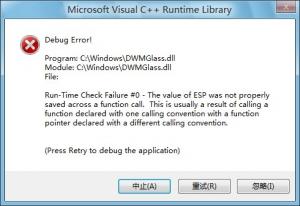
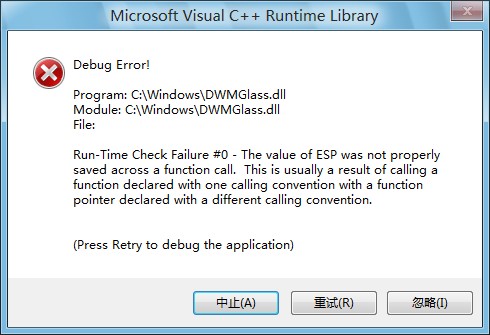
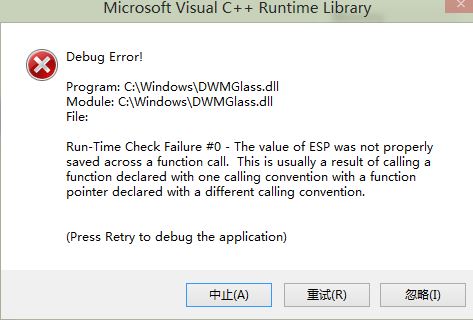
  1. I have the error in the win8 32bit version crash.log: Writing crash log... DWMGlass: 0x74D3AD49: d:\projekty\aeroglass\mydwm-dx11\dwmhook\iatfunctions.h (22:0), function: myWndProc Writing crash log... DWMGlass: 0x74D8F0ED: f:\dd\vctools\crt_bld\self_x86\crt\prebuild\rtc\error.cpp (248:0), function: failwithmessage DWMGlass: 0x74D8ECF9: f:\dd\vctools\crt_bld\self_x86\crt\prebuild\rtc\error.cpp (272:11), function: _RTC_Failure DWMGlass: 0x74D651A9: f:\dd\vctools\crt_bld\self_x86\crt\prebuild\rtc\stack.cpp (52:11), function: _RTC_CheckEsp DWMGlass: 0x74D57B19: d:\projekty\aeroglass\mydwm-dx11\dwmhook\settingsmanager.cpp (120:54), function: SettingsManager::loadColorizationSettings

  2. Why the error?? crash.txt debug.txt
  3. It works now! Thanks! But there are some screen blurred problem debug.rar
  4. Your Program was crash in Chinese-simpfilied,Hope soon will have a fix :)
  5. Your application was doesn't Work,the said could not find MSVCP110D.dll
  6. GOOD! Can you development 32bit(X86)DLL?

Account

Navigation

Configure browser push notifications

Chrome (Android)
  1. Tap the lock icon next to the address bar.
  2. Tap Permissions → Notifications.
  3. Adjust your preference.
Chrome (Desktop)
  1. Click the padlock icon in the address bar.
  2. Select Site settings.
  3. Find Notifications and adjust your preference.