Everything posted by humanangle
-
Download this tool: https://www.upload.ee/files/13769556/SAB_Companion.rar.html
-
Mixed text in drop down list
-
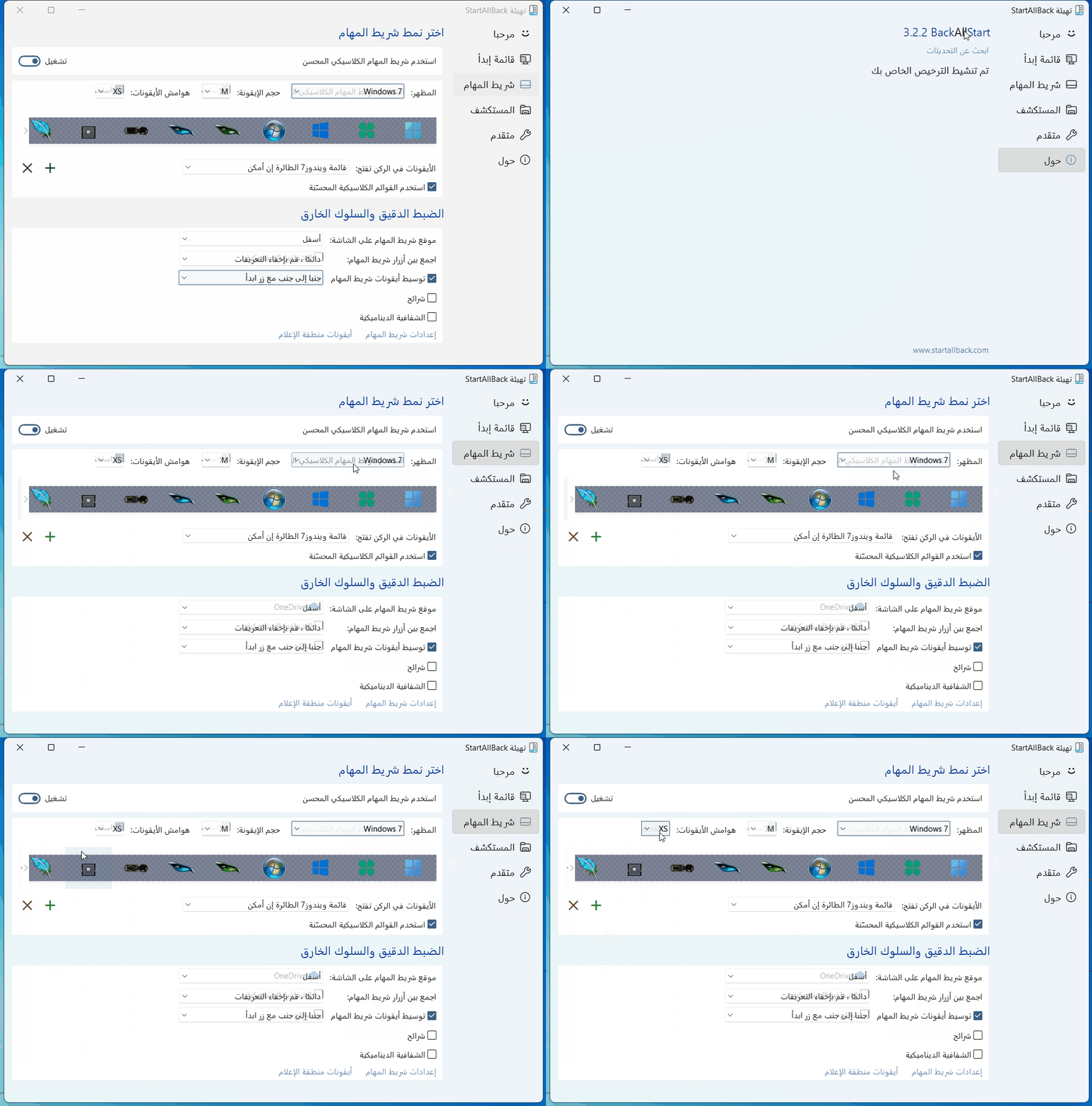
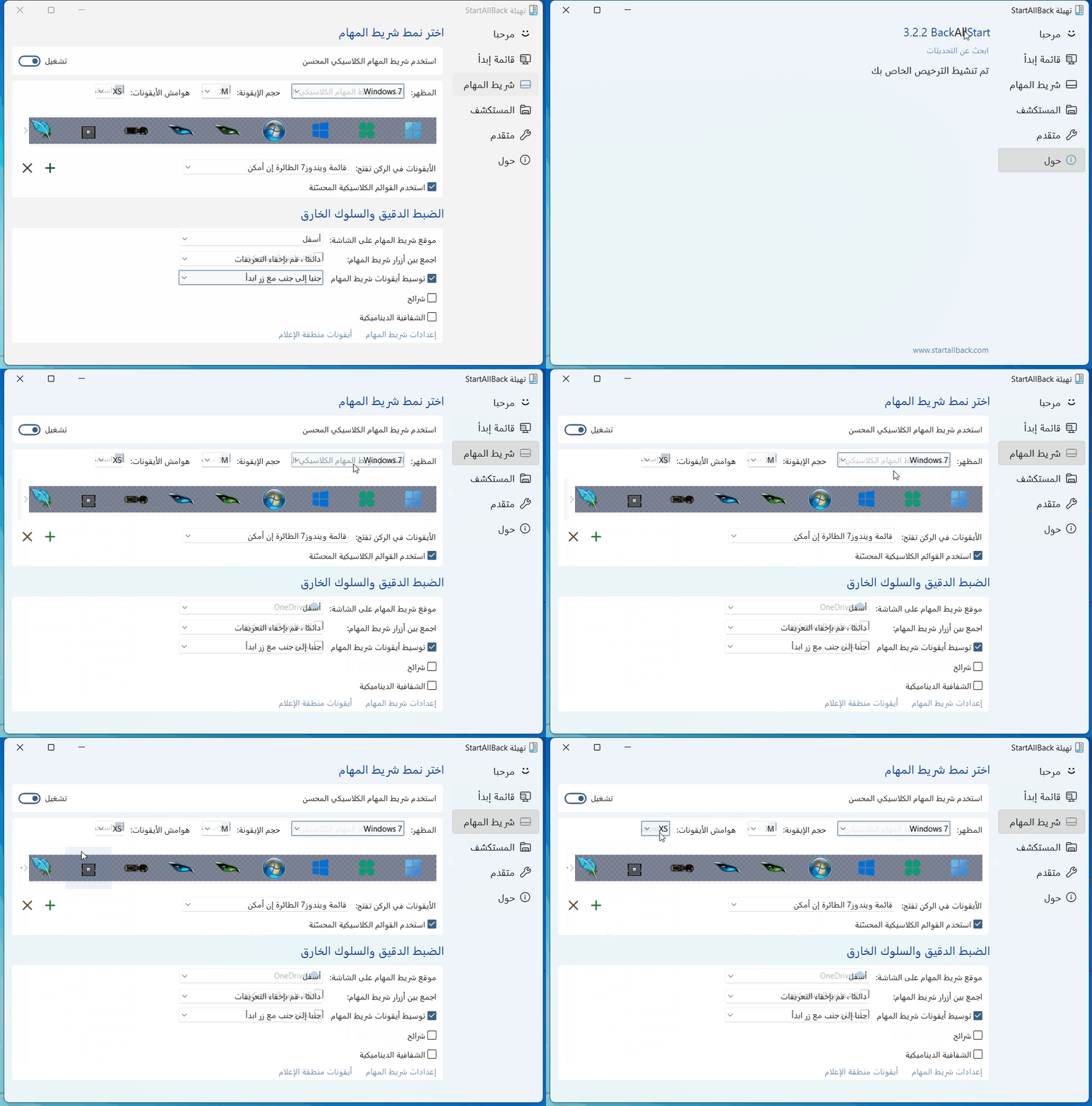
Hi, Iam using StartAllBack 3.2.2 Arabic windows Centered task icons together with start button causing start button to disappear. The task bar icons actually not in the center.
-
Hi, Clear recent items list not working for word documents
-
Hi, Tihiy please add: Diplay windows tools as a link option to start menu configuration. Thank you.
-
Hi,, I am trying to reproduce this but every things works normally no lag. I have the same windows operating system build version, and same SAB version.
-
https://www.upload.ee/files/13769556/SAB_Companion.rar.html
-
I had this issue and disappeared when change the explorer style to windows 10 Ribbon UI or windows 11 command bar, and enabled control center in taskbar
-
I found this in other forum StarAllBack Companion A handy tool to backup SAB Configuration, adjust width, add or remove control center from taskbar https://nsaneforums.com/uploads/monthly_2021_12/2021-12-26_171752.png.d86dcb5aa98c8cad48901d4474da3374.png https://www.mirrored.to/files/1M7LVEKB/SAB_Companion.zip_links I think it is good idea to implement these setting in SAB
-
Backup SAB Configuration to your desktop: Run cmd.exe as administrator, then paste the below command: Reg export HKEY_CURRENT_USER\Software\StartIsBack "%UserProfile%\Desktop\StartAllBack Configuration backup.reg"
-
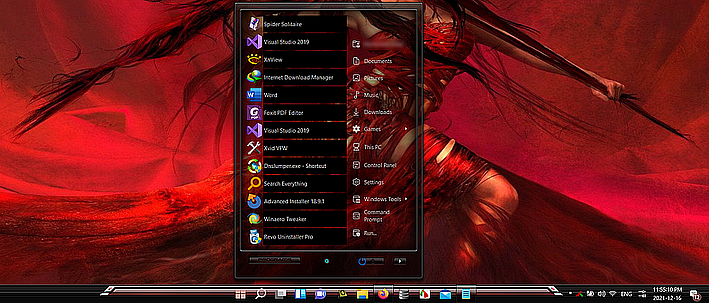
StartAllBack 3.2 When The Display Language is English
-
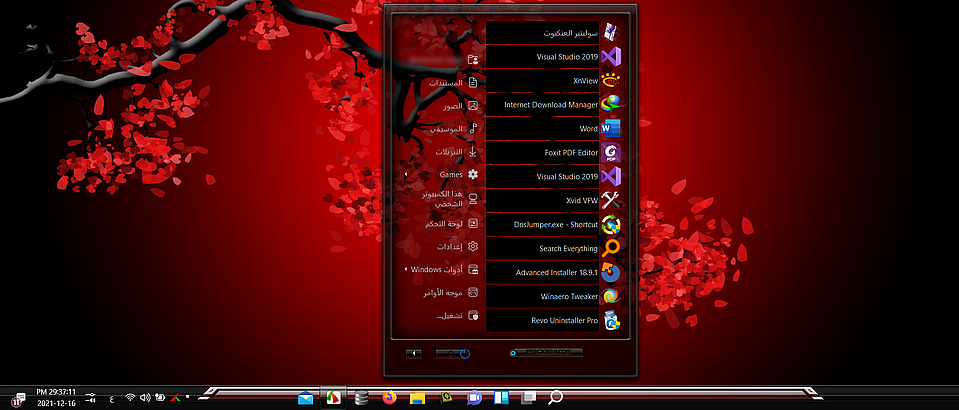
StartAllBack 3.2 When The Display Language is Arabic (Right To Left): * Centering The Taskbar Icons Together with the start button, and the taskbar positioned at top or bottom caused the start button to disappear. * Centering The Taskbar Icons Together with the start button, and the taskbar positioned at left or right no problem. * Centering The Taskbar Icons, actually the icons not in the center of the taskbar. Video: https://www.file-upload.net/en/download-14783350/Video_21-12-17_00-40-04.mp4.html
-
Updated Arabic Translation For StartAllBack 3.1.9beta AR-SA.txt
-
Deleted
-
I wish there is a feature to export and import SAB Settings.
-
Arabic Translation For StartAllBack V 3.1.5 Updated Today AR-SA.txt
-
That caused by ExplorerPatcher. When I removed ExplorerPatcher, the far left search icon disappeared. and the gap between Pinned Icons and Taskbar Icons also disappeared. Sorry for disturbance.


-
2 Search Icons when centered task icons together with start button
-
Hi, Using StarAllback in Arabic UI Windows 11 the following behavior monitored: 1- StartAllback configuration window remains left to right. 1- When centering task Icons together with the start button, the start button disappear. 2- flyouts and winx context menu background color always black.
-
Arabic Translation AR-SA AR-SA.txt
-
-
-
-
-
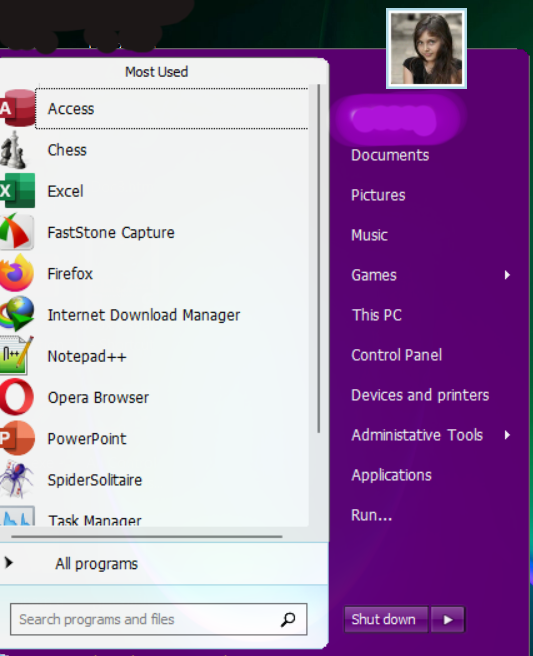
Hi Tihiy I would like to see a new feature in StartIsBack next version > I would like the number of recent programs to display to be unlimited and use vertical scroll bar to navigate through them, and keep the height of the start menu fixed or limited to not more than 2/3 of screen height . Thank you.