Skip to content
View in the app

A better way to browse. Learn more.

MSFN

A full-screen app on your home screen with push notifications, badges and more.

To install this app on iOS and iPadOS
  1. Tap the Share icon in Safari
  2. Scroll the menu and tap Add to Home Screen.
  3. Tap Add in the top-right corner.
To install this app on Android
  1. Tap the 3-dot menu (⋮) in the top-right corner of the browser.
  2. Tap Add to Home screen or Install app.
  3. Confirm by tapping Install.

ace1

Member
  • Joined

  • Last visited

  • Country

    United Kingdom
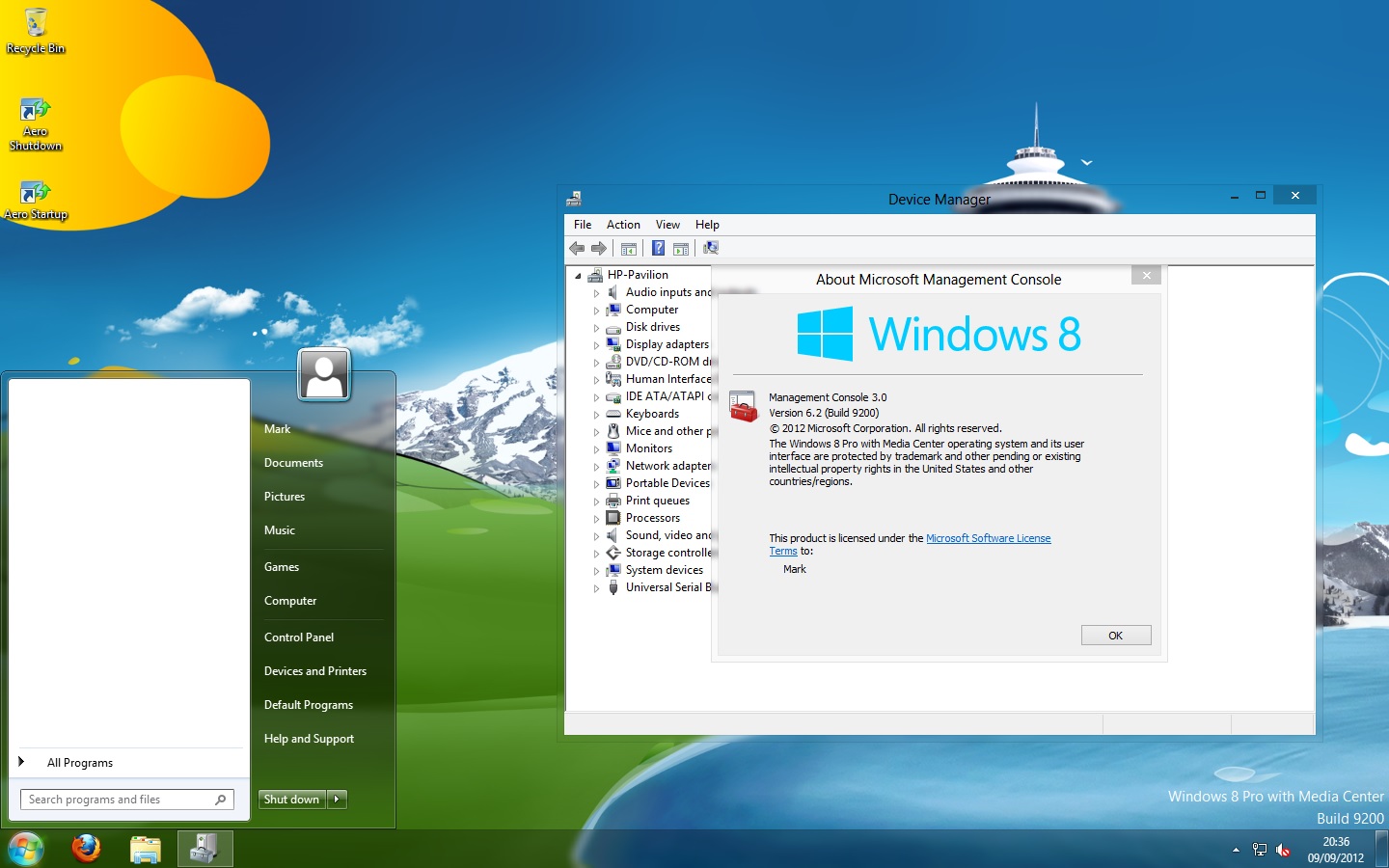
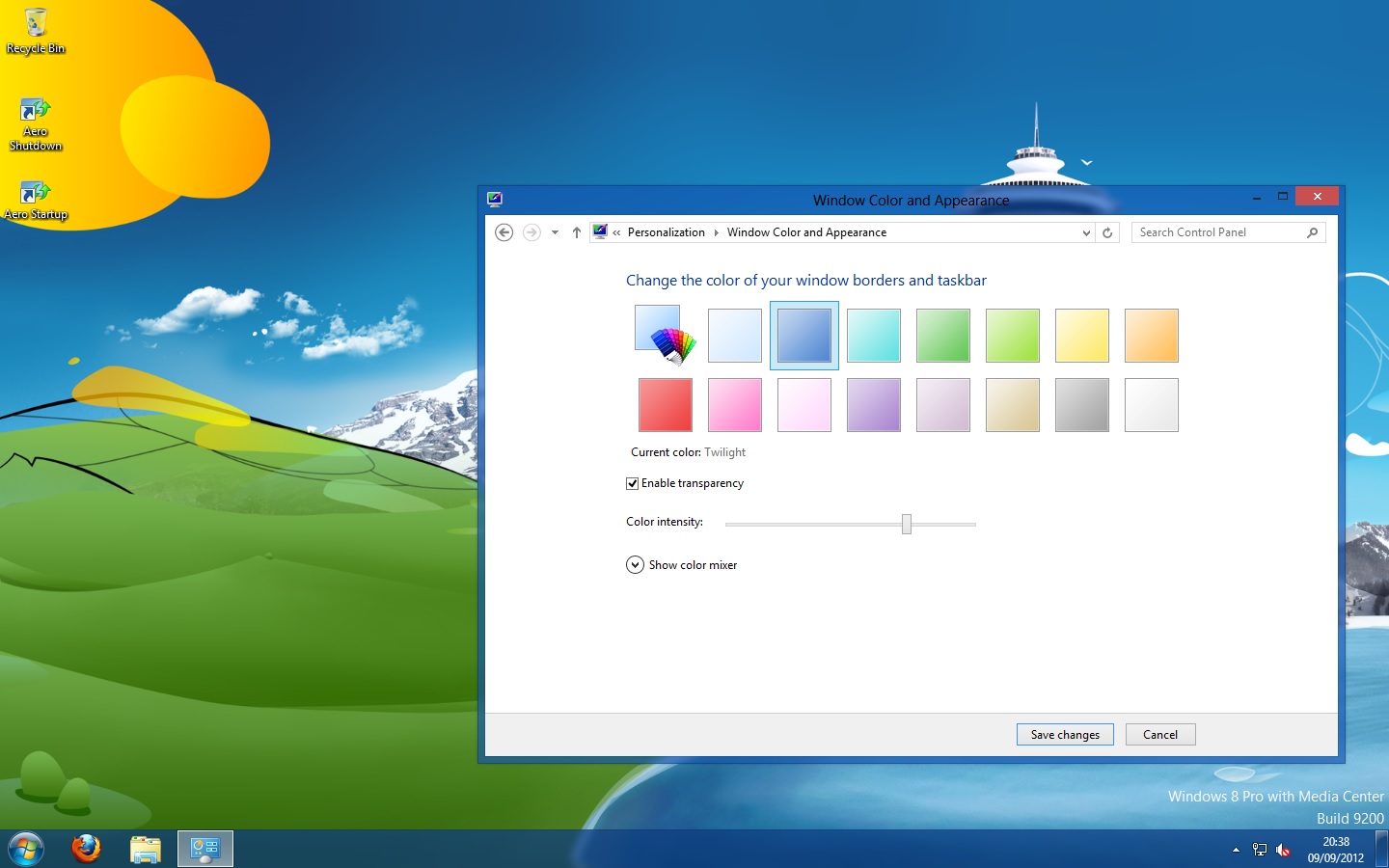
  1. @Tihiy Great work keep it up. B.T.W You derserve all the credit for being able to enable aero glass in Win8RTM. I know it not working GREAT BUT ITS A START. I think you could make it work PROPERLY, I hope you will look into IT. I will not be making any more POST
  2. NOTE: INFORMATION PROVIDED AS-IS Aero Glass For Windows 8 RTM: Everything you need.
Account

Navigation

Configure browser push notifications

Chrome (Android)
  1. Tap the lock icon next to the address bar.
  2. Tap Permissions → Notifications.
  3. Adjust your preference.
Chrome (Desktop)
  1. Click the padlock icon in the address bar.
  2. Select Site settings.
  3. Find Notifications and adjust your preference.