Everything posted by shobdoo
-
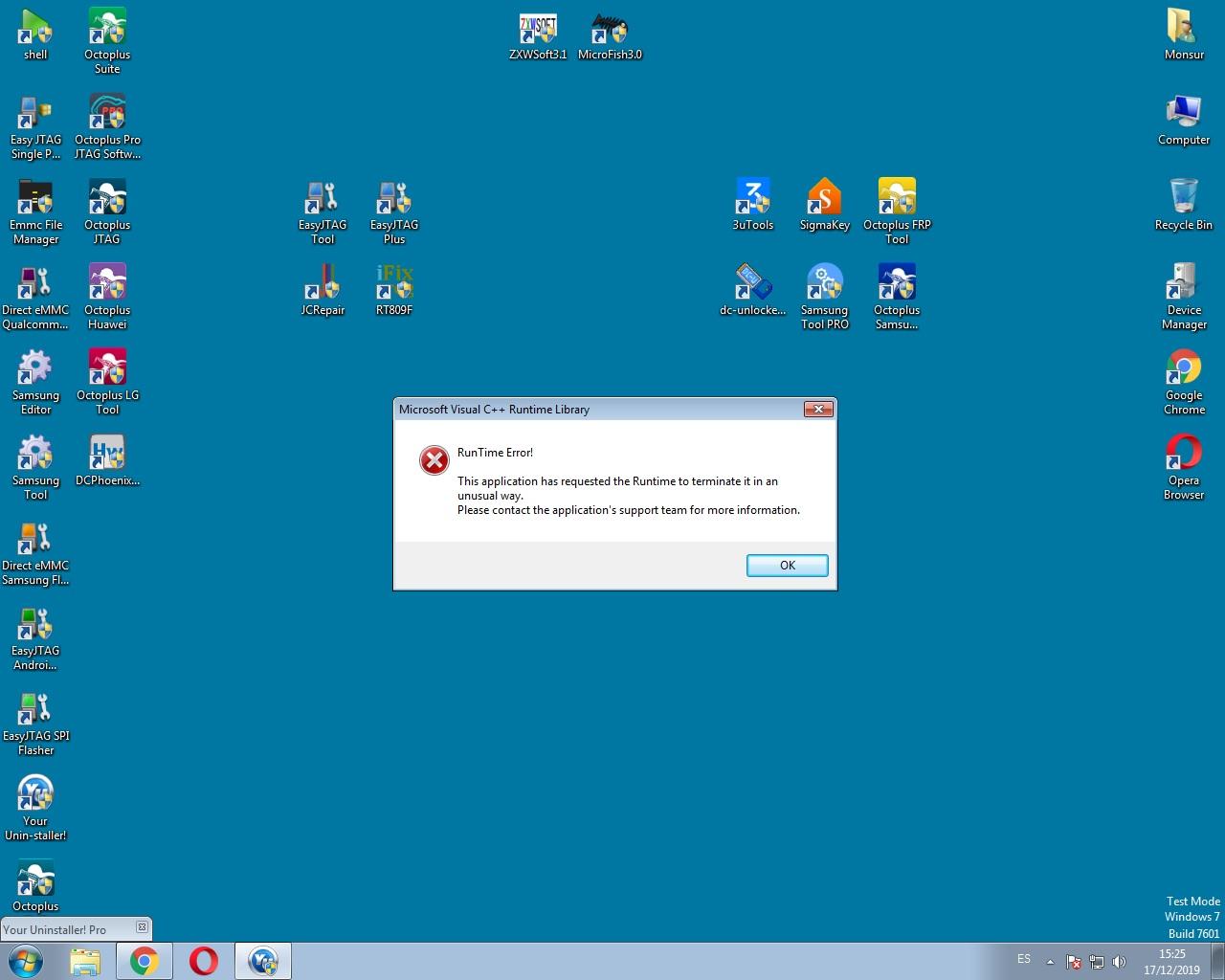
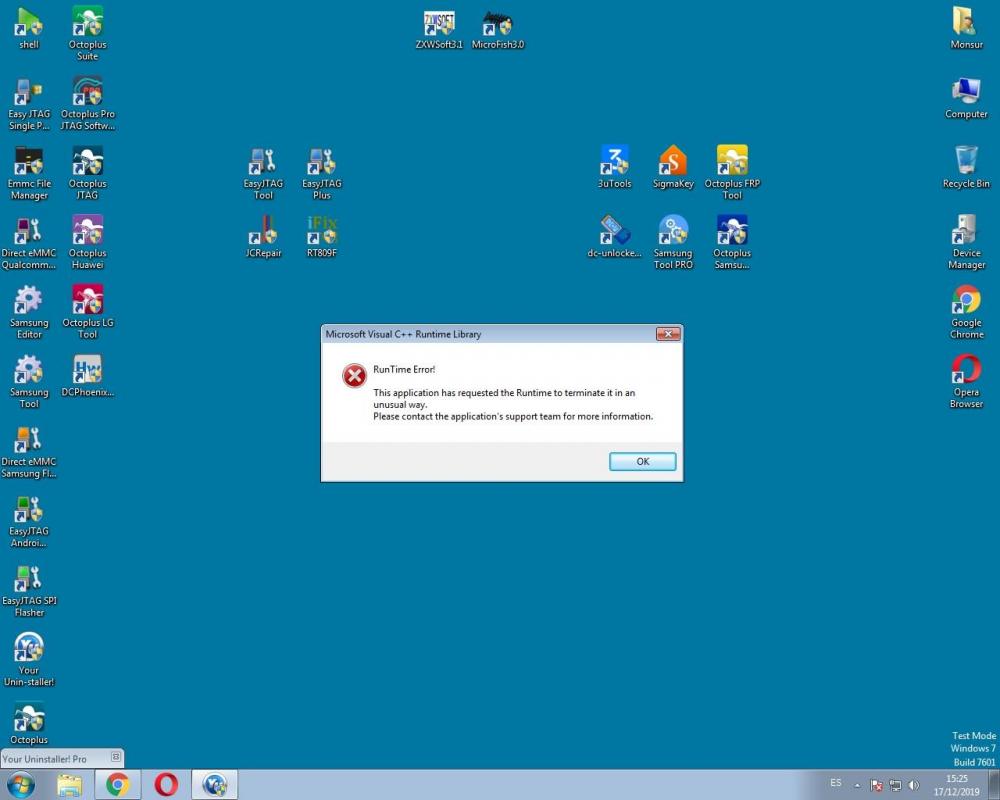
hello friends.my windows 10 giving me runtime error with all the aplications i want to run.also tried runtime aio from https://www.wincert.net/forum/topic/13930-visual-2005-2019c-redistributable-x86x64-2019-10-16/ nothing help also tried some comand like : bcdeit / IncreaseUserVA 2800 tried diferent windows with 1 pcs and my laptop (optiflex 9020) and (latitude E6330) and i am using orginal windows .both are same error with windows 7 professional and windows 10 profesional.help me please
-
ifound it InstallToolbar=0 DontRestart thanks so much
-
hello nicecube thanks : .its work nice .but its restart after install.and how to dasable avg toolbar .
-
create a regesty like this: Windows Registry Editor Version 5.00 [HKEY_LOCAL_MACHINE\SOFTWARE\CyberLink\PowerDVD10] "UI_NonTrial"=dword:00000000 "CPNav"=dword:00000002 "MustUpdateKey"=dword:00000002 "KeyUpdate"=dword:00000002 "UI_RMK"="xxxxx-xxxxx-xxxxx-xxxxx-xxxxx-xxxxx" (here is your own key) "HasCDKEY"=dword:00000001 enjoy
-
thanks work fine