



Skip to content
View in the app

A better way to browse. Learn more.

MSFN

A full-screen app on your home screen with push notifications, badges and more.

To install this app on iOS and iPadOS
  1. Tap the Share icon in Safari
  2. Scroll the menu and tap Add to Home Screen.
  3. Tap Add in the top-right corner.
To install this app on Android
  1. Tap the 3-dot menu (⋮) in the top-right corner of the browser.
  2. Tap Add to Home screen or Install app.
  3. Confirm by tapping Install.

stilatore

Member
  • Joined

  • Last visited

  • Country

    Italy

Everything posted by stilatore

  1. which version of windows 7 did you install?can you post your last session.ini? thanks in advance
  2. stilatore replied to Mayoral's topic in vLite
    where is exactly that option??i use vlite 1.2 version ------------ ok i've found it thank you
  3. stilatore replied to Mayoral's topic in vLite
    i'm getting that error too...how do you protect the dll?
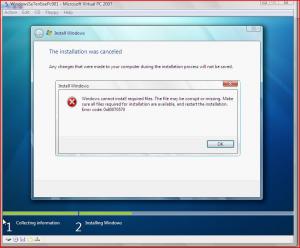
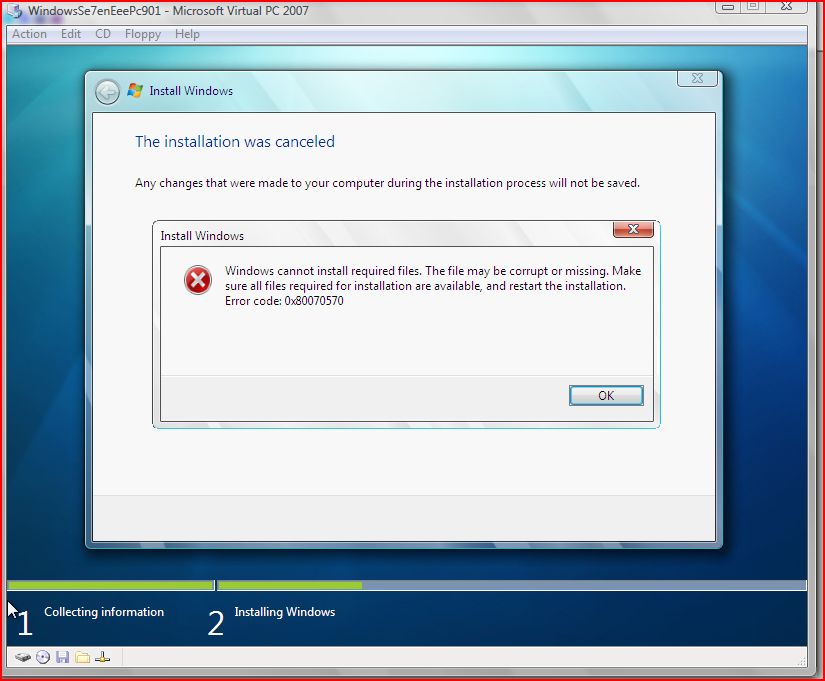
  4. srry for double posting...here is an attachments of the error i'm getting
  5. i removed exactly what you mentioned....i dont know if it is important but the build i'm using is the 7000...oh and when i boot from iso in virtual pc there is no win7 boot but only windows vista one....
  6. hello, i'm stilatore and this is my first post here.... by the way i'm getting error 0x80070570 after i have made my version of windows 7 lite using vlite... i get that error during windows 7 installation when expand file or something like that reaches 100%...
Account

Navigation

Configure browser push notifications

Chrome (Android)
  1. Tap the lock icon next to the address bar.
  2. Tap Permissions → Notifications.
  3. Adjust your preference.
Chrome (Desktop)
  1. Click the padlock icon in the address bar.
  2. Select Site settings.
  3. Find Notifications and adjust your preference.