Skip to content
View in the app

A better way to browse. Learn more.

MSFN

A full-screen app on your home screen with push notifications, badges and more.

To install this app on iOS and iPadOS
  1. Tap the Share icon in Safari
  2. Scroll the menu and tap Add to Home Screen.
  3. Tap Add in the top-right corner.
To install this app on Android
  1. Tap the 3-dot menu (⋮) in the top-right corner of the browser.
  2. Tap Add to Home screen or Install app.
  3. Confirm by tapping Install.

furby

Member
  • Joined

  • Last visited

  • Country

    United Kingdom

Everything posted by furby

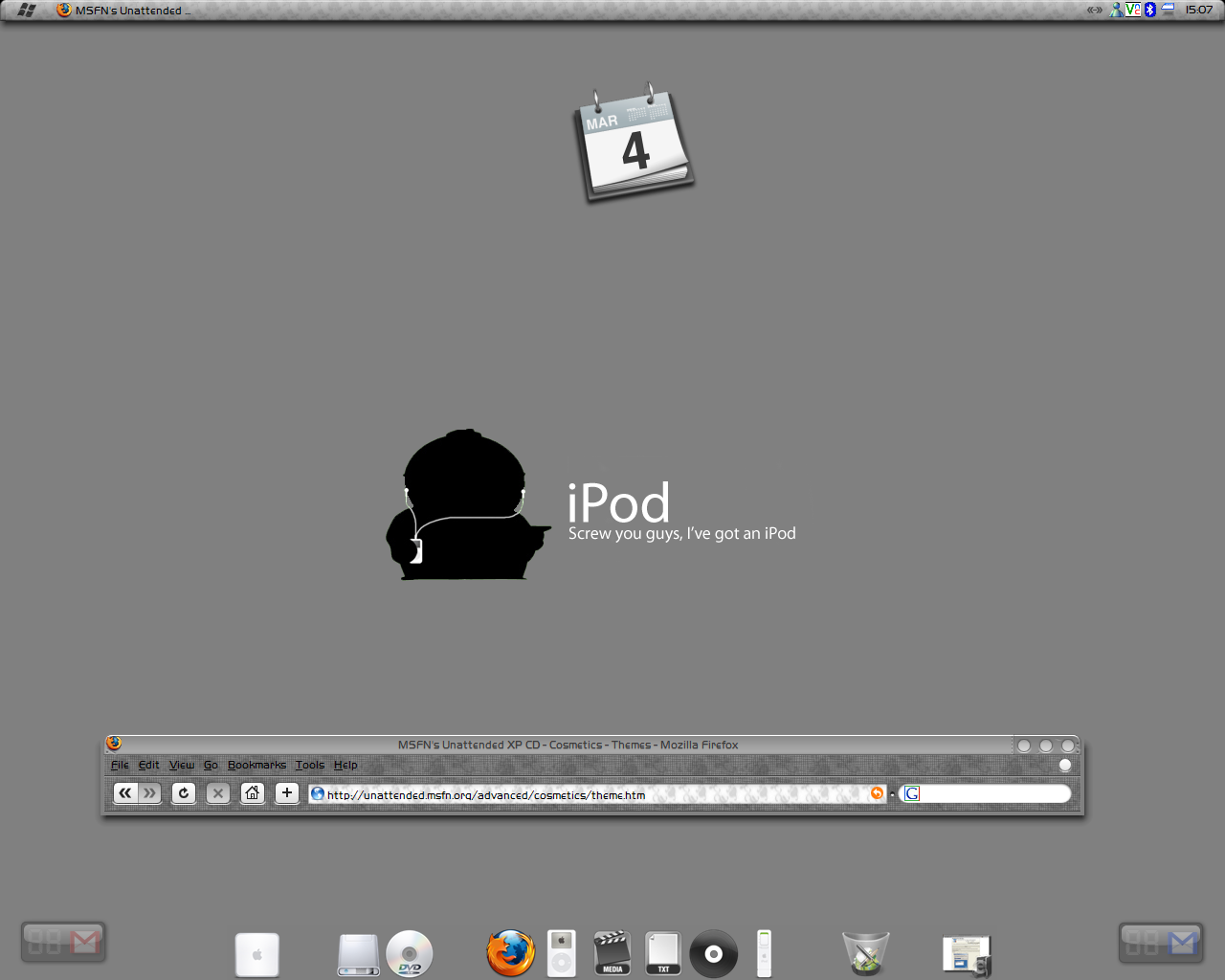
  1. Might be Ifinder or neXplorer onosx-e Findexplorer is a hack not a program i think Aqua-soft Now, to post my desktop
  2. Cool, that worked a treat. Decided to have no prompts so didn't use Default hide. Another small stumbling block on the way to perfection. I want to add YZ Shadow so: added exe and ini into \$OEM$\$Progs wanted to put shortcut into \$OEM$\$Doc\All Users\Start Menu\Programs\Startup but it won't let me create the shortcut as it says the program doesn't exist (it hasn't been created yet so understandable). How might I be able to get around this?
  3. Thanks, thought it might just be something simple. Will give it a go
  4. Hi, sorry if this is a bit of a get my unattended install to work post, but I've been going at this a while but can't make it work. I used nlite to start the process off and then used the unnatended guide to customise it a bit. I put the winnit.sif file into the I386 directory but I don't think it's reffrerd to during the install as it asks me for admin password, network settings etc. also the .cmd file doesn't start etiher. ; ; Generated by nLite 0.99.8 beta 3 ; [Data] MsDosInitiated = 0 UnattendedInstall = Yes [Unattended] UnattendMode =GuiAttended UnattendSwitch =Yes OemPreinstall =Yes OemSkipEula =Yes FileSystem =* WaitForReboot =No NoWaitAfterTextMode =1 NoWaitAfterGUIMode =1 TargetPath =Windows DriverSigningPolicy =Ignore NonDriverSigningPolicy =Ignore Hibernation =No KeyboardLayout="United Kingdom" [SystemFileProtection] SFCQuota =0 [Display] Xresolution =1280 Yresolution =1024 BitsPerPel =32 [GuiUnattended] EncryptedAdminPassword =No AdminPassword ="" AutoLogon =Yes TimeZone =85 OEMSkipRegional =1 OemSkipWelcome =1 [UserData] ProductKey ="" ComputerName =FURBY FullName ="" [Networking] InstallDefaultComponents=Yes [RegionalSettings] Language =0809 [GuiRunOnce] "%systemdrive%\install\start.cmd"


Account

Navigation

Configure browser push notifications

Chrome (Android)
  1. Tap the lock icon next to the address bar.
  2. Tap Permissions → Notifications.
  3. Adjust your preference.
Chrome (Desktop)
  1. Click the padlock icon in the address bar.
  2. Select Site settings.
  3. Find Notifications and adjust your preference.