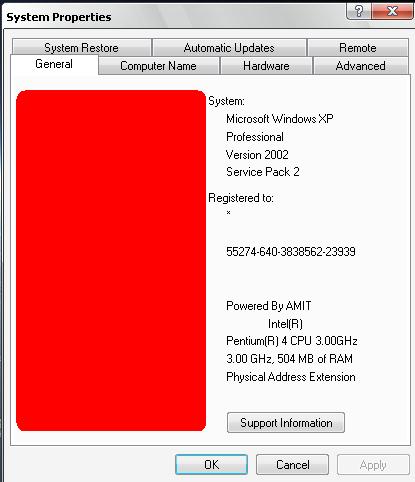
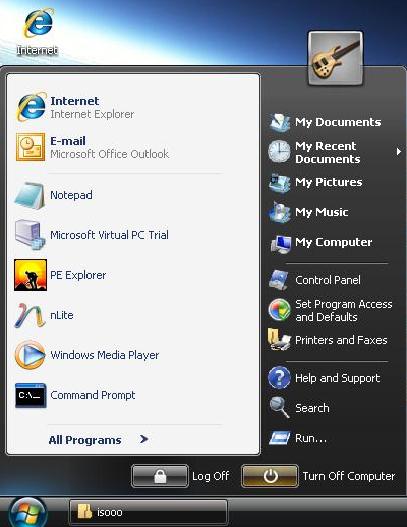
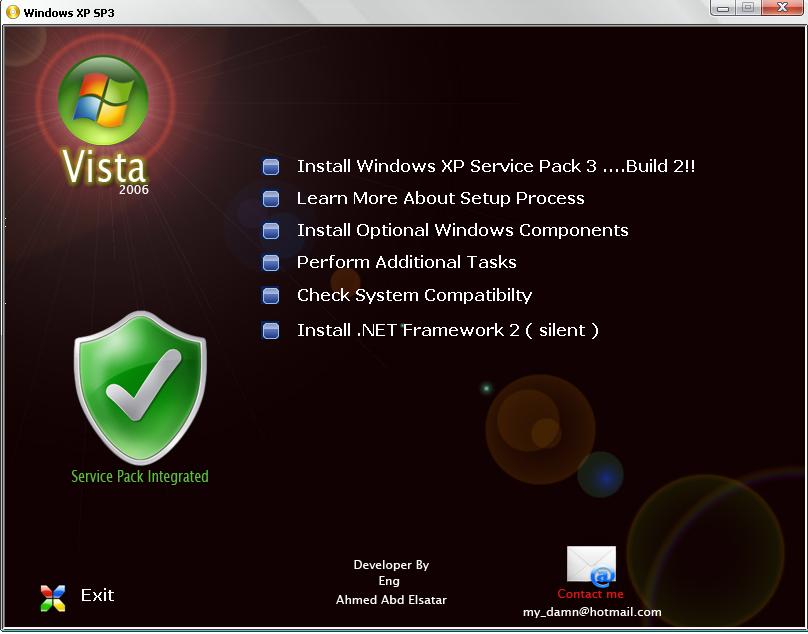
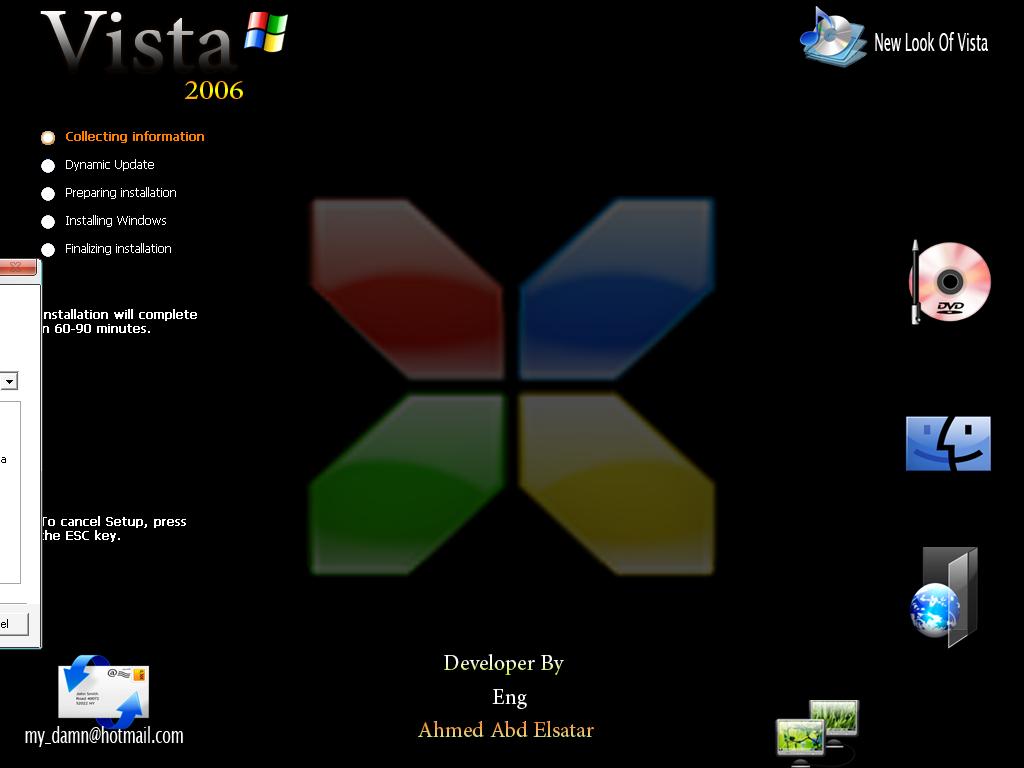
-
tray to use this files ( Search in I386 Folder ) SYSSETUP.DL_ WINNT32U.DLL
-
you r welcome
-
hi man .. i will help you download this file and go to your cd - i386 foldr - replace it with this new file ok UXTHEME.rar if you had problem send to me : my_damn@hotmail.com
-
thnxxxx
-
thnxxxxxxxx mzar
-
THNX .. MAZIN LOOK I M ONLINE EVERY DAY FROM 08:00 AM TO 03:00 PM ADD MY MAIL TO TALK TO YOU ... my_damn@hotmail.com or hard_rock_sharm@yahoo.com see you and thnx again
-
HI.. I WANT MAKE MY LOGO PIC LIKE THIS WHICH FILE IN [ I386 ] CAN I EDIT ...
-
thnks man .. very thanks .. but how can i Edit in this file to extract again
-
didnt work man .. im realy soo sad .. plz make it to me .... plzzzzzzzzzzzzzzzzzzzzz
-
but i want to Edit to make my cd .. understand me i know this .. but i want to Edit in my file to Upload it to I386 Directory ok.. i cant find the file to add this ..
-
i want to add my name Exm. or Any Thing els .. how can i make it plz

-
hi .. ok .. this is my styl .. Click To Download style X-ista and this my PSD Files .. you can Edit Any thing U need .. Click To Download PSD Files and this file is ( UXTHEME ) Is Important plz Download it .. when you finish Download this file Extract this file and Copy ( UXTHEME.dl_ ) and Go to Your XP cd - I386 Folder - and past this files .. ok .. Download UXTHEME i will upload Shill32.dll files Soooooon
-
ok .. ihave all my files .. i will upload it her ok .
-
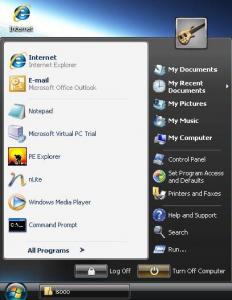
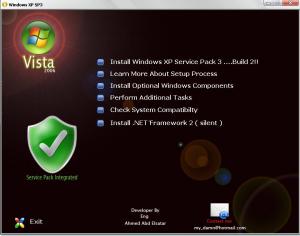
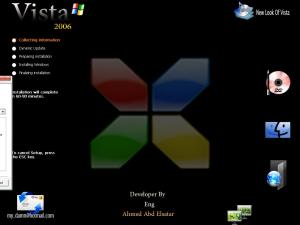
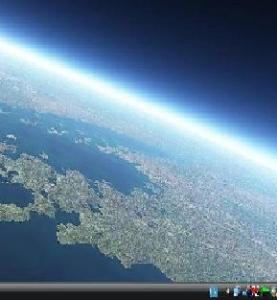
hi.. this my frist CD XP-vista new look .. i would to like yours .. click to view pic ...
-
sorry caz my English too bad so sorry again man .. i just tray ..