-
Thanks.
-
I'm new to this and wpould appreciate being pointed to a procedure for installing all the updates and .exe's that rt7 produced. Thanks
-
Thanks. Problem solved!
-
Thanks nois3 and oioldman. oioldman I'm not to swift at this yet. Do you have the code required to implement and where it goes? Thanks
-
I've been unable to find a method that will prevent the installation/activation of windows firewall in my UA install. I've tried the "[WindowsFirewall] Profiles = WindowsFirewall.TurnOffFirewall [WindowsFirewall.TurnOffFirewall] Mode = 0" approach in my winnt.sif file and it doesn't work. The problem is that when zonealarm installs the firewall blocks a part of it requiring intervention. My goal is to wind up with zonealarm installed and windows firewall either not installed or deactivated without having to address the popup from windows firewall. Would appreciate any assistance. Thanks
-
Sorry
-
Actually that's what I was looking for. Where might I find the settings for that? Thanks
-
Thanks Glenn
-
Does anyone know where the screen resolution lives in the registry? I'd like to have the res come up at a higher value at startup after an unattended install. Thanks
-
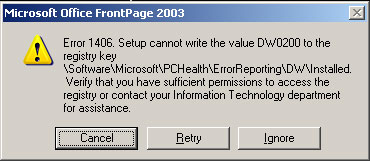
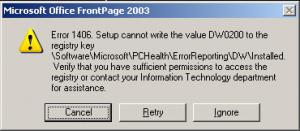
I created an install package per the directions you pointed out and it will install manually if I run the msi but when incorporated and run unattended I get this message I have no idea what it means or what to do. I would appreciate any suggestions. Thanks
-
Thanks!
-
I'm trying to create a way to install Office 2003 w/SP2 and can't get autoit to work. Can any one point me toward a way of making it quiet and unattended or a solution for the autoit problem? Would appreciate any assistance. Thanks
-
Do all the methods an procedures for adding apps etc. that are used in XP apply to win2k as well? If not what are the differences, file names etc.? Thanks
-
Thanks Doc
-
Can multiple batch files be run from cmdlines.txt and if so will they be run in the order in which they appear. I'm trying to do some silent installs and some runonce using Autoit scripts and don't know if all can be run from one batch file. Presently all apps are installed using AU3 scripts from "RunOnceEx.cmd" and work fine. I would like to try some silent installs and was thinking of running them from "batch.cmd". Any advise would be appreciated. Thanks