Skip to content
View in the app

A better way to browse. Learn more.

MSFN

A full-screen app on your home screen with push notifications, badges and more.

To install this app on iOS and iPadOS
  1. Tap the Share icon in Safari
  2. Scroll the menu and tap Add to Home Screen.
  3. Tap Add in the top-right corner.
To install this app on Android
  1. Tap the 3-dot menu (⋮) in the top-right corner of the browser.
  2. Tap Add to Home screen or Install app.
  3. Confirm by tapping Install.

da_gemini0604

Member
  • Joined

  • Last visited

  • Country

    Taiwan

Everything posted by da_gemini0604

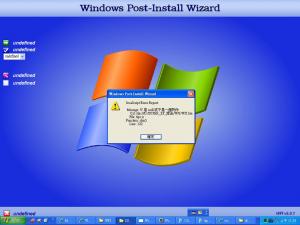
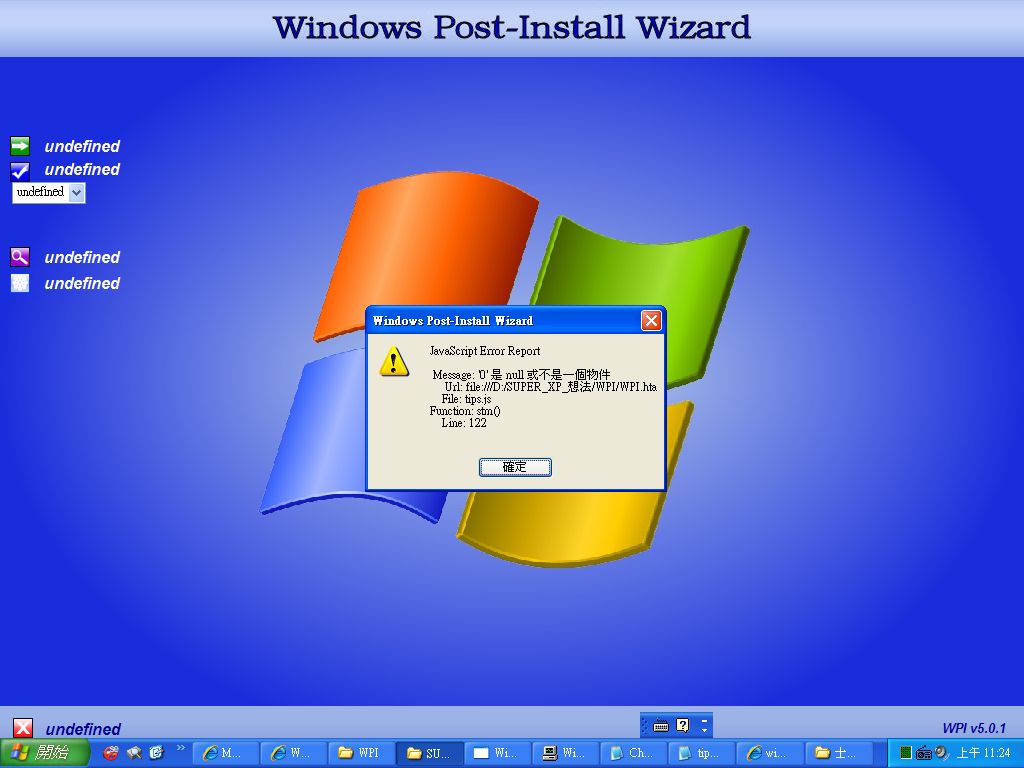
  1. Another question... The message say.... ''Java script error report file:tips.js function:stm() line:122'' Does it mean that with some change to line 122 i still could keep the process go? Thanks for your help
  2. yes can it be doen with a chinese os environment? or i need to find an English version xp?
  3. right... could it be solved? Thanks for anything....
  4. i have a problem opening wpi.htm~~ help..
  5. Kelsenellenelvian maybe it is a stupid question.... but it search me out... i've download WPI_5.1 and according to the turtorial page '' open wpi.hta '' and it is how it happen like the pic show there what would i do?...... Thanks for your help.
  6. plz help me..... i dont know how it happe.. i search on all the net but still can't find a clue.... plz help me...... it is very important to me.. thanks i dont know how to describe it plz see attached file thanks
Account

Navigation

Search

Search

Configure browser push notifications

Chrome (Android)
  1. Tap the lock icon next to the address bar.
  2. Tap Permissions → Notifications.
  3. Adjust your preference.
Chrome (Desktop)
  1. Click the padlock icon in the address bar.
  2. Select Site settings.
  3. Find Notifications and adjust your preference.