Everything posted by MStest
-
Removed
-
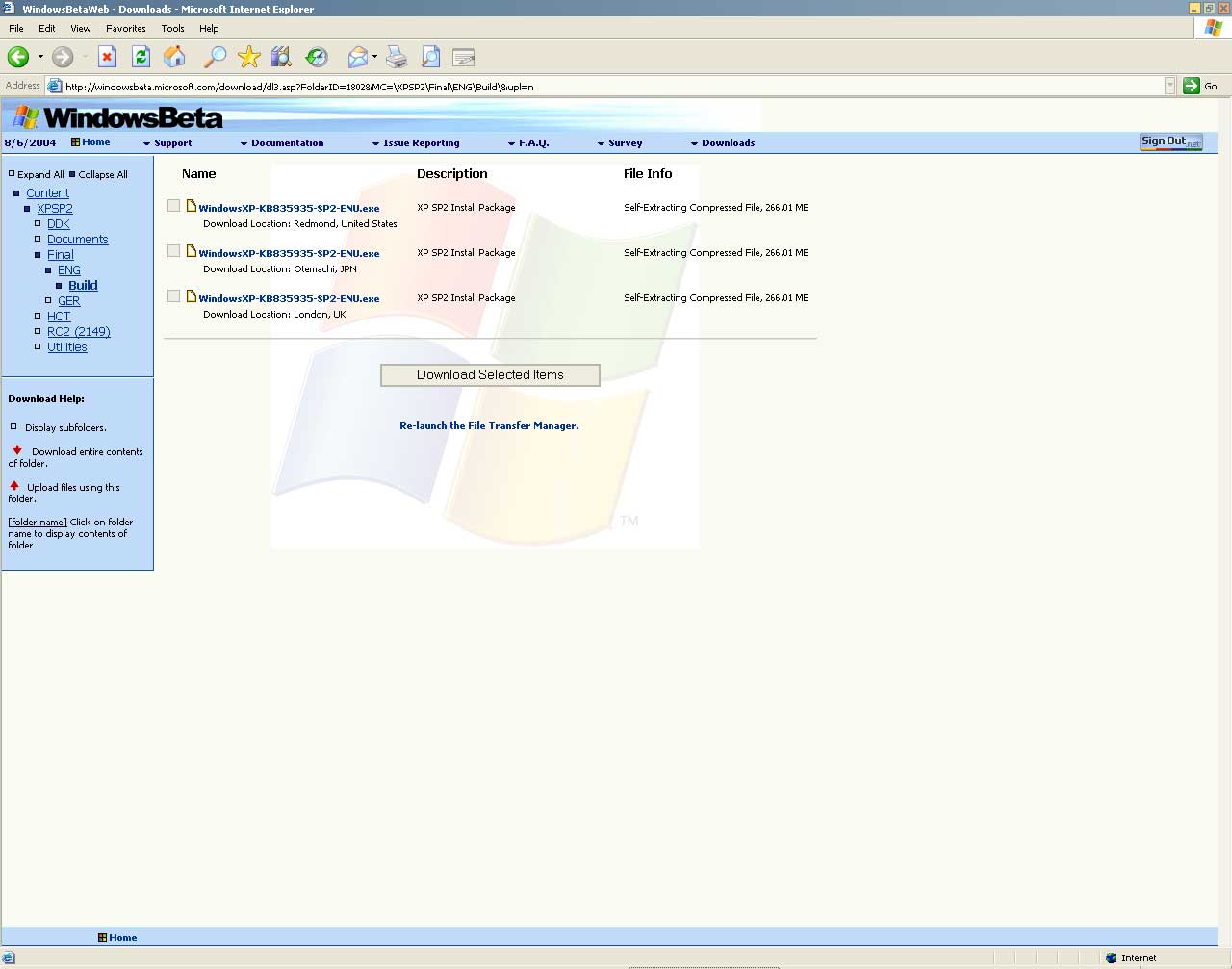
Update: 2180 completed to last night, and basic determination for finally RTM issue edition 2181 no longer continues The truncation chart later emits Peacefully packages us to plan provides to the tonight If MSFN rule dont Permission post download link ,please remove it! Removed by Admin
-
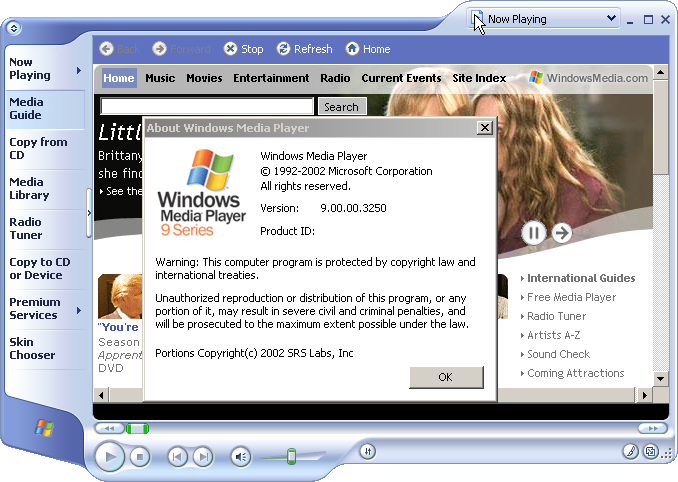
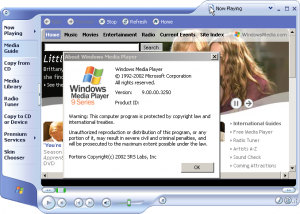
Screen shot : wmp
-
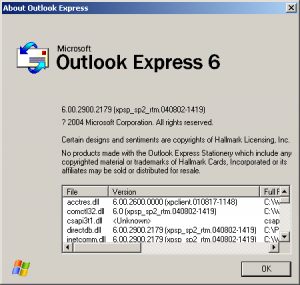
Screen shot : oe ver
-
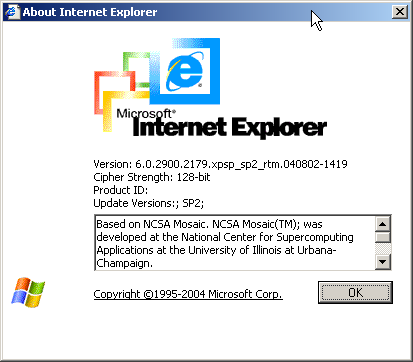
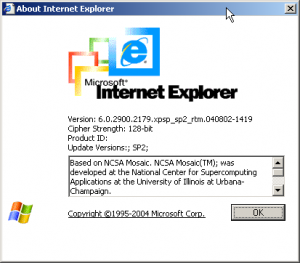
Screen shot : ie ver
-
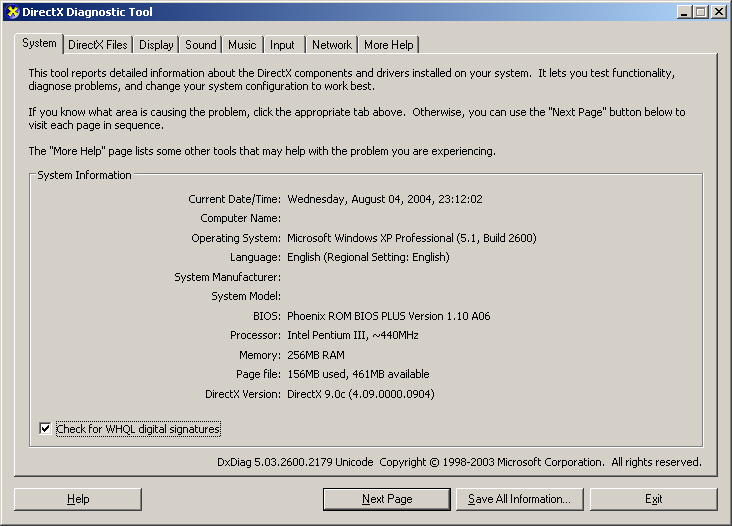
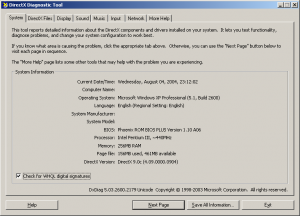
Screen shot : directx
-
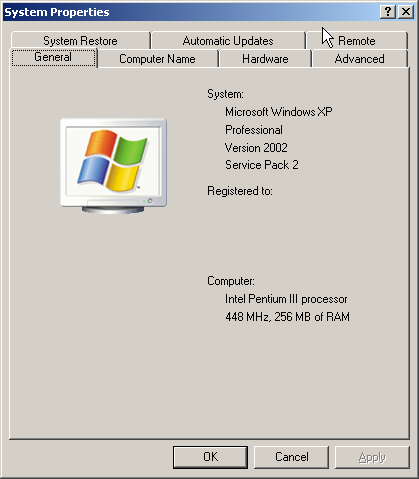
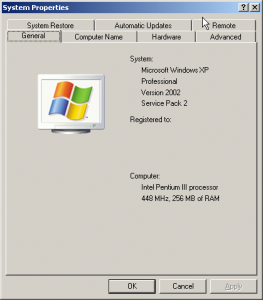
Screen shot : system prop
-
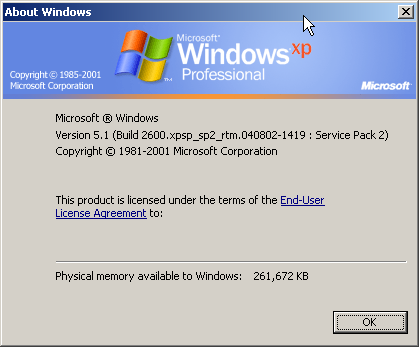
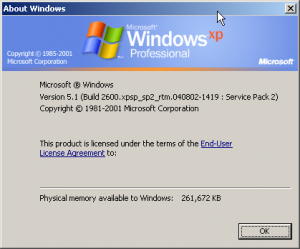
Build 2179 already completes, Build 2180 also in carrying on, but when I post my method at the same time on August 3, perhaps really should that speech, Microsoft official not announce in front of the news nobody could confirm any news... while convenient post some screen shot (build 2179).. Screen shot : winver
-
According to the Microsoft interior news, Windows XP SP2 RTM build locking will be 2178, edition mark: 6.00.2900.2178 (xpsp_sp2_rtm.040730-1822)
-
Removed by Doggie - No warez buddy
-
dasm sfcfile.dll, you can find WFP files list
-
build 2144, build tag: 6.00.2900.2144 (xpsp.040601-1829).
-
Windows XP SP2 build v2138 Download from a winxp SP1 Machine! WARNING: dont use with corp versions of winXP, it will ask to re-activate :S
-
Does anyone know how to Slipstream SP3A to MS SQL 2000 ? Thanks!
-
1:[setupParams] Answer File = Unattend.txt/winnt.sif This section is used to run an additional post-Setup command. It contains a single entry, UserExecute. The command specified with UserExecute runs immediately after Setup completes. Entry Description UserExecute Specifies the command or application to run after Setup completes. Sample This sample demonstrates one use of the [setupParams] section of Unattend.txt. [setupParams] UserExecute="C:\folder1\folder2\example.exe /s1 /s2" 2:[FavoritesEx] Answer File = Unattend.txt/winnt.sif The [FavoritesEx] section contains the default Favorites settings for the Windows browser. If not present, Setup uses the default for Microsoft® Windows®. Sample This sample demonstrates one use of the [FavoritesEx] section of Unattend.txt. [FavoritesEx] Title1 = MSN.url URL1 = http://www.microsoft.com/ Title2 = MSNBC.url URL2 = http://www.msnbc.co 3:[GuiUnattended] ProfilesDir Answer File = Unattend.txt/winnt.sif Specifies the location of Windows XP or Windows Server 2003 family profiles. Syntax ProfilesDir = path_to_profile_folder Value path_to_profile_folder Default Value "%SYSTEMDRIVE%\Documents and Settings" Example: ProfilesDir = "%SYSTEMROOT%\Profiles" Comments This entry is useful if you require new installations to use the same profile folder as Windows NT 4.0 or Windows 2000. This entry is valid only on clean installations of Windows XP or Windows Server 2003 family. Setup ignores this entry during upgrades. The specified directory can contain an environment variable such as %SYSTEMDRIVE% or %SYSTEMROOT%. Enclose path_to_profile_folder in quotation marks if it is a long file name or if it contains an environment variable.
-
Make sure the file "winnt.sif" [unattended] UnattendMode=FullUnattended OemPreinstall=Yes 1)put your OEMKrnl.exe to $oem$\$$\system32; 2)Edit \i386\hivesft.inf, add the line under [AddReg] section: HKLM,"SOFTWARE\Microsoft\Windows\CurrentVersion\RunOnce","bootfix",0x00020002,"%systemroot%\SYSTEM32\bootcfg.exe /RAW /A /Kernel=OEMKrnl.exe /ID 1" ;Windows will boot your OEM scr after setup finished
-
I want to make a miniwindows xp setup cd , I had try to remove some language group files in the \i386\lang , such as fonts/ime/keyboard , this maybe saved about 50M , and then I edit the files named "INTL.INF" in the \i386 , remove all unuse language group setting . but when I install windows xp during GUI , I get a error " windows setup can't find files xxxx.im_ "?