Everything posted by tom9191
-
nothing...the only thing i can do is restart with the button on the computer case..
-
It gets stuck by mouse not moving anymore...
-
The torrent i downloaded were not illegal, not all torrents are illegal, but now i cant tell wat i downloaded cas it was a long time ago. My XP is an unattended XP. Specs of my PC- AMD Athlon 64 3200+, ASUS A8N-SLI, 1.5GB RAM, Creative Audigy 2ZS, HD's-1 IDE(120gb) and 2 SATA(80gb and 200) Thanks
-
Hi, I have a problem on my computer when i install windows xp, it installs with no problems, runs fast, but when i download something from a torrent site for example, the computer gets stuck and stays like dat..i have SATA and i dont install da drivers before windows xp installation cas it gives me an error, does it get stuck because i dont install tha sata drivers? Thanks ahead
-
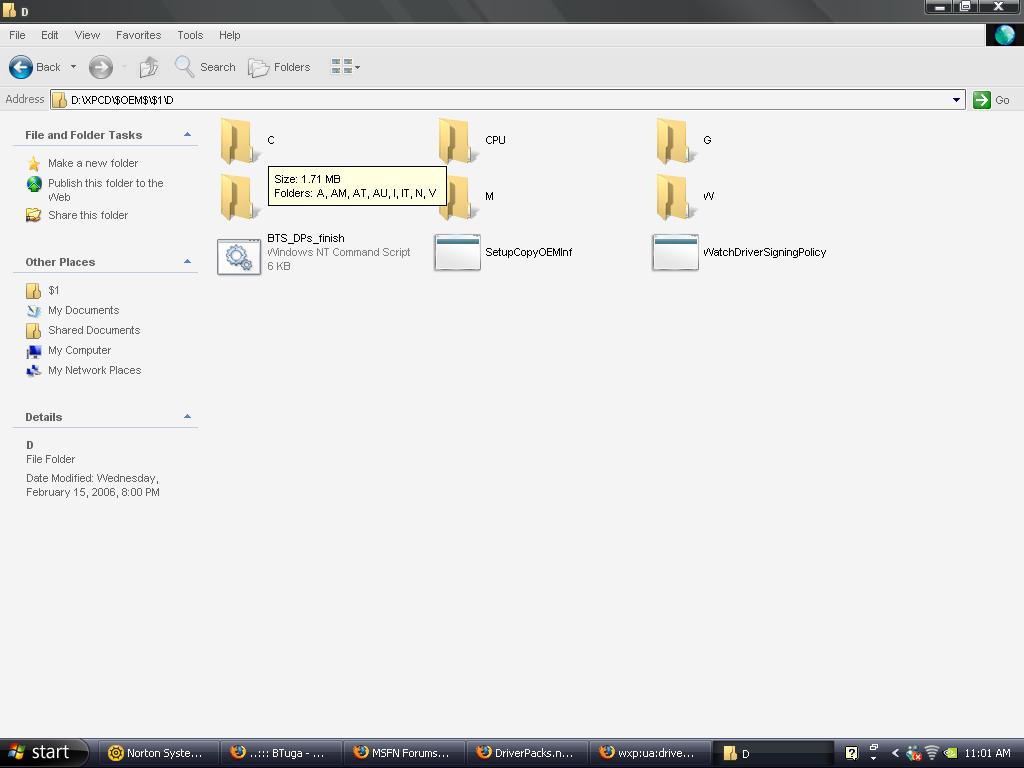
Hi..its like dis..i already have da drivers pack of Bâshrat the Sneaky's DriverPacks and i extracte4d dem and wat appears is da image inn da attachment..xD
-
Hi. im new to this forum and this is my first post.. so.. here comes my doubt..its like dis i donwloaded da driver pack and i extracted dem but it appears as d/c/1/... etc.. is it suppose to be like dis?? am i suppose to do anything more?? thnx ahead..