Skip to content
View in the app

A better way to browse. Learn more.

MSFN

A full-screen app on your home screen with push notifications, badges and more.

To install this app on iOS and iPadOS
  1. Tap the Share icon in Safari
  2. Scroll the menu and tap Add to Home Screen.
  3. Tap Add in the top-right corner.
To install this app on Android
  1. Tap the 3-dot menu (⋮) in the top-right corner of the browser.
  2. Tap Add to Home screen or Install app.
  3. Confirm by tapping Install.

kernel93

Member
  • Joined

  • Last visited

  • Country

    France

Everything posted by kernel93

  1. Hi to all, I did like to know : - where is the runonce.inf file (i386 folder or another location ?) - how I can run it ? Thanks for your help.
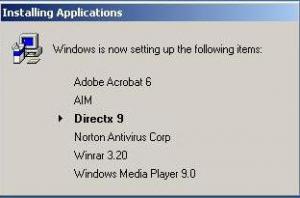
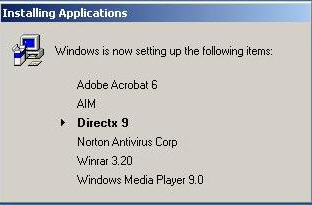
  2. Hi, I have my multiboot DVD and I did like to run some install programs just after the Windows installation, at the first logon (see the screen copy in attach file at this post) So, in the http://gosh.msfnhosting.com/using_runonceex.htm article, I seen the infos about "runonceex.inf" file BUT : - What is the location of this file ? Where I must place it ? - How I do to run it automatically ? By example, if I put manually the HKLM -> RunOnce -> install01 (dword) with the value e:\setup\mysofts\reader7.exe (note "runonce" and NOT "runonceex" key), it's good, perfect ! THANKS TO ALL FOR YOUR HELP

  3. Hi to all, I did like to know : - where is the runonce.inf file (i386 folder or another location ?) - how I can run it ? Thanks for your help.
  4. Hi, I'm searching a free tool to reduce the ISO image size similar of Linux DVD installation where more 4Gb are burnst only on one DVD... Thank you for your help.

Account

Navigation

Configure browser push notifications

Chrome (Android)
  1. Tap the lock icon next to the address bar.
  2. Tap Permissions → Notifications.
  3. Adjust your preference.
Chrome (Desktop)
  1. Click the padlock icon in the address bar.
  2. Select Site settings.
  3. Find Notifications and adjust your preference.