Everything posted by PatrickDL
-
it seems doesn't work with my nvidia C51 motherboard.
-
No. After I installed the win2003, my video card was recognized using the generic driver, but my sound card was not recognized. I wished I backuped the reg files at the begining so I can go back to the original setup. As for the devcon, where can I get it ? it's not in the system32 directory. I am looking for it in the recovery console now.
-
I put them in the attached batch file. These are the files needed to play video in media player after you have media player runing. There are more dll file required to have media player running. Media player will ask for them and you know where to look for them. can't attach bat file. I renamed to a text file. mediaplayer.txt
-
Thanks Aegis. Just enabled the audio service from recovery console and copied the audiosrv.dll file. still no sound, I guess i didnt' install the sound driver beforehand. My sound card is a realtek ac'97, unlike the video card, windows doesn't recognize it automatiallly. I think i have to reinstall my win2003. I got the media player to play video(no sound). it's not the acm files. I have to coped a few dll files back to the system32 directory.
-
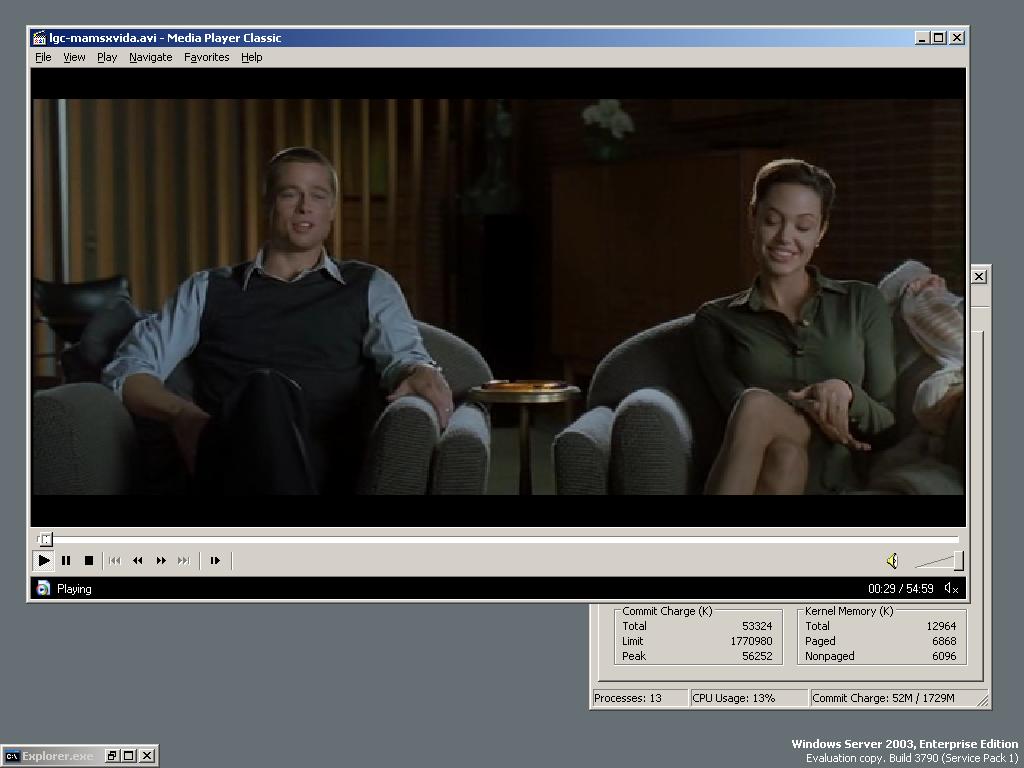
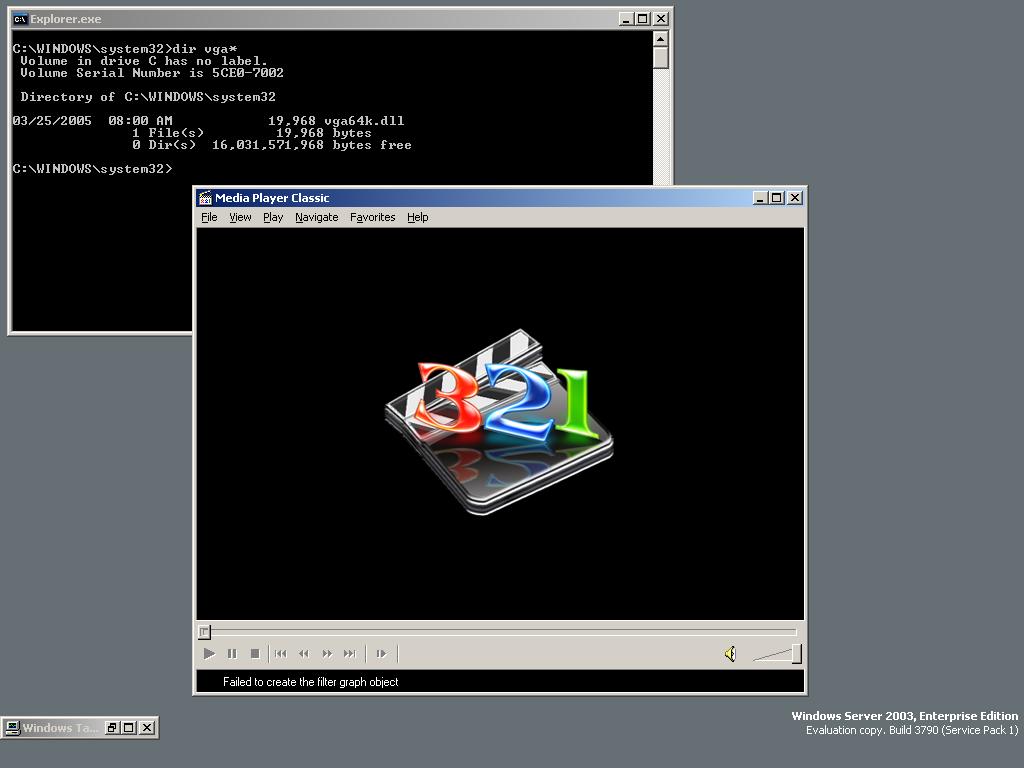
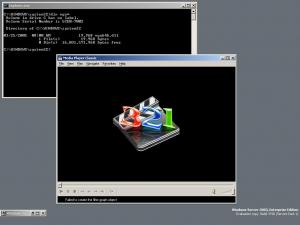
i deleted vga.dll and vga256.dll and my system is still running fine. only the vga64k.dll is needed. I forgot to enable my audio service beforehand. How do I enable it now? I also have a list of serivces I will need such as (plug and play). I tried to run service.msc but it's not working. also what do you guys recommend for a video(divx) player? I can't get media player classic to work. The error code is showed in my screen shot.
-
Thanks Aegis. I confirmed the vga files works.
-
anyone konws how to change my display setting? or install a new video driver? I tried to run command "rundll shell32.dll,Control_RunDLL" , but it doesnt work .
-
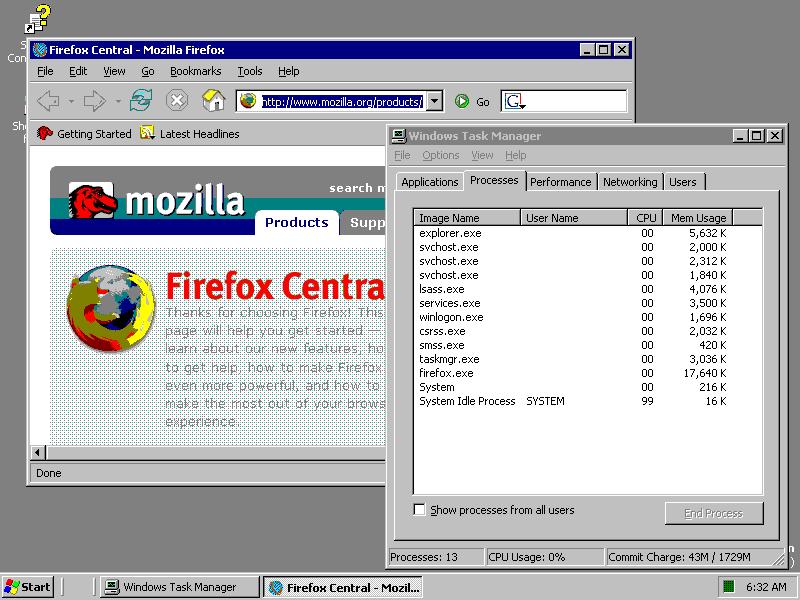
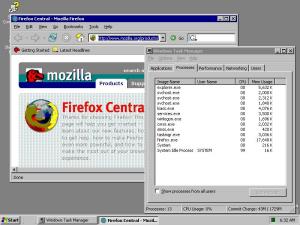
I just started this project for my car. I used taskmgr as shell and the commit charge is 29mb now.