Skip to content
View in the app

A better way to browse. Learn more.

MSFN

A full-screen app on your home screen with push notifications, badges and more.

To install this app on iOS and iPadOS
  1. Tap the Share icon in Safari
  2. Scroll the menu and tap Add to Home Screen.
  3. Tap Add in the top-right corner.
To install this app on Android
  1. Tap the 3-dot menu (⋮) in the top-right corner of the browser.
  2. Tap Add to Home screen or Install app.
  3. Confirm by tapping Install.

Blue_ray

Member
  • Joined

  • Last visited

  • Country

    Indonesia
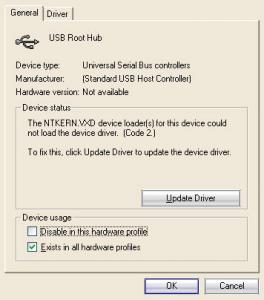
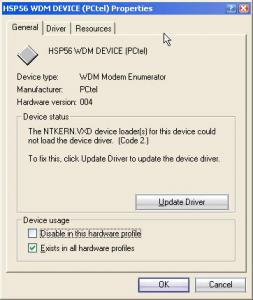
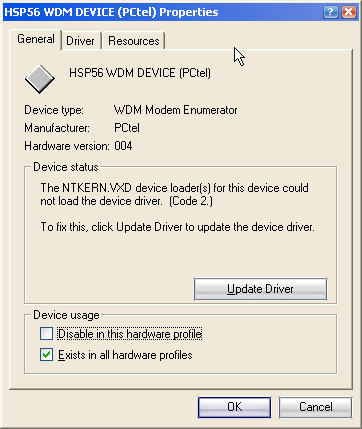
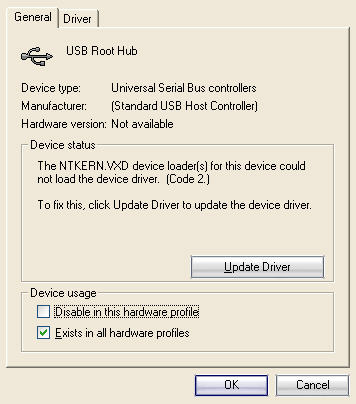
  1. hi MDGX. i have another problem. after install 98se2me my usb and modem doesn't work. here i post the screen
  2. what kind of detail did you mind. i think maybe the problem it's from the mouse driver. i try to run my com with step n step confirmation. everything it's ok, and then the com say can't load mouse.drv. if i enter my com shut down. sorry for my english...
  3. i have install 98se2me. after the computer reboot. ans show the win98se startup screen, the my computer shutdown. can anyone help me?.......... thanks
Account

Navigation

Configure browser push notifications

Chrome (Android)
  1. Tap the lock icon next to the address bar.
  2. Tap Permissions → Notifications.
  3. Adjust your preference.
Chrome (Desktop)
  1. Click the padlock icon in the address bar.
  2. Select Site settings.
  3. Find Notifications and adjust your preference.