



Skip to content
View in the app

A better way to browse. Learn more.

MSFN

A full-screen app on your home screen with push notifications, badges and more.

To install this app on iOS and iPadOS
  1. Tap the Share icon in Safari
  2. Scroll the menu and tap Add to Home Screen.
  3. Tap Add in the top-right corner.
To install this app on Android
  1. Tap the 3-dot menu (⋮) in the top-right corner of the browser.
  2. Tap Add to Home screen or Install app.
  3. Confirm by tapping Install.

allpicI2c

Member
  • Joined

  • Last visited

  • Country

    Italy

Everything posted by allpicI2c

  1. scuse my bad english i'm french so i would like to know how to place the recycle bin on higt left because at the fisrt boot it is on right down see the two screen i think you understand better with screen is there a reg tweak to do that? thank you have a good day win xp pro french french update pack from [url="http://forum.upd.fr/"]ELUpdatePack et Addons[/url] rvmi 1.5.1 i' don' use $OEM$ folder, only inf, bat and files first boot and i would like that
  2. up nobody know?
  3. up nobody?
  4. yes the lastest ver of Nlite and i can't find where it write that
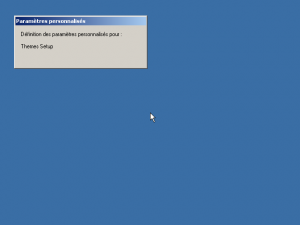
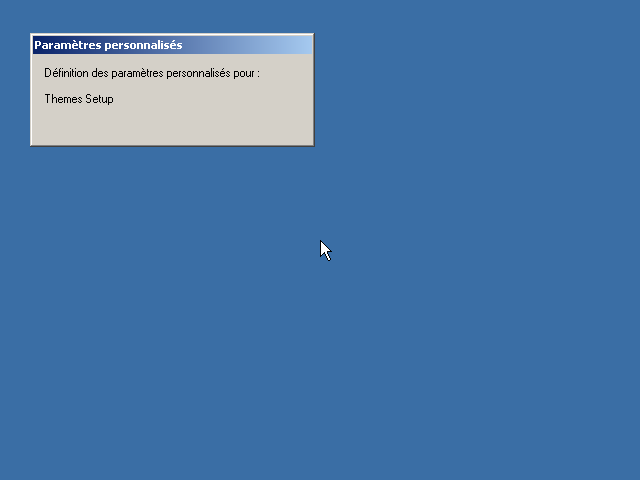
  5. hi everybody so scuse my bad english but i'm french well how can i remove this config on the first boot (on the screenshot) here m'y session ini
Account

Navigation

Configure browser push notifications

Chrome (Android)
  1. Tap the lock icon next to the address bar.
  2. Tap Permissions → Notifications.
  3. Adjust your preference.
Chrome (Desktop)
  1. Click the padlock icon in the address bar.
  2. Select Site settings.
  3. Find Notifications and adjust your preference.