-
try this thread... http://www.msfn.org/board/index.php?showtopic=48883
-
i think i may have to make my own cause im not finding anything. changing color depth,sizes, nothing works. done 5 different cd's and never had a problem, its something simple i know. but i dont want to spend 2 days finding it..lol. hey thanks for help!
-
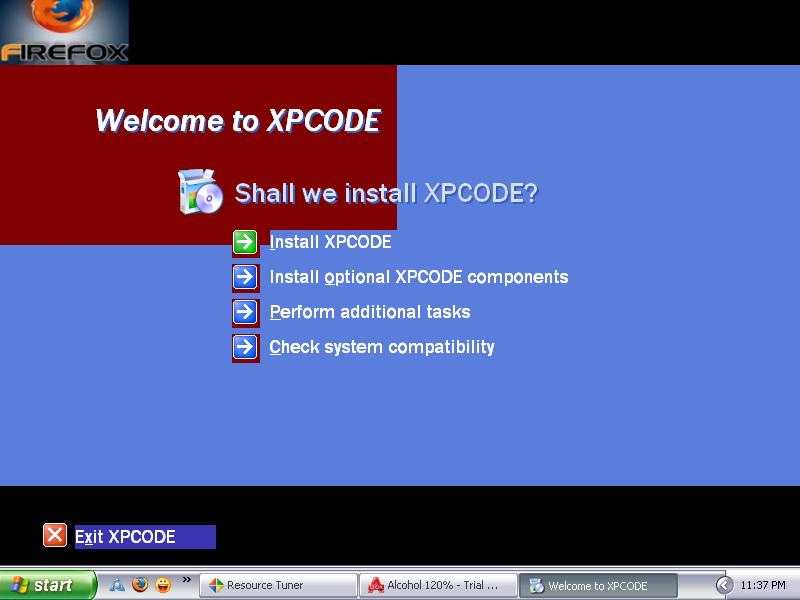
thanks for reply alanoll...sorry i didint get back sooner,but to answer your question, no. i didnt edit the autorun file. i edited the setup.exe file. specifically bitmap 112-113,and 612-613 for the red. i used alcohol 120 to mmount the image and that is what showed. my winntbbu.dll file works great. i must be missing a bitmap somewhere that needs edited,not sure yet. im off work today so im gonna play around with it some more. thanks for the help though. take care!
-
well thank you very much for answering my question....and next time ill be more informative
-
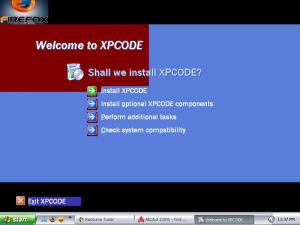
hello all , i am having a problem with this section.... not sure where i went wrong. i used same sizes so the red should have covered all the blue. im just not understanding why it didnt cover the blue. and then where it says exit i cant find where to change that blue part. any help for a novice ? thank you in advance!