Skip to content
View in the app

A better way to browse. Learn more.

MSFN

A full-screen app on your home screen with push notifications, badges and more.

To install this app on iOS and iPadOS
  1. Tap the Share icon in Safari
  2. Scroll the menu and tap Add to Home Screen.
  3. Tap Add in the top-right corner.
To install this app on Android
  1. Tap the 3-dot menu (⋮) in the top-right corner of the browser.
  2. Tap Add to Home screen or Install app.
  3. Confirm by tapping Install.

Chamz5

Member
  • Joined

  • Last visited

  • Country

    Australia
  1. G'day! After much searching I have found a solution that works for me its a program (exe file) developed by Dell that enables the use of low powered USB divices on windows NT systems. I am using a pen drive/memory stick with no problems.... If there are any drawbacks, it's that the USB device must be formatted as FAT only (not even FAT32). This seem to be ok, as I can use the device with both of my machines, NT & XP..... Hope this helps someone! Oh, & make sure you have at least SP6 installed! NT SP6a Here's the link for the USB Driver, Dell USB Driver For NT Chamz5

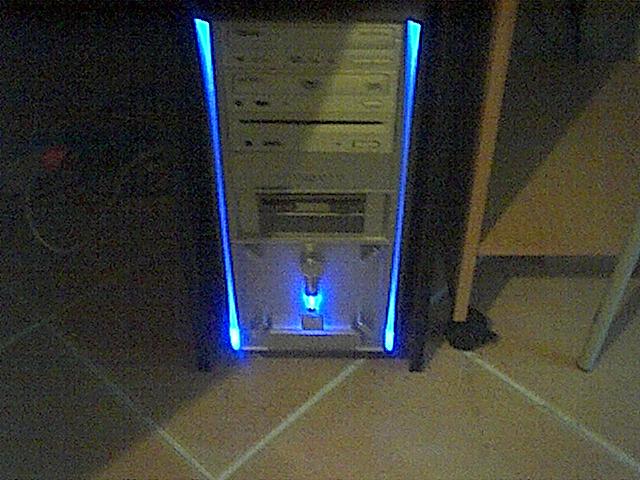
  2. Hi All! My name is Craig & I have recently stumbled across this great forum! I have a keen interest in building systems & all thing computer related My current system specs are: Asus P4R800-VM Mainboard P4 3.0Ghz "Prescott" CPU 1Gb DDR 2700 333Mhz Sony 16x DVD Lite-On 4x DVD+/-RW SOHW-832S Pioneer 24x CDROM 3x 20Gb Seagate Hard Drives 1x 40Gb Maxtor Hard Drive Have a great day!

Account

Navigation

Configure browser push notifications

Chrome (Android)
  1. Tap the lock icon next to the address bar.
  2. Tap Permissions → Notifications.
  3. Adjust your preference.
Chrome (Desktop)
  1. Click the padlock icon in the address bar.
  2. Select Site settings.
  3. Find Notifications and adjust your preference.