Skip to content
View in the app

A better way to browse. Learn more.

MSFN

A full-screen app on your home screen with push notifications, badges and more.

To install this app on iOS and iPadOS
  1. Tap the Share icon in Safari
  2. Scroll the menu and tap Add to Home Screen.
  3. Tap Add in the top-right corner.
To install this app on Android
  1. Tap the 3-dot menu (⋮) in the top-right corner of the browser.
  2. Tap Add to Home screen or Install app.
  3. Confirm by tapping Install.

senoj26

Member
  • Joined

  • Last visited

  • Country

    United States

Everything posted by senoj26

  1. Auto-update didn't run and I forgot to look, thanks!
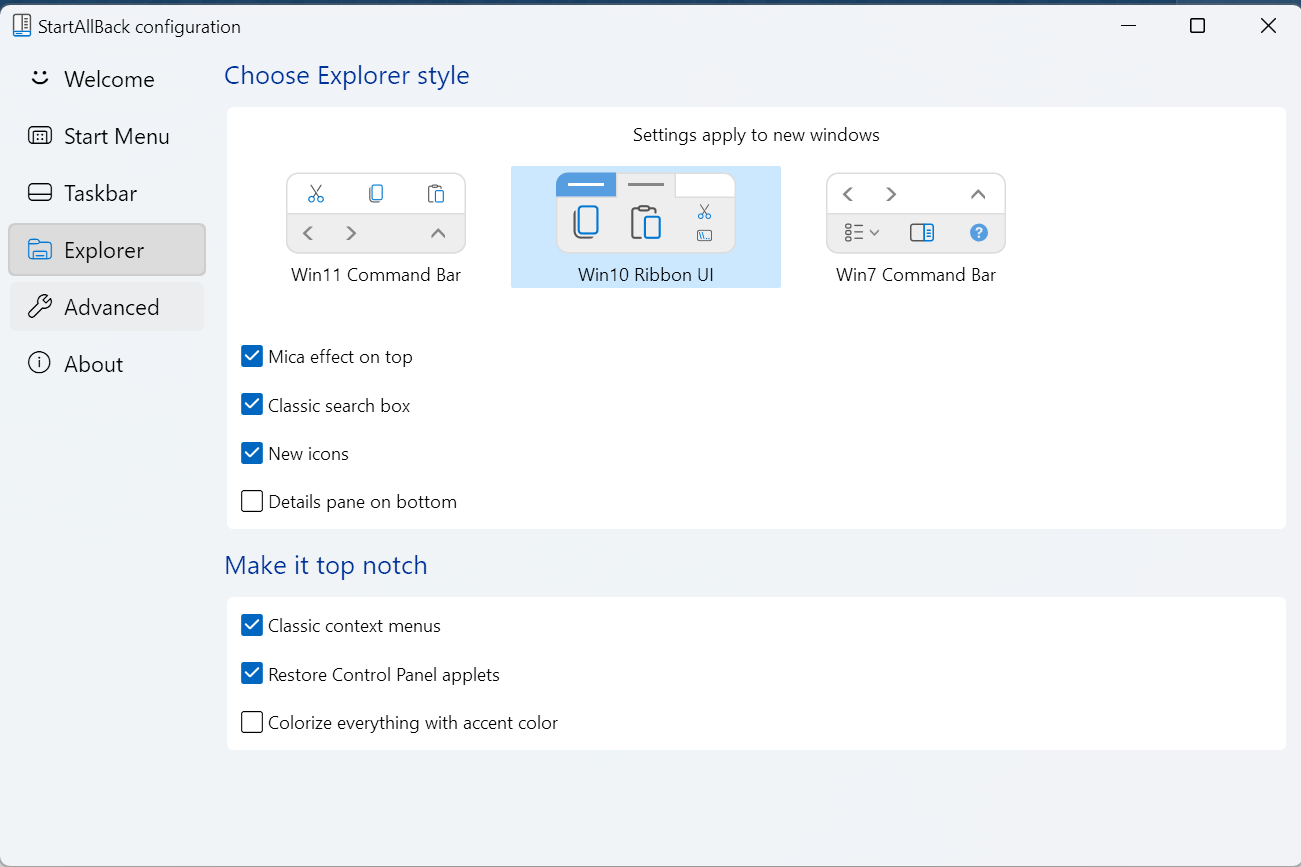
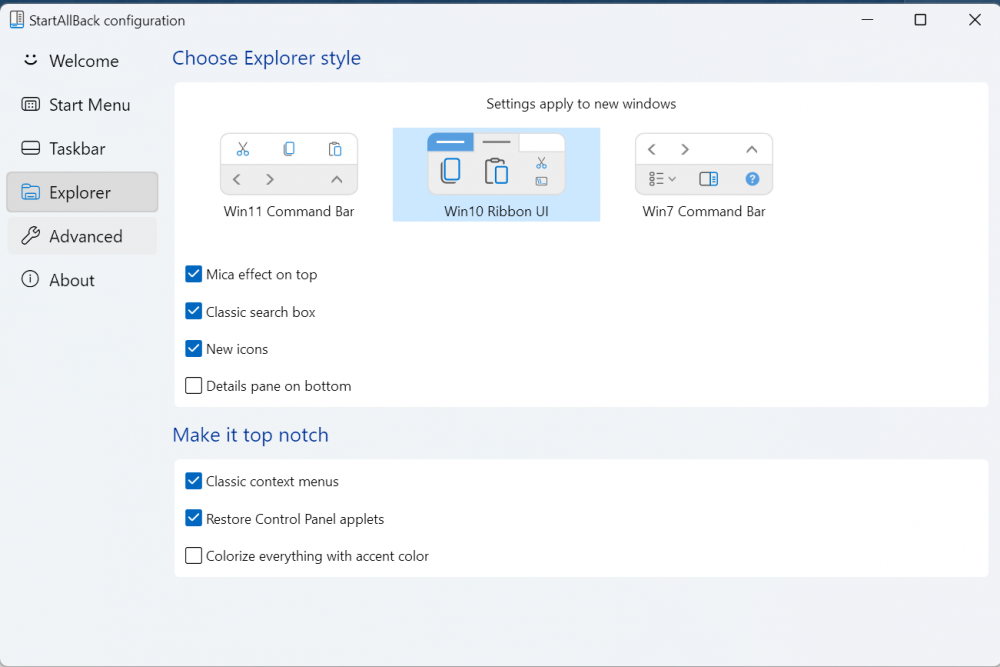
  2. Hey there, I am using StartAllBack on Windows 11 22H2 and recently the navigation/path bar has completely disappeared from my Windows Explorer. This problem goes away if I disable StartAllBack or switch to the Win11 command bar scheme. Any ideas on why this might be happening and how to fix it? I am happy to provide additional details, the ones attached are just what I could think of that may be helpful. Thanks!

Account

Navigation

Search

Search

Configure browser push notifications

Chrome (Android)
  1. Tap the lock icon next to the address bar.
  2. Tap Permissions → Notifications.
  3. Adjust your preference.
Chrome (Desktop)
  1. Click the padlock icon in the address bar.
  2. Select Site settings.
  3. Find Notifications and adjust your preference.