Skip to content
View in the app

A better way to browse. Learn more.

MSFN

A full-screen app on your home screen with push notifications, badges and more.

To install this app on iOS and iPadOS
  1. Tap the Share icon in Safari
  2. Scroll the menu and tap Add to Home Screen.
  3. Tap Add in the top-right corner.
To install this app on Android
  1. Tap the 3-dot menu (⋮) in the top-right corner of the browser.
  2. Tap Add to Home screen or Install app.
  3. Confirm by tapping Install.

zz12041013

Member
  • Joined

  • Last visited

  • Country

    China
  1. Solved: You need to select 'Install for all users' during setup for it to work properly the uninstaller list can find the program shows installed EditionWindows 11 Pro for Workstations Version25H2 Installed on2/26/2026 OS build26200.7623 ExperienceWindows Feature Experience Pack 1000.26100.275.0

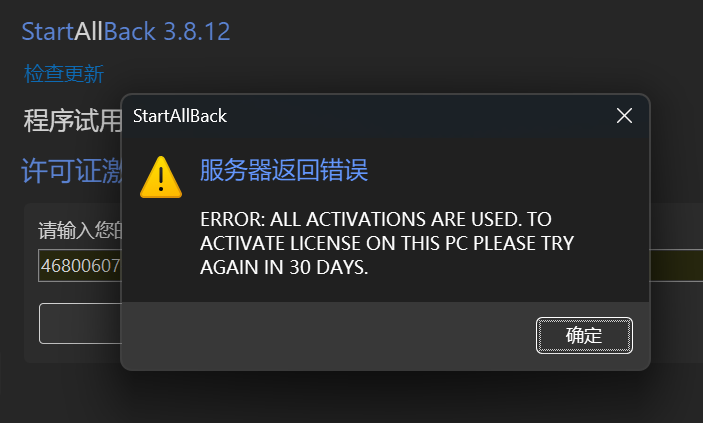
  2. Software registration failed after system reinstallation
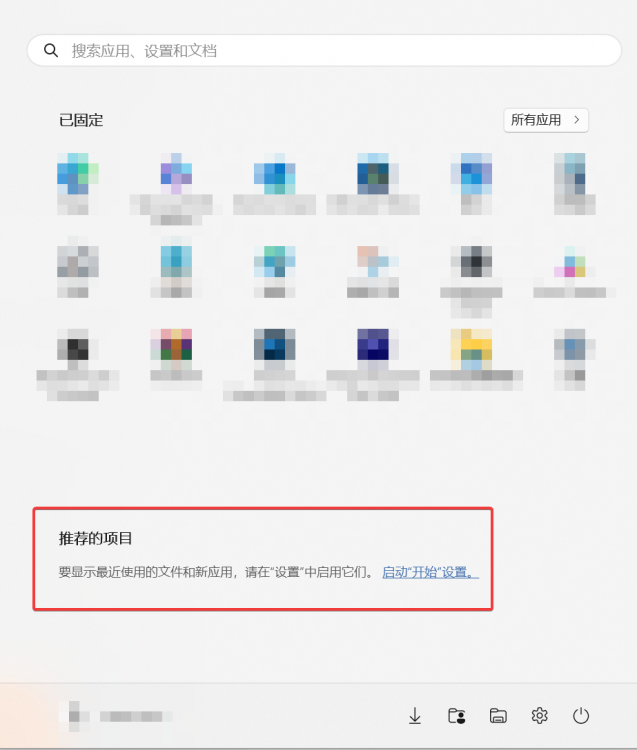
  3. Request to Add Individual Switch - Closed: Recommended Projects
Account

Navigation

Configure browser push notifications

Chrome (Android)
  1. Tap the lock icon next to the address bar.
  2. Tap Permissions → Notifications.
  3. Adjust your preference.
Chrome (Desktop)
  1. Click the padlock icon in the address bar.
  2. Select Site settings.
  3. Find Notifications and adjust your preference.