Everything posted by spider77
-
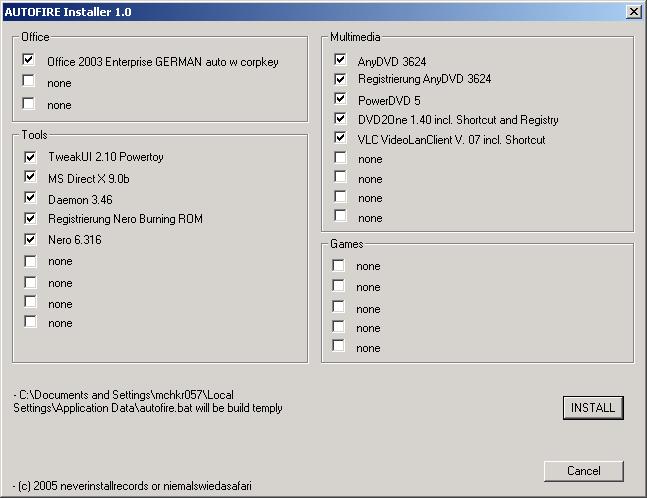
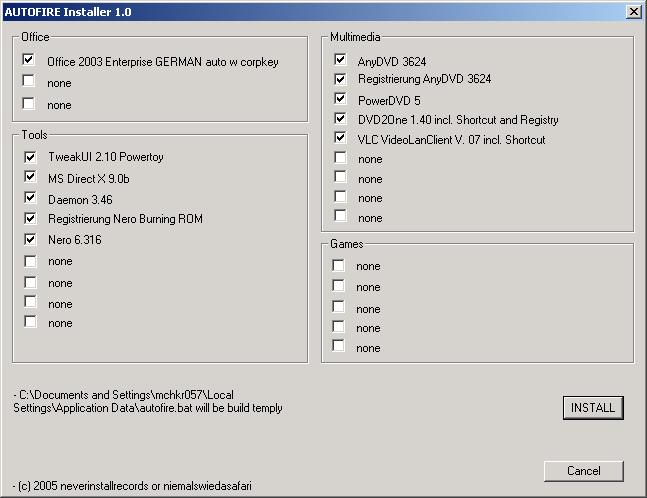
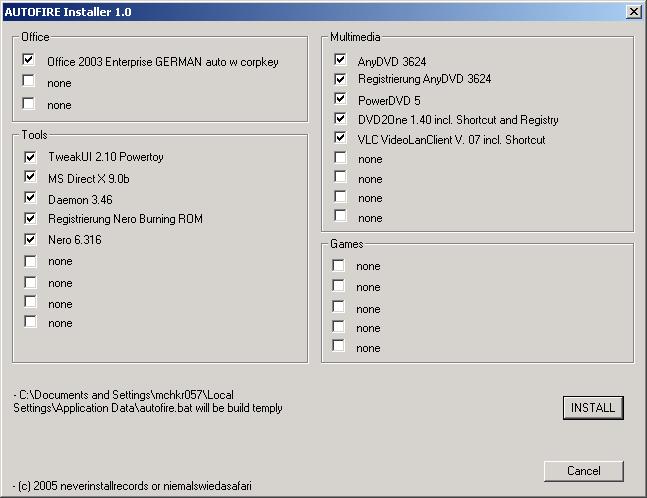
Hello, i´ve just written a short programm, where you can place all your install-programs, and use it with unattended... before your install, you can choose with checkboxes which programs you want to install... good idea, maybe.. take a look at: software name autofire http://service.gmx.net/mc/C8uh77QEb9ZV2mUdJcZGHzbHUzAz6F screenshot is also available.. Hinweis: Der Link für den Gastzugang zum GMX MediaCenter ist bis zum 13.3.2005 gültig. Please give me feedback... welcome.gif
-
Hello, sorry, but the old topics have still problems... i´ve just written a short programm, where you can place all your install-programs, and use it with unattended... before your install, you can choose with checkboxes which programs you want to install... good idea, maybe.. take a look at: software name autofire http://service.gmx.net/mc/C8uh77QEb9ZV2mUdJcZGHzbHUzAz6F screenshot is also available.. Hinweis: Der Link für den Gastzugang zum GMX MediaCenter ist bis zum 13.3.2005 gültig. Please give me feedback...
-
hello, here is a short screenshot.... autofire greetings spider77
-
hello, here is a short screenshot.... autofire greetings spider77
-
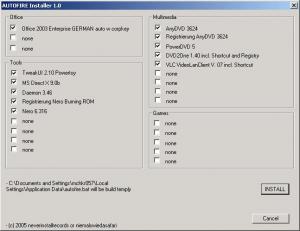
software named autofire here a screenshot.... ...please reply... spider77
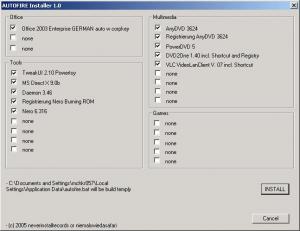
-
software named autofire here a screenshot.... ...please reply... spider77
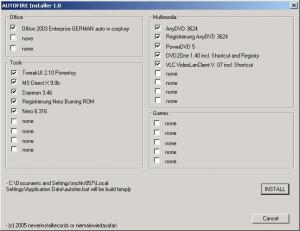
-
Hello, i´ve just written a short programm, where you can place all your install-programs, and use it with unattended... before your install, you can choose with checkboxes which programs you want to install... good idea, maybe.. take a look at: http://service.gmx.net/mc/C8uh77QEb9ZV2mUdJcZGHzbHUzAz6F Hinweis: Der Link für den Gastzugang zum GMX MediaCenter ist bis zum 13.3.2005 gültig. Please give me feedback... autofire.zip
-
Hello, i´ve just written a short programm, where you can place all your install-programs, and use it with unattended... before your install, you can choose with checkboxes which programs you want to install... good idea, maybe.. take a look at: http://service.gmx.net/mc/C8uh77QEb9ZV2mUdJcZGHzbHUzAz6F Hinweis: Der Link für den Gastzugang zum GMX MediaCenter ist bis zum 13.3.2005 gültig. Please give me feedback... autofire.zip