Skip to content
View in the app

A better way to browse. Learn more.

MSFN

A full-screen app on your home screen with push notifications, badges and more.

To install this app on iOS and iPadOS
  1. Tap the Share icon in Safari
  2. Scroll the menu and tap Add to Home Screen.
  3. Tap Add in the top-right corner.
To install this app on Android
  1. Tap the 3-dot menu (⋮) in the top-right corner of the browser.
  2. Tap Add to Home screen or Install app.
  3. Confirm by tapping Install.

iquinhokaique

Member
  • Joined

  • Last visited

  • Country

    Brazil
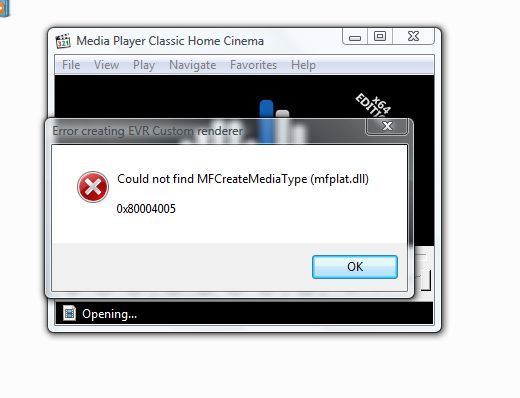
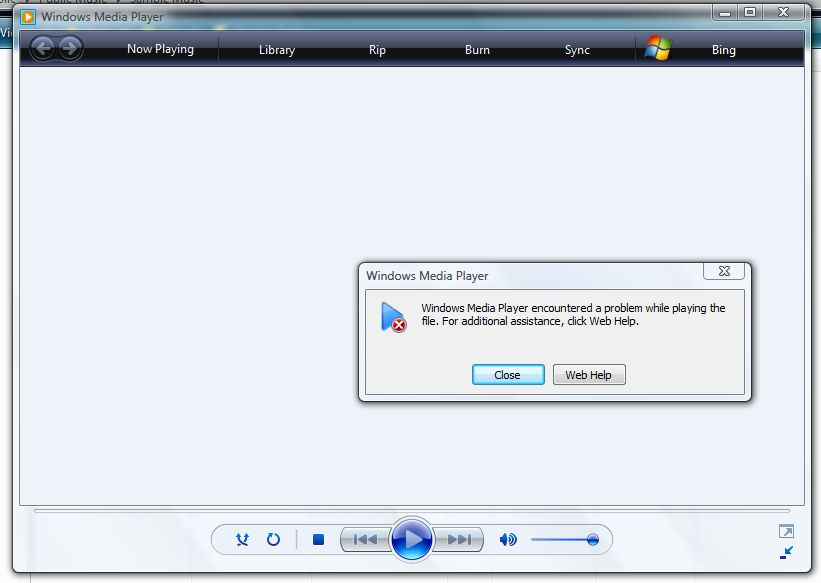
  1. Hello everyone, I would like to know if you can solve this problem, I installed the latest version of the updated Kernell of Windows Vista to work with Chrome and the newest Firefox, but after installing this kernell, my Windows Media Player does not run anything anymore. and the codecs start to give problems with dlls, does anyone know how to solve it?
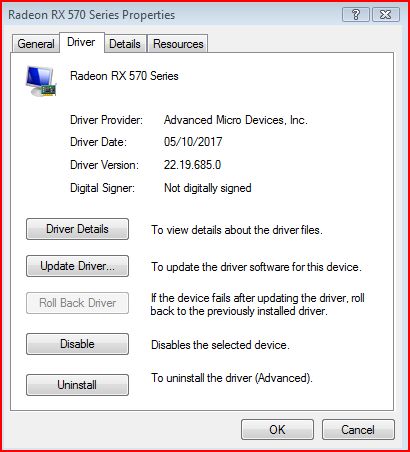
  2. can someone make some video or send some video tutorial on how to install the amd rx570 driver in windows vista, because i'm not getting it any way, i downloaded a package of drivers that i found here on the forum, but i couldn't make it work, if someone has this plate and can help me, i'm thankful, thank you!
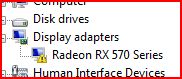
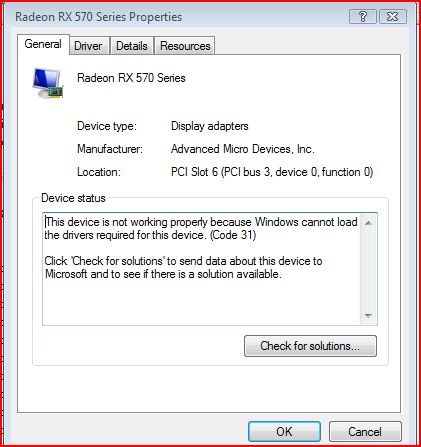
  3. I'm trying to install the amd rx570 driver on my windows vista here with Kernell extended, I'm having this error, could anyone help me?
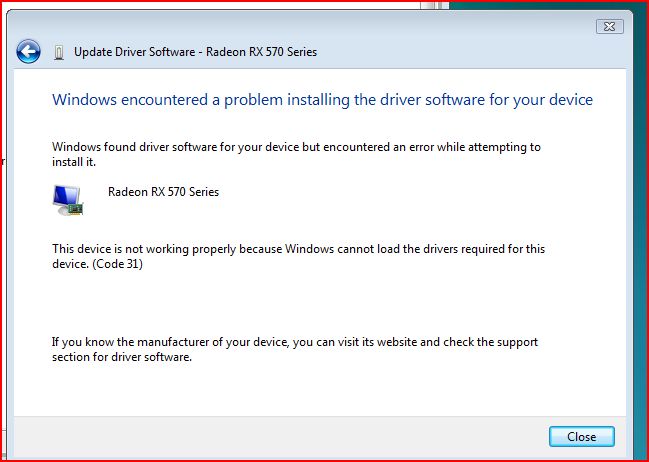
  4. that's it, I even gave up trying =(, I tested older versions and nothing, I'm going to try to sell my rx570 and get a gtx series 10, because I saw a video from a youtube channel, that they made changes to the driver to work as nvidia 10 series cards, thanks for your attention
  5. hello everyone , I would like to ask you for some help , if you know any drivers for my rx570 video card that work on windows vista , I am using the extended kernell version , I have already tested the windows 7 one , but without success , thank you in advance already help

Account

Navigation

Search

Search

Configure browser push notifications

Chrome (Android)
  1. Tap the lock icon next to the address bar.
  2. Tap Permissions → Notifications.
  3. Adjust your preference.
Chrome (Desktop)
  1. Click the padlock icon in the address bar.
  2. Select Site settings.
  3. Find Notifications and adjust your preference.