Skip to content
View in the app

A better way to browse. Learn more.

MSFN

A full-screen app on your home screen with push notifications, badges and more.

To install this app on iOS and iPadOS
  1. Tap the Share icon in Safari
  2. Scroll the menu and tap Add to Home Screen.
  3. Tap Add in the top-right corner.
To install this app on Android
  1. Tap the 3-dot menu (⋮) in the top-right corner of the browser.
  2. Tap Add to Home screen or Install app.
  3. Confirm by tapping Install.

windoze

Member
  • Joined

  • Last visited

  • Country

    United States

Everything posted by windoze

  1. windows 7 explorer had the menu style at all times. that was the style
  2. it appears taskbar thumbnails are broken as of the newest dev build.
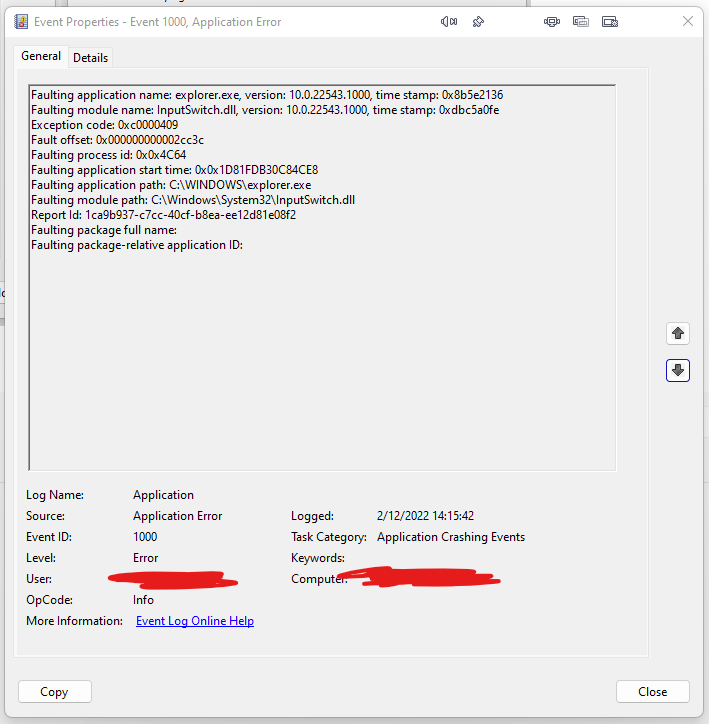
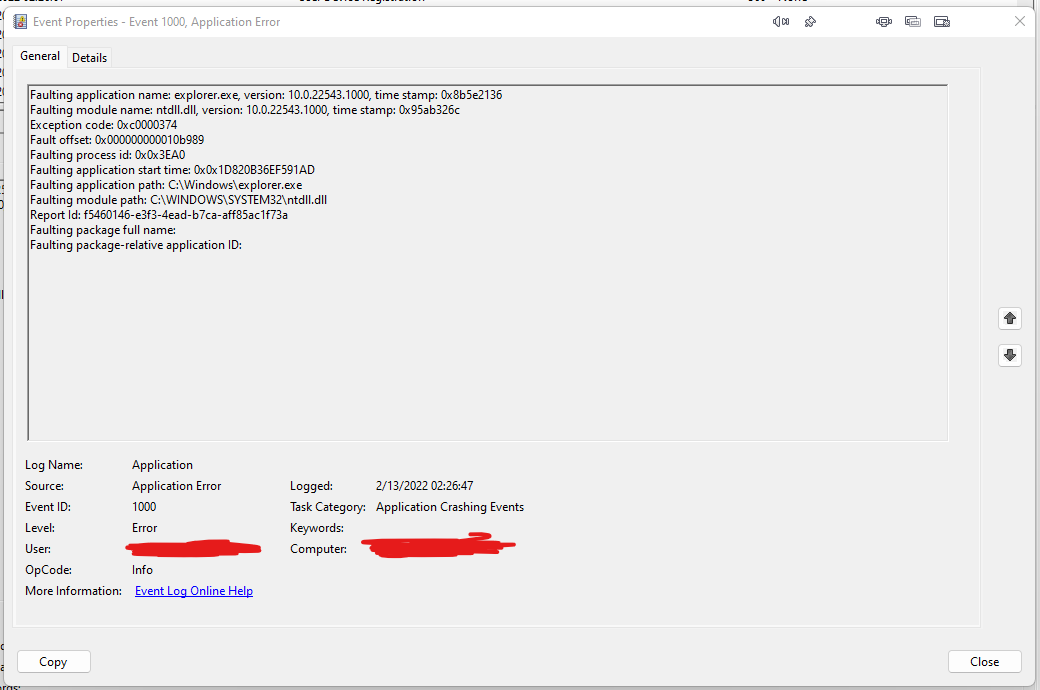
  3. also i have noticed on this same build volume keys will crash explorer after some time of using the computer.
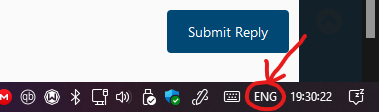
  4. i am using english primarily with japanese as my secondary input for ime
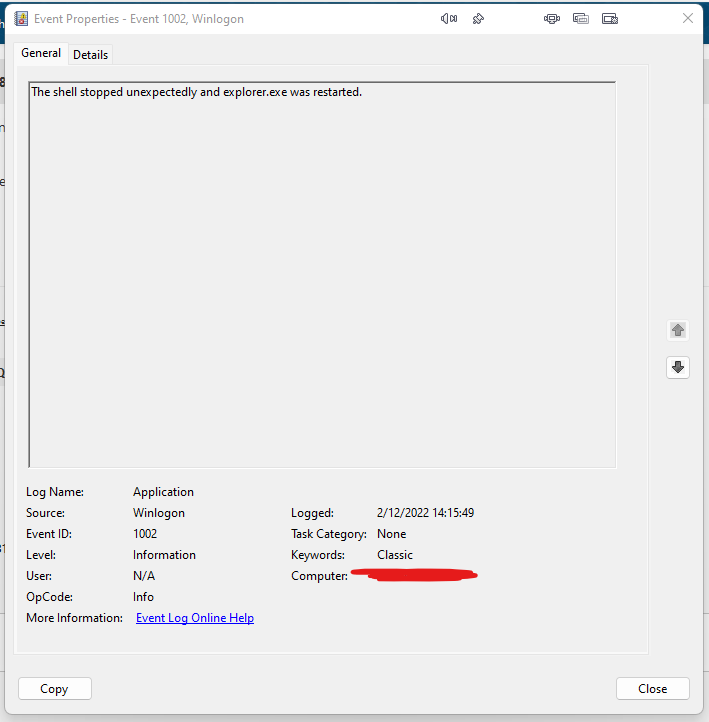
  5. clicking this will crash explorer and restart explorer. also, i have noticed with previous builds that the title bar font of some windows will increase in size but since it has happened it hasnt happened again. this might have been a conflict. thank you for fixing windows 11. i will buy a license soon.

Account

Navigation

Search

Search

Configure browser push notifications

Chrome (Android)
  1. Tap the lock icon next to the address bar.
  2. Tap Permissions → Notifications.
  3. Adjust your preference.
Chrome (Desktop)
  1. Click the padlock icon in the address bar.
  2. Select Site settings.
  3. Find Notifications and adjust your preference.