



Skip to content
View in the app

A better way to browse. Learn more.

MSFN

A full-screen app on your home screen with push notifications, badges and more.

To install this app on iOS and iPadOS
  1. Tap the Share icon in Safari
  2. Scroll the menu and tap Add to Home Screen.
  3. Tap Add in the top-right corner.
To install this app on Android
  1. Tap the 3-dot menu (⋮) in the top-right corner of the browser.
  2. Tap Add to Home screen or Install app.
  3. Confirm by tapping Install.

HaytamFrh

Banned
  • Joined

  • Last visited

  • Country

    country-
  1. ok xpmate , thanks for halp now could u provide me with an exe that has all the posready updates? cuz the update site no longer working ^^^^^^^^^^^^^^^^^^^^^^^^^^^^^^^^^^^^^^^^^^^^^^^^^^^^^^^^^^^^^^^^^^^^^^^^^^^^^^^^^^^^^^^^^^^
  2. ok its very unclear instruction they putted there , is there any prgram that has all of posready updates? that would be the solotion but that topic is very unclear
  3. how do i enable 1.1 tls and 1.2 in Internet explorer ? link to the link of that posready file
  4. rlly? lemme see hey sir , how do i enable 1.1 and 1.2 tls sir? provide me a download or something in my maypal tls 1.3 works its the latest verison btw
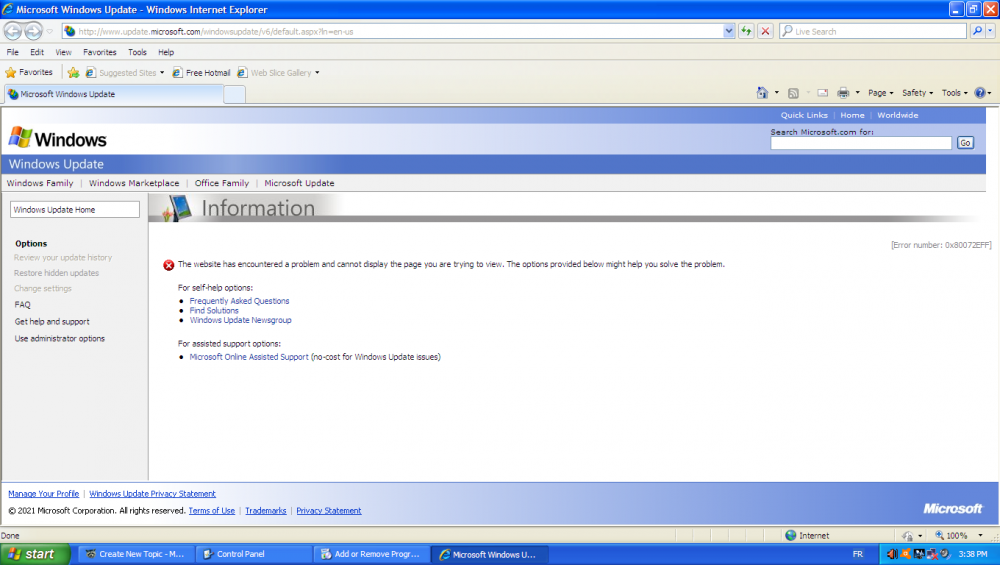
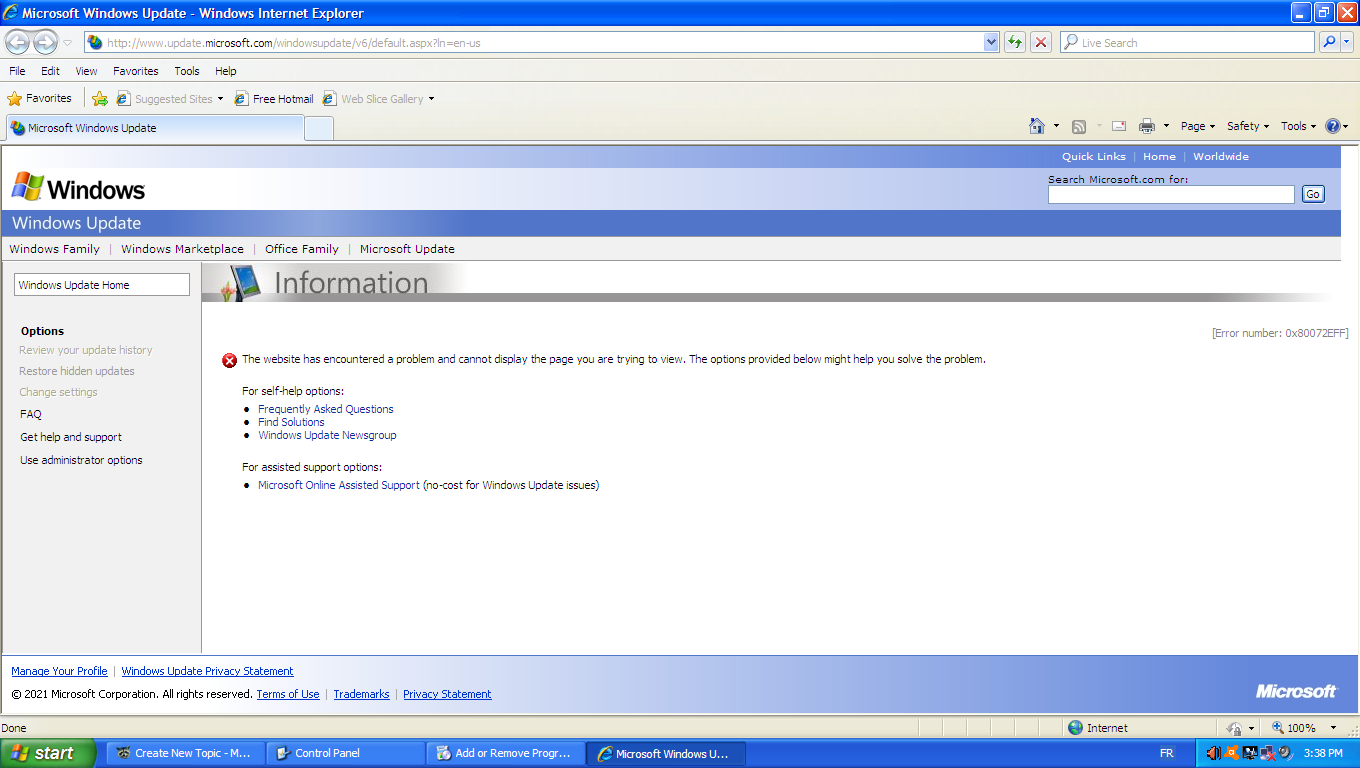
  5. hello i use windows xp pro 32 bit and i have the latest sp3 and sp4 , i want to enable tls 1.2 , i know posready does have that update but seems like the windows update site is no longer working ? or is it just me guys?
Account

Navigation

Configure browser push notifications

Chrome (Android)
  1. Tap the lock icon next to the address bar.
  2. Tap Permissions → Notifications.
  3. Adjust your preference.
Chrome (Desktop)
  1. Click the padlock icon in the address bar.
  2. Select Site settings.
  3. Find Notifications and adjust your preference.