-
thanks Nojus2001, Win32, Windows 2000 & Samuel, I'm now running One-Core-API
-
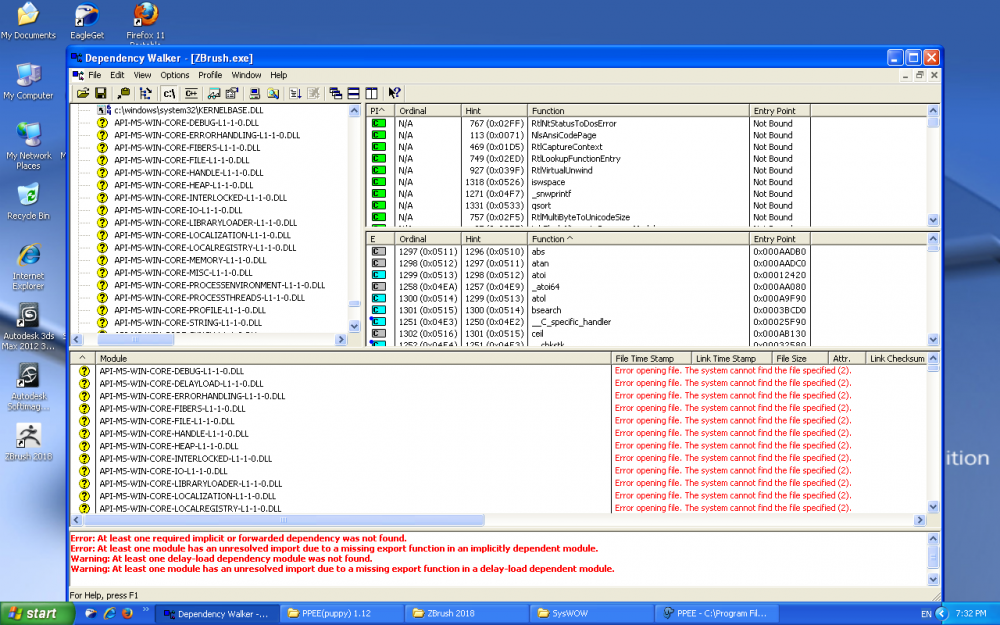
I've heard of One-Core-API & dll Combat https://browser.taokaizen.com/forum/viewtopic.php?t=2682 I tried the dllcombpat method but instead of using their dlls, i used my Windows 7 Ult SP1 x64 Dll's I want to Run ZBrush 2018, Firefox, Opera Latest take a look at this:
-
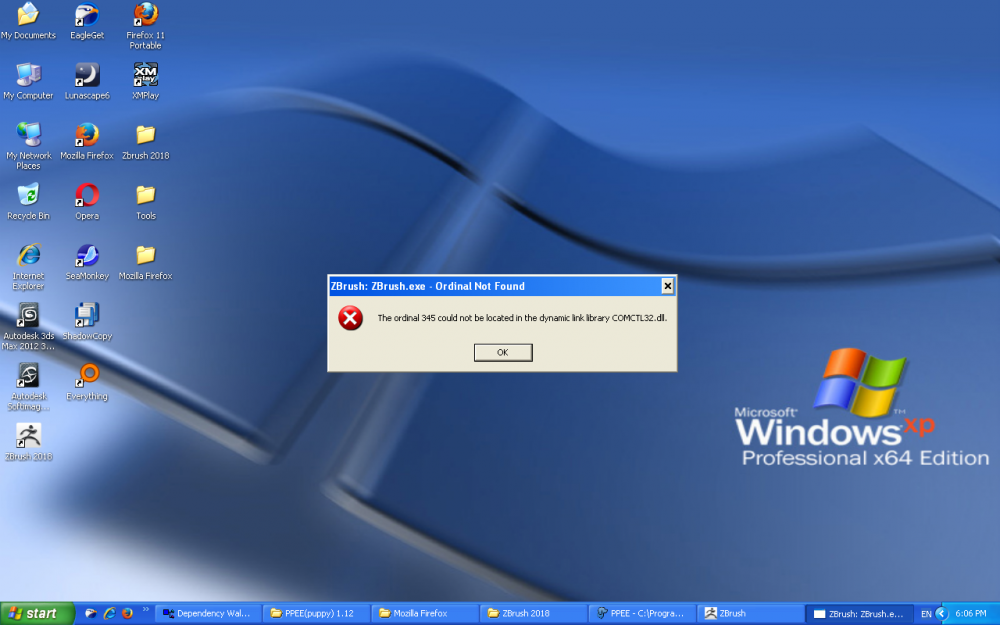
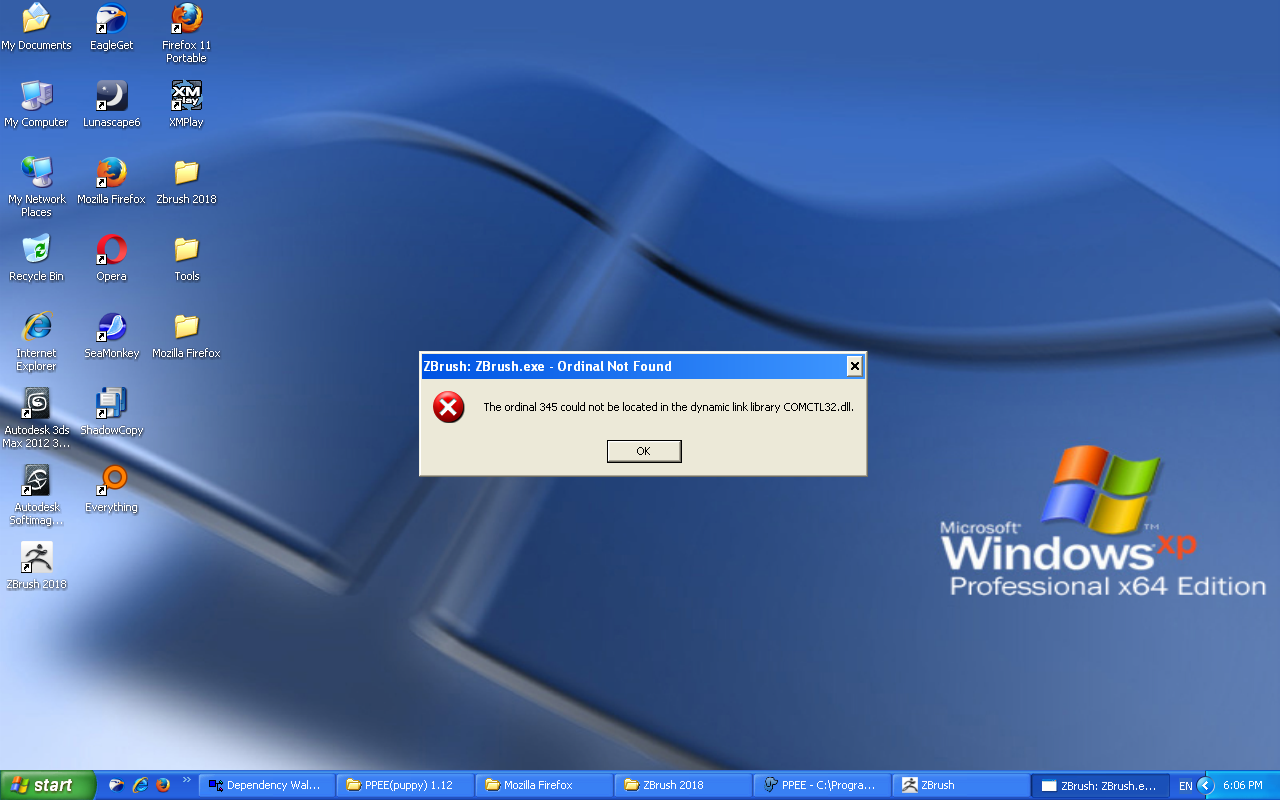
Hello Friends, I want to run the latest up to 2018... programs on my XP64 If you want to know all the details... here: https://www.sevenforums.com/installation-setup/419656-modifying-windows-xp-64-using-windows-7-dlls-run-latest-programs.html in the case of trying to run ZBrush 2018, i get ComCtl32.dll & Shell32.dll errors... I think Server2003/XP64 is the greatest OS M$ has ever made!!! & I'm really HAPPY to see ppl holding to XP64 like for instance xp64 lover, I'm also a XP64 ADDICT!!! XP64 is ALL TIME FAVORITE OS to anyone who ever used it....
-
Hello Friends, I want to run the latest up to 2018... programs on my XP64 If you want to know all the details... here: https://www.sevenforums.com/installation-setup/419656-modifying-windows-xp-64-using-windows-7-dlls-run-latest-programs.html in the case of trying to run ZBrush 2018, i get ComCtl32.dll & Shell32.dll errors... I think Server2003/XP64 is the greatest OS M$ has ever made!!! & I'm really HAPPY to see ppl holding to XP64 like for instance xp64 lover, I'm also a XP64 ADDICT!!! :D XP64 is ALL TIME FAVORITE OS to anyone who ever used it....