Skip to content
View in the app

A better way to browse. Learn more.

MSFN

A full-screen app on your home screen with push notifications, badges and more.

To install this app on iOS and iPadOS
  1. Tap the Share icon in Safari
  2. Scroll the menu and tap Add to Home Screen.
  3. Tap Add in the top-right corner.
To install this app on Android
  1. Tap the 3-dot menu (⋮) in the top-right corner of the browser.
  2. Tap Add to Home screen or Install app.
  3. Confirm by tapping Install.

Florinel787

Member
  • Joined

  • Last visited

  • Country

    Romania
  1. Just use an atlas theme file. It has the close, maximize, minimize buttons and the title bars
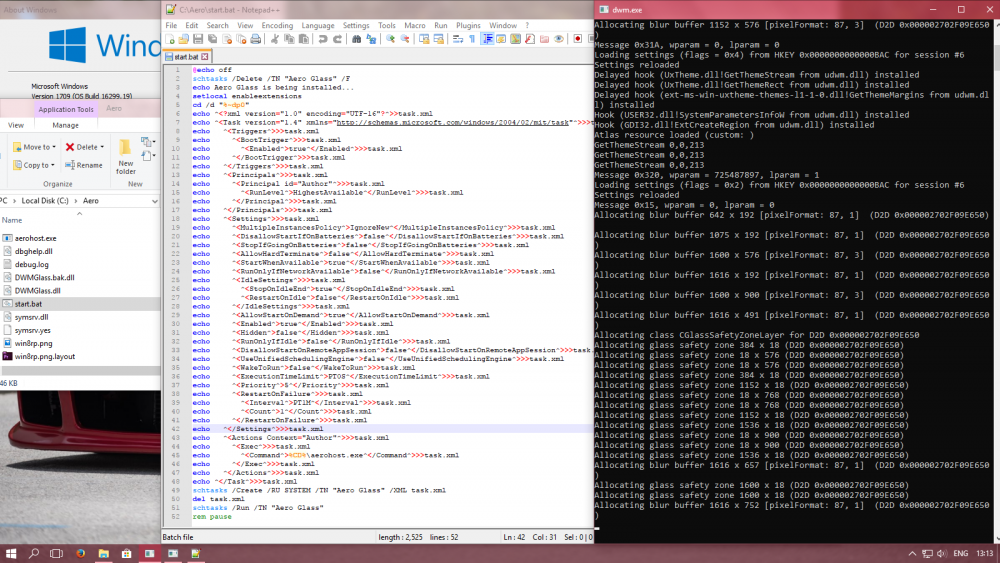
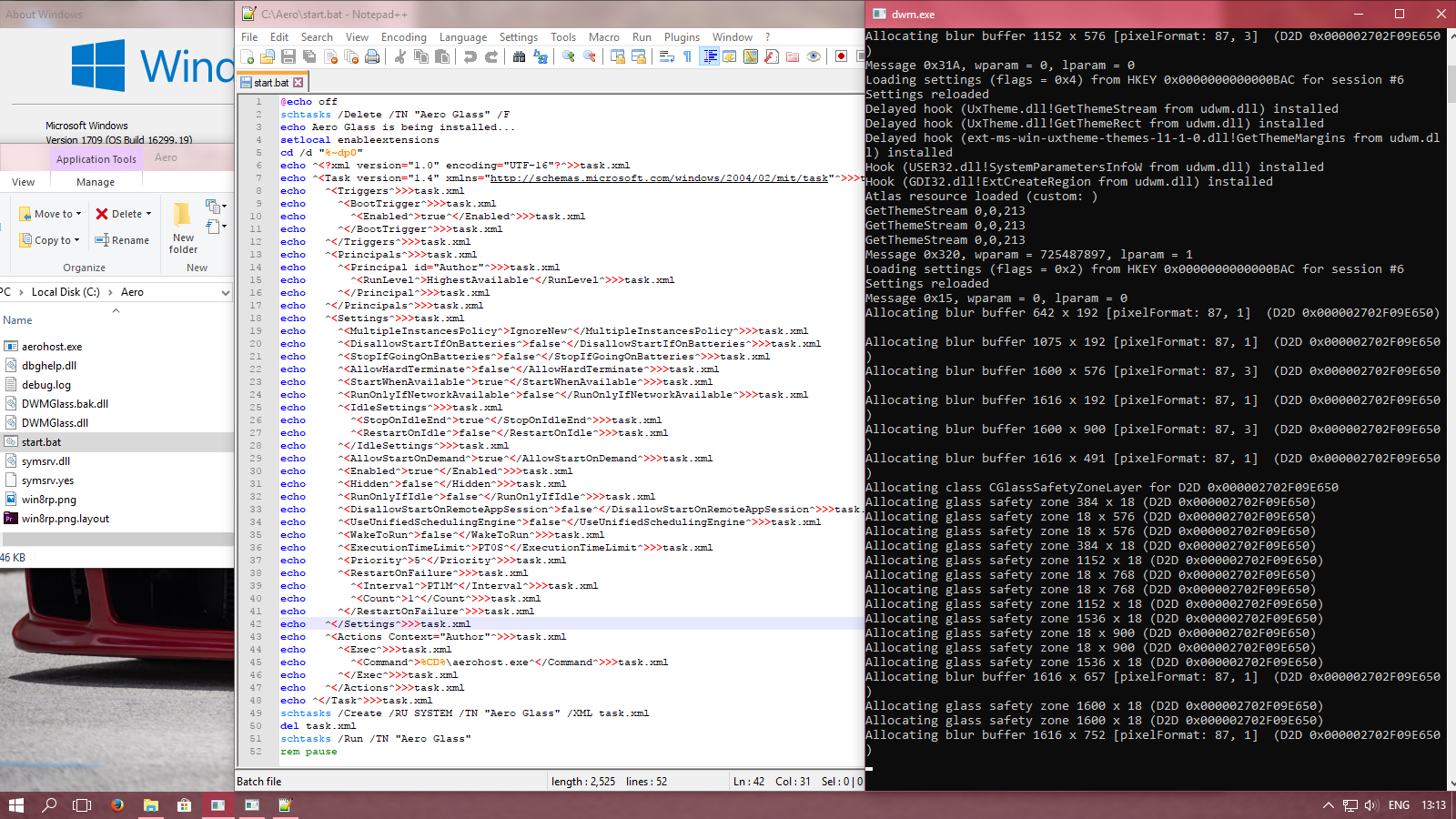
  2. So, I'm trying a dev build on 1709 and runs nicely, but is it normal for the dwm window to stay open or...? I've tried in the screenshot to show the os version and build, the batch file, the dwm window and the contents of the aeroglass folder (that actually is all in there, despite the fact that it looks like it isn't all). EDIT: I've just read some comments before mine and found out that the dwm window is a debug window and it's supposed to be visible. Oh well, at least it works flawlessly. Oh, and my dev build isn't a dev build, but a public experimental one. I should've documented myself before posting, but I'll keep this post just to show some details in case i've made any mistakes or if anyone wants to try my setup. :^) EDIT 2: Forgot to mention how useful is the multi desktop feature of Win10, now I can ignore the debug window.


Account

Navigation

Configure browser push notifications

Chrome (Android)
  1. Tap the lock icon next to the address bar.
  2. Tap Permissions → Notifications.
  3. Adjust your preference.
Chrome (Desktop)
  1. Click the padlock icon in the address bar.
  2. Select Site settings.
  3. Find Notifications and adjust your preference.