Skip to content
View in the app

A better way to browse. Learn more.

MSFN

A full-screen app on your home screen with push notifications, badges and more.

To install this app on iOS and iPadOS
  1. Tap the Share icon in Safari
  2. Scroll the menu and tap Add to Home Screen.
  3. Tap Add in the top-right corner.
To install this app on Android
  1. Tap the 3-dot menu (⋮) in the top-right corner of the browser.
  2. Tap Add to Home screen or Install app.
  3. Confirm by tapping Install.

audiobotdude03

Member
  • Joined

  • Last visited

  • Country

    United States

Everything posted by audiobotdude03

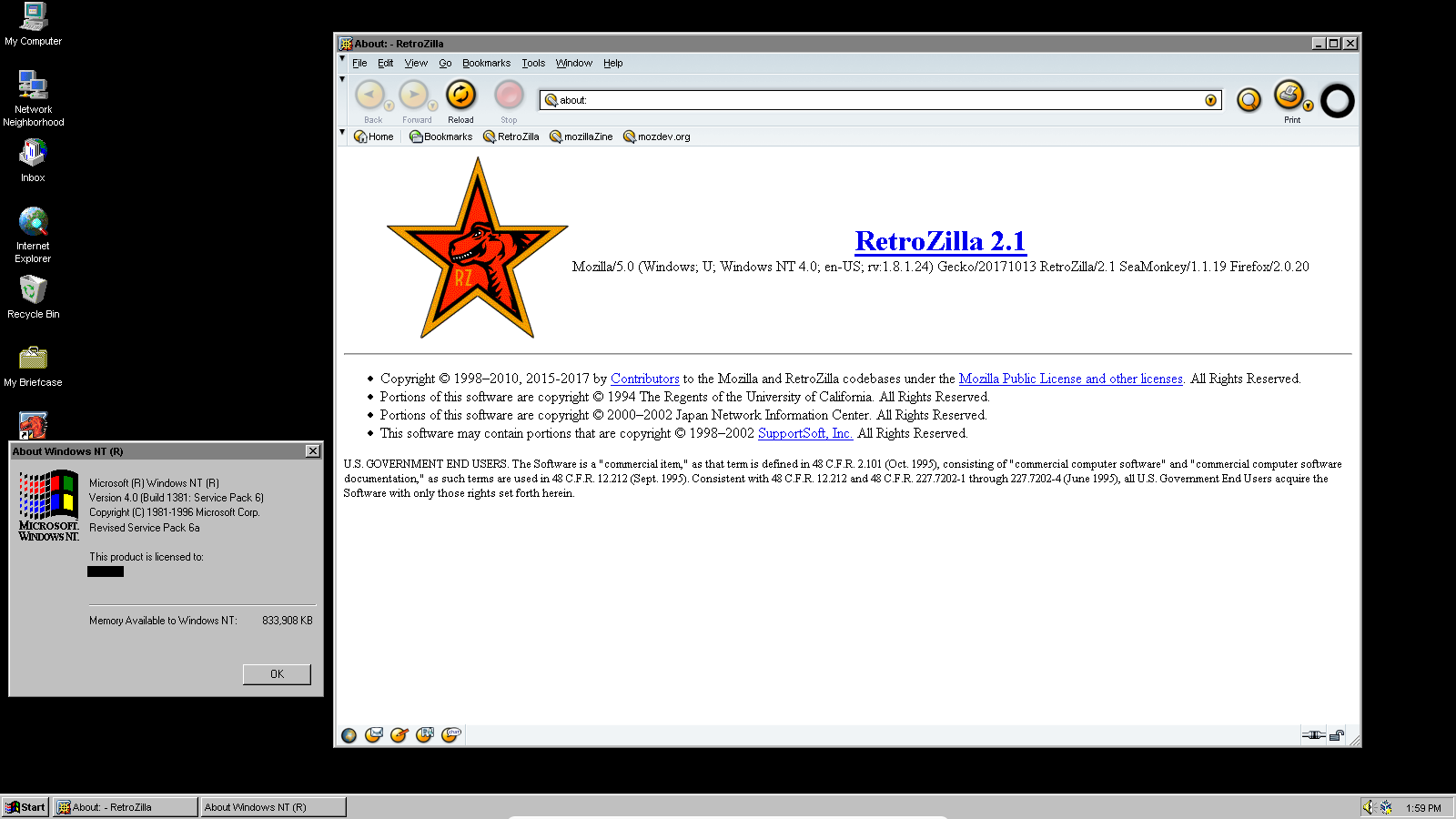
  1. Sorry for the late reply, but I made a new installation of Windows NT4, and strangely enough, it worked, the browser did not crash at all. Strangely enough, I set the virtual memory by around 815 MB. The Retrozilla version I installed on the new NT4 installation in Virtualbox is Version 2.1, as seen in this screenshot I took. PS: I got the SeaMonkey port of the "Orbit" theme, applied in this browser, it looks pretty cool.
  2. I took this screenshot of Retrozilla 2.0 running on Windows NT4. Strangely I couldn't run Retrozilla 2.1 on NT4 as it just crashes. Maybe it's the lack of virtual ram/memory that causes it to crash, I run windows NT4 on VirtualBox.

Account

Navigation

Configure browser push notifications

Chrome (Android)
  1. Tap the lock icon next to the address bar.
  2. Tap Permissions → Notifications.
  3. Adjust your preference.
Chrome (Desktop)
  1. Click the padlock icon in the address bar.
  2. Select Site settings.
  3. Find Notifications and adjust your preference.