



Skip to content
View in the app

A better way to browse. Learn more.

MSFN

A full-screen app on your home screen with push notifications, badges and more.

To install this app on iOS and iPadOS
  1. Tap the Share icon in Safari
  2. Scroll the menu and tap Add to Home Screen.
  3. Tap Add in the top-right corner.
To install this app on Android
  1. Tap the 3-dot menu (⋮) in the top-right corner of the browser.
  2. Tap Add to Home screen or Install app.
  3. Confirm by tapping Install.

win98geek

Member
  • Joined

  • Last visited

  • Country

    United States
  1. Sorry, I said WinTV-HVR-1800, it's actually the WinTV-HVR-1600 TV Tuner Windows 98 Driver, that I am looking for. I took a picture of the card to help us look for the correct drivers. It looks like it's a PCI card, not a PCI-E card. Sorry, that's it's blurry, I don't think I have a good camera on my Tablet.
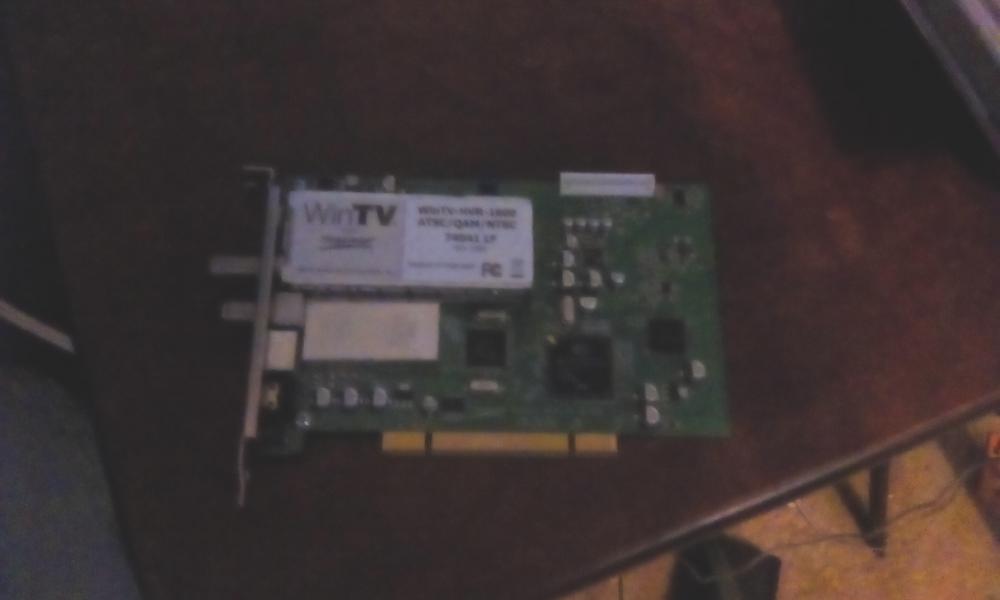
  2. Okay, I tried the driver right before my last post and it didn't read the INF file. I tried using the driver I found and use the hcw18prop.ax file from the driver you found with it and it's the same as before: Reads INF File, hcw18prop.ax file not reading.
  3. I did the INF install and that's what I prefer to do and got the error. I tried the first download you've sent me and it requires a later version of Windows. I will now try the download you just sent me and see if that works.
  4. I found a driver that said for Windows 98 and for my TV Tuner. It was at CNET: http://download.cnet.com/hauppauge_cd_3-4d1-zip/3000-2108_4-163476.html It read the hardware and the driver, but the driver had an error on the file hcw18prop.ax. I opened the details on the error. The file is what is causing the error. The file is there but, not accepting it. I didn't test that driver, but I might as well do it, just to get it working.
  5. Hey Guys, I would like to use the WinTV-HVR-1800 PCI TV Tuner (ATSC/QAM/NTSC) with my Windows 98 SE PC and I can't find a driver for it that can work. I found one that my Win98 can read however, I can't install the hcw18prop.ax file. When I opened details to get more info it said: "No more files (error #12)" Does anyone know of a way to get drivers for it that will work under Windows 98 SE? Thanks, win98geek

Account

Navigation

Configure browser push notifications

Chrome (Android)
  1. Tap the lock icon next to the address bar.
  2. Tap Permissions → Notifications.
  3. Adjust your preference.
Chrome (Desktop)
  1. Click the padlock icon in the address bar.
  2. Select Site settings.
  3. Find Notifications and adjust your preference.