Everything posted by adromeda
-
I have experimented on Disk Drives before in this room. And to say it is a 98% chance to brake things is just wrong. I have tow drives who have been completely overwritten several times - after opening them! 256GB & 512GB There is in most HDDs a mechanism to catch dust particles before they become a danger! It is not that I have important Data on does Drives, but they are o.k. And is it wrong to say you open a HDD in an „non clean room“ and it instantly kills the drive! Even if this ceiling here has drooped some dust on it, most likely it will do nothing! I just would like to know why there would be high chance to fix this drive, when there are already some trails on the disk. How could this be? And when I would want try, what should I do?
-
@WPI Guru This wasn't the question. You don't know if this is a clean room or not, so please don't judge. The questionis what are the chance with this already existing problem?+---
-
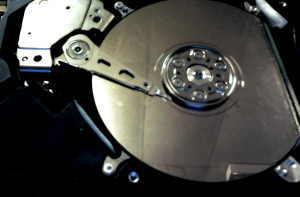
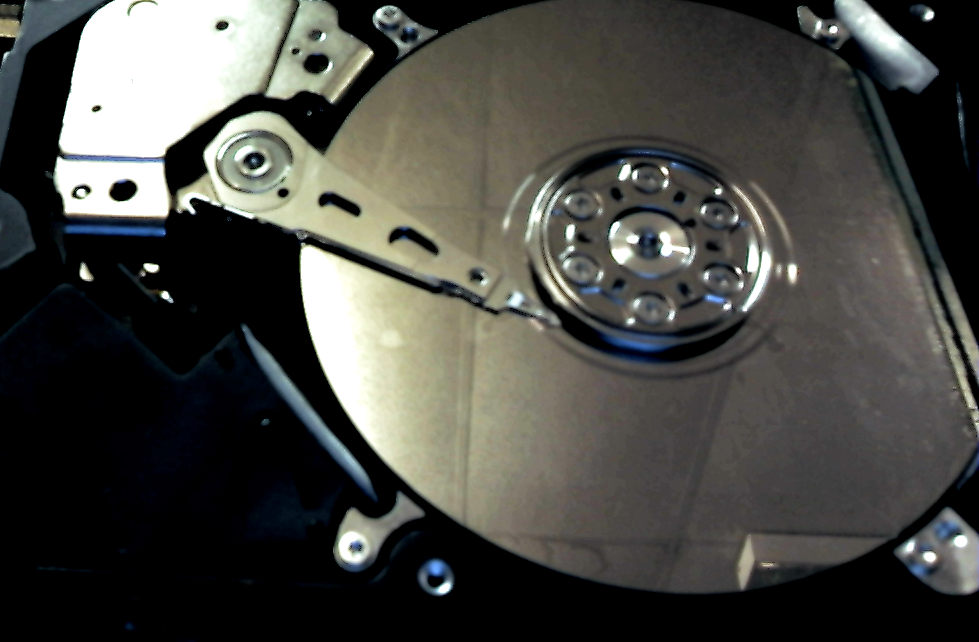
In my case a ST32000350AS The Drive spins down after a few seconds by it self, even if I don't disconnect the PCB from the head controller. What I have done: F3 T>/2 <Enter> F3 2>Z <Wait a few seconds after drive spins down by it self than hit enter> Spin Down Complete Elapsed Time 12.293 secsF3 2>U <Enter> Error 1009 DETSEC 00006008 Spin ErrorElapsed Time 33.919 secs R/W Status 2 R/W Error 84150180 The result is always the same, if I disconnect PCB before or not! After cleaning hasn't work I have finally opened up the drive to see this: There tow rings on the disk, one exactly at the parking position, one a bit bigger a few millimeters away. When I start the HDD with open case you see the head clicking back and forth a few times and than stopping at the outer ring! Is there anything I can do?