Skip to content
View in the app

A better way to browse. Learn more.

MSFN

A full-screen app on your home screen with push notifications, badges and more.

To install this app on iOS and iPadOS
  1. Tap the Share icon in Safari
  2. Scroll the menu and tap Add to Home Screen.
  3. Tap Add in the top-right corner.
To install this app on Android
  1. Tap the 3-dot menu (⋮) in the top-right corner of the browser.
  2. Tap Add to Home screen or Install app.
  3. Confirm by tapping Install.

Ninsha

Member
  • Joined

  • Last visited

  • Country

    Argentina
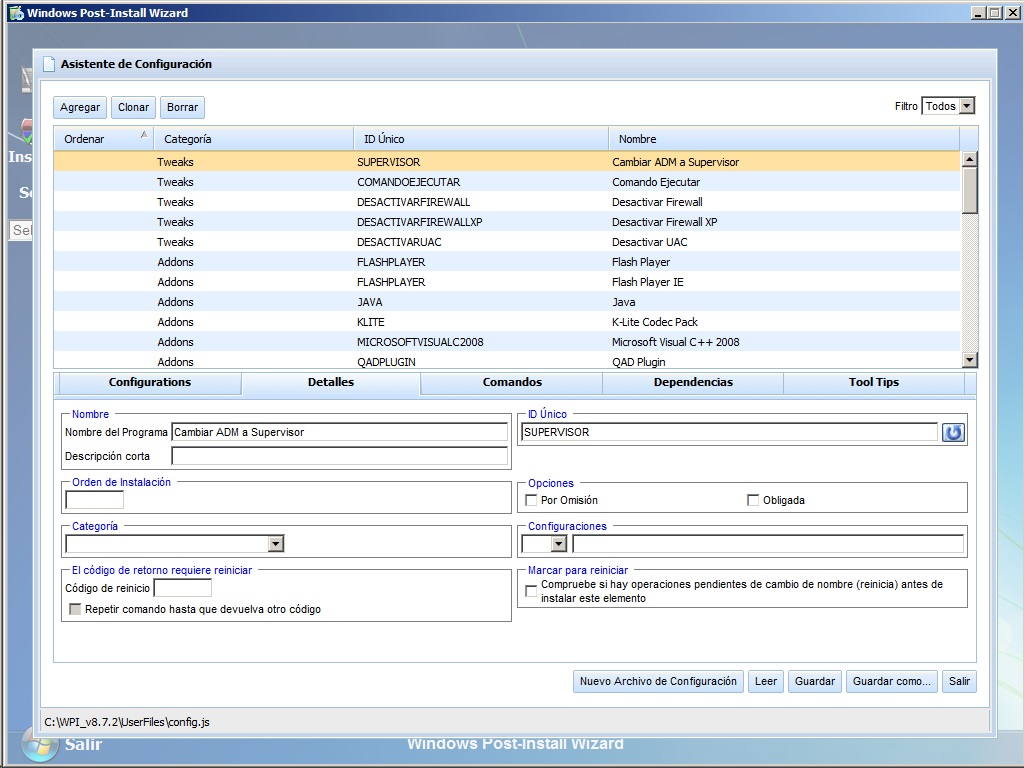
  1. Hi! With a clean install and your files, copying my config.js it works! But i have a problem with 3 items category, in config.js they have no category and if i fix that, wpi won't show any item again. Thanks!
  2. That's my original config.js config.js
  3. I tried those files but i have the same problem. Thank you!
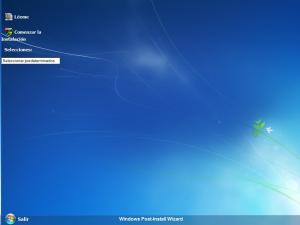
  4. Hi Guys! I updated WPI to new version but now WPI is not showing any program in the main window, i tested it on 5 computers running Windows 7, but on Windows XP and it showed all programs. Can anyone help me? Thanks in advance!
Account

Navigation

Search

Search

Configure browser push notifications

Chrome (Android)
  1. Tap the lock icon next to the address bar.
  2. Tap Permissions → Notifications.
  3. Adjust your preference.
Chrome (Desktop)
  1. Click the padlock icon in the address bar.
  2. Select Site settings.
  3. Find Notifications and adjust your preference.