Skip to content
View in the app

A better way to browse. Learn more.

MSFN

A full-screen app on your home screen with push notifications, badges and more.

To install this app on iOS and iPadOS
  1. Tap the Share icon in Safari
  2. Scroll the menu and tap Add to Home Screen.
  3. Tap Add in the top-right corner.
To install this app on Android
  1. Tap the 3-dot menu (⋮) in the top-right corner of the browser.
  2. Tap Add to Home screen or Install app.
  3. Confirm by tapping Install.

Arslan

Member
  • Joined

  • Last visited

  • Country

    Pakistan
  1. i edit this file and how i can save this boot screen to window xp cd setup??????????????????????????????????????????????????????? sorry for my english thankxxxxx
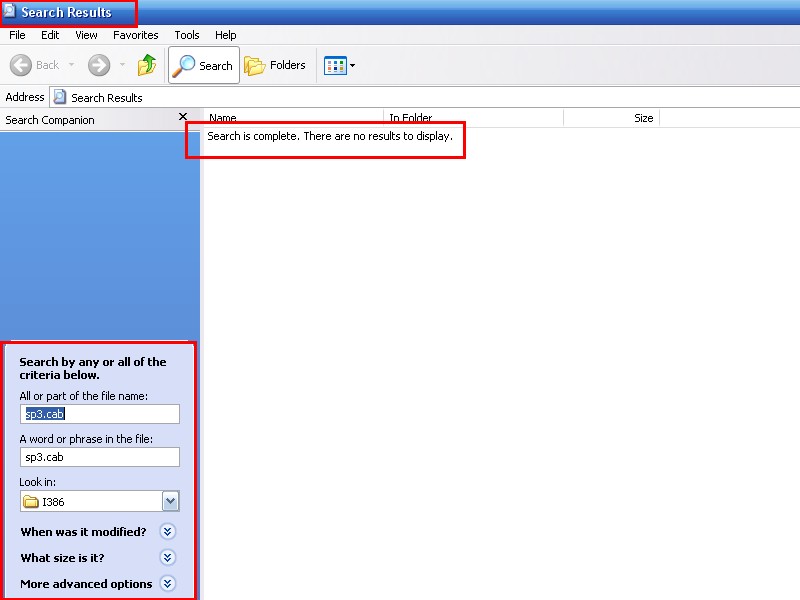
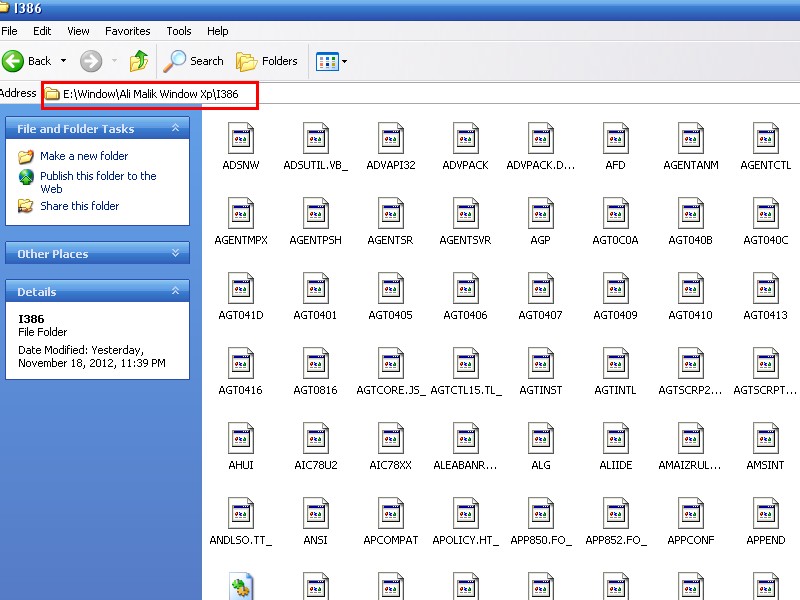
  2. Where i find this file sp3 file i could not find this file sorry for my english.. thankxxx....
  3. thankk plz guid me on this thread because i new in this form... guid me on this thread how to change window boot screen form window xp cd..
  4. Muja be ya problem hy.....
  5. tuneup utiltites change boot screen from window cd???????????
  6. how can i make this type of boot screen myself... and how to this put on window xp cd....
  7. How can i change boot screen from window xp? iam making a window i could not find a boot screen file.... Guide me setup by setup..
Account

Navigation

Configure browser push notifications

Chrome (Android)
  1. Tap the lock icon next to the address bar.
  2. Tap Permissions → Notifications.
  3. Adjust your preference.
Chrome (Desktop)
  1. Click the padlock icon in the address bar.
  2. Select Site settings.
  3. Find Notifications and adjust your preference.