Skip to content
View in the app

A better way to browse. Learn more.

MSFN

A full-screen app on your home screen with push notifications, badges and more.

To install this app on iOS and iPadOS
  1. Tap the Share icon in Safari
  2. Scroll the menu and tap Add to Home Screen.
  3. Tap Add in the top-right corner.
To install this app on Android
  1. Tap the 3-dot menu (⋮) in the top-right corner of the browser.
  2. Tap Add to Home screen or Install app.
  3. Confirm by tapping Install.

htrevinov

Member
  • Joined

  • Last visited

  • Country

    Mexico

Everything posted by htrevinov

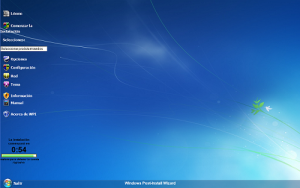
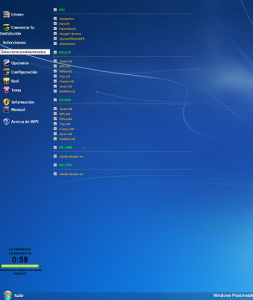
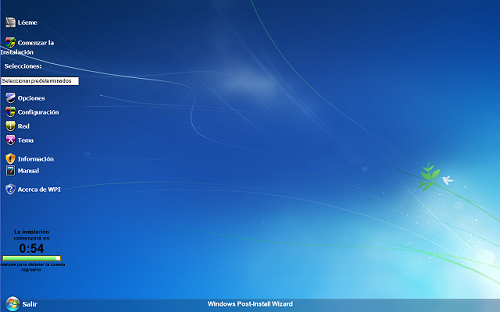
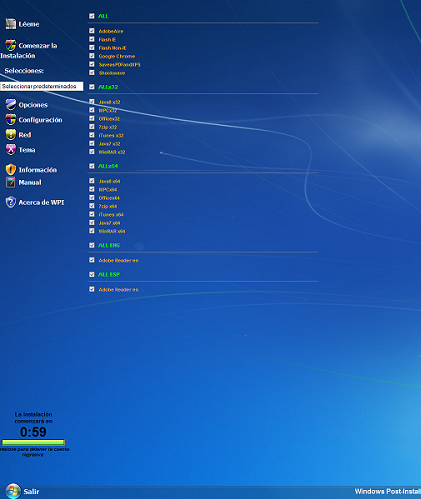
  1. I created a WPI with several programs, and it worked fine on two of my computers. Then i tried on another laptop, script errors appeared (Invalid Character) on each of the .js files. When I let them run anyways, WPI opens up and no list of programs to check appear, its all blank, as if it was a new WPI. Attached, two screen captures, of the same instance, one running on Windows 7 Professional 32 bit (not working) , another running on Windows 7 Ultimate 64 bit (working). I also tried it on another computer with Windows 7 x64 Professional, works fine too. Then i tried on several virtual machines, x32 and x64 bit, script errors on all of them. Please HELP!

Account

Navigation

Search

Search

Configure browser push notifications

Chrome (Android)
  1. Tap the lock icon next to the address bar.
  2. Tap Permissions → Notifications.
  3. Adjust your preference.
Chrome (Desktop)
  1. Click the padlock icon in the address bar.
  2. Select Site settings.
  3. Find Notifications and adjust your preference.